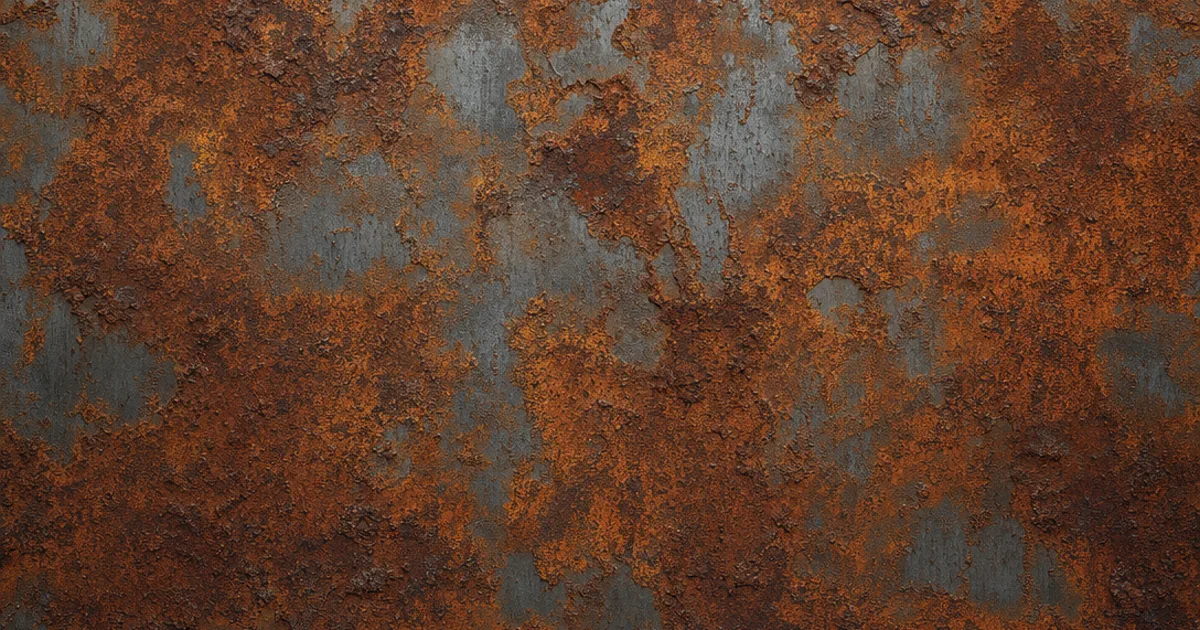
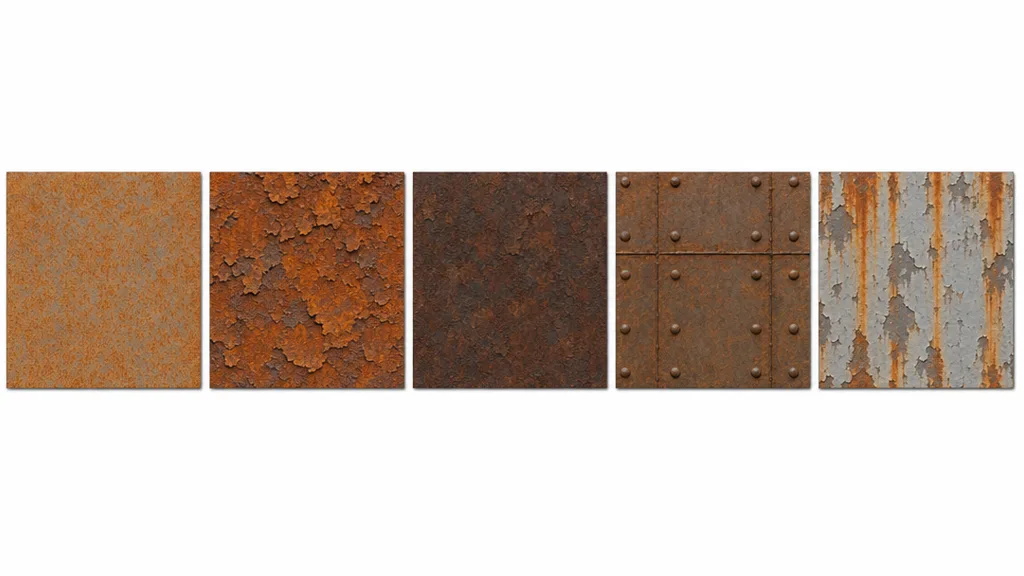
You know that feeling when your rusty barrel looks like someone smeared orange paint on grey plastic? Rust is one of the most-used surfaces in games — every crate, pipe, and post-apocalyptic prop — and one of the easiest to get wrong. A seamless rust texture tiles cleanly and nails the one thing that makes rust read: it’s part metal, part not.
Rust is the perfect lesson in the metalness map, because a single surface is genuinely two materials at once. This guide covers what makes rust seamless, why it needs a varied metalness map, and three ways to get a proper PBR rust set.
Rust is two materials in one
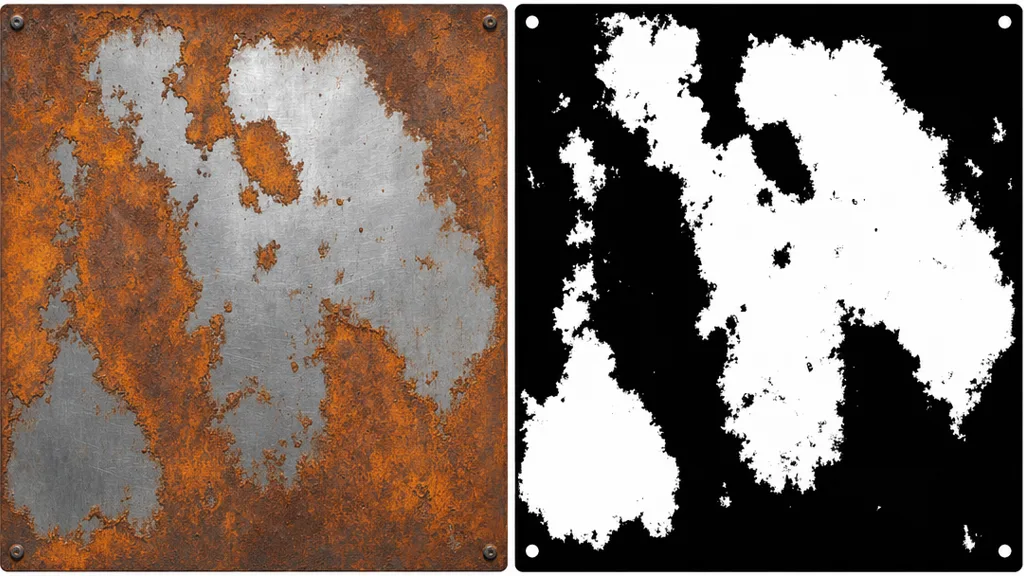
Bare steel is metal — it reflects its environment with no diffuse colour. Rust (iron oxide) is a non-metal — it has a dull orange-brown diffuse colour and almost no reflection. A rusted surface is a patchwork of both, which is why it’s the textbook case for a varied metalness map: white where the steel shows through, black where the rust has taken over. Give rust a single flat metalness value and it reads as either grey plastic or wrongly shiny.
What makes a rust texture seamless?
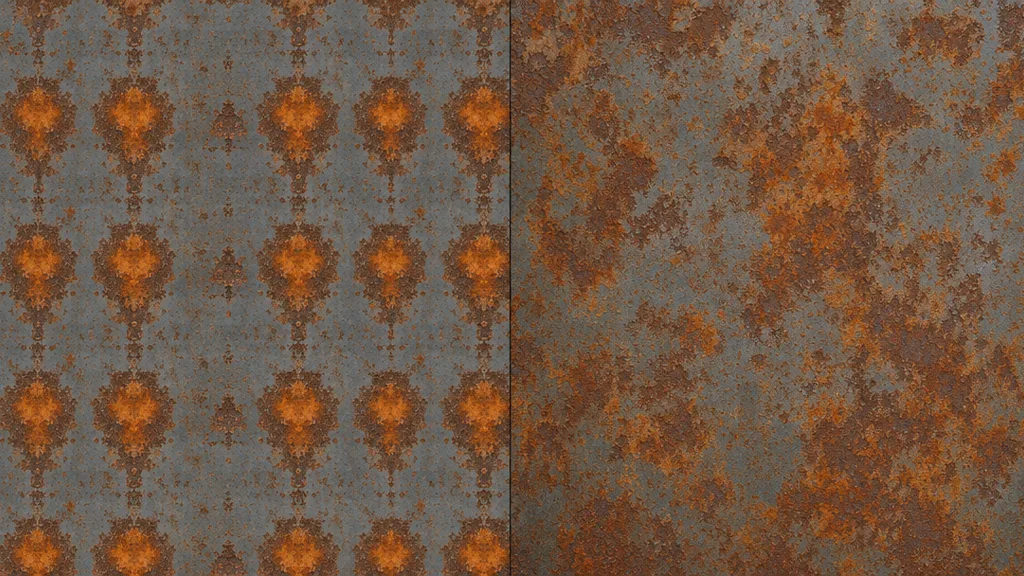
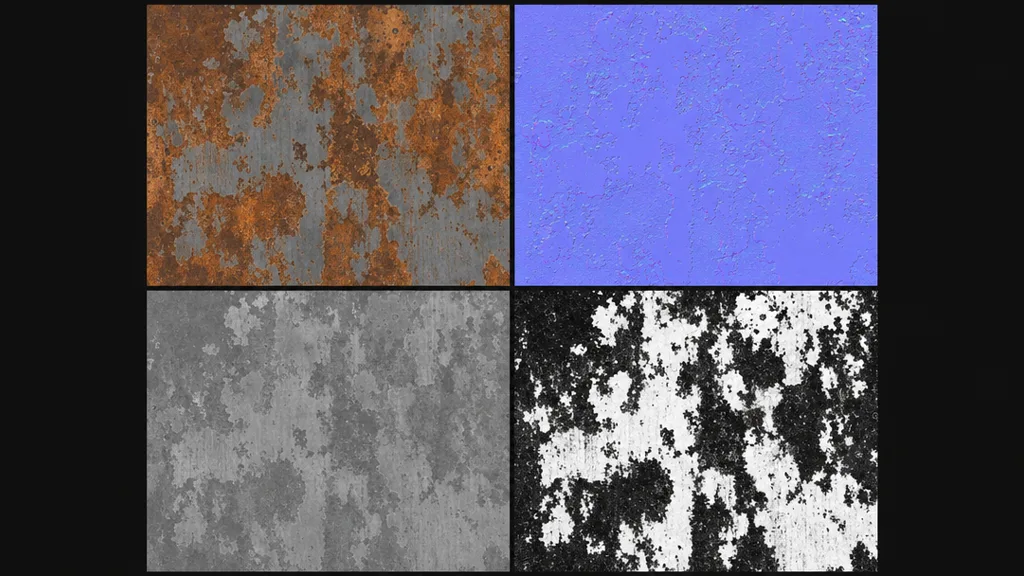
A texture is seamless when its opposite edges match — right continues into left, top into bottom. For rust the catch is the patches: a bold rust bloom or a distinctive streak can’t repeat. A proper tileable rust texture is a full PBR set where every map wraps together — base colour, normal, roughness, metalness, and AO — or the seam shows in the reflection where the bare metal peeks through, even when the colour tiles fine.
The maps rust needs most
- Metalness — varied: white bare steel, black rust. The map that makes rust read correctly. (See what a metalness map is.)
- Roughness — glossy on bare metal, rough and matte on the rust. Carries the contrast between the two. (See what a roughness map is.)
- Base colour — orange-brown rust over a tinted steel reflectance, with plenty of tonal variation.
- Normal / AO — the flaking, pitting, and crusty build-up, and the shadow in the deep corrosion. (New to normals? See what a normal map is.)
Three ways to get a seamless rust texture
1. Heal a photo by hand
Take a flat-on rusted-metal photo, offset it by half (Photoshop: Filter › Other › Offset, wrap-around), and heal the seam. Then break up any bold rust bloom that would repeat — and the hard part: author a varied metalness map by masking bare metal versus oxide. Free, fiddly, and the metalness mask is the real work.
2. Download a CC0 set
Poly Haven, ambientCG, and similar libraries give you ready-made seamless rust with full PBR maps — including a proper metalness mask — under CC0. Fast and high quality, with one limit: you get the rust that exists. A specific stage of corrosion, colour, or base metal may not be in the catalogue.
3. Generate it from a prompt
Describe the rust — “heavily corroded steel with flaking orange rust and bare metal edges” — and let AI build a tileable PBR set already wrapped, with the metalness split sorted. CraftPBR generates the base colour and derives a matching normal, roughness, metalness, and AO, then makes the set seamless together. You get the exact rust you described, in about a minute — the same text to texture workflow, pointed at corrosion.
Killing the grid: break up the repetition
- Add a macro variation map — large, faint noise that drifts whole regions more or less rusted, like real uneven corrosion.
- Blend rust as a layer over a clean metal — drive it with a mask so you can dial corrosion up or down and place streaks by hand.
- Add drip and streak decals below bolts and edges where rust really runs, off the tiling grid.
- Vary UV scale per object so the same blooms don’t line up across props.
For the full anti-repetition toolkit across every material, the seamless tileable textures guide goes deep.
Seamless rust texture in Unity, Unreal, Blender, and Godot
- Unity — Wrap Mode Repeat, base colour sRGB, normal/roughness/metalness/AO as linear (Non-Color). The varied metalness drives the Metallic channel; remember smoothness is inverted roughness.
- Unreal — drop the maps into a Material, wire the varied metalness and roughness, and remember Unreal expects DirectX normals — flip the green channel if yours are OpenGL.
- Blender — Image Texture nodes set to Repeat, base colour sRGB and the rest Non-Color, metalness into the Metallic input of the Principled BSDF. Blender uses OpenGL normals.
- Godot — assign the maps in a StandardMaterial3D, set the Metallic channel from the map, enable AO, set UV1 scale to tile. Godot uses OpenGL normals like Blender.
Key takeaways
- Rust is two materials at once — bare metal and non-metal oxide — so it needs a varied metalness map
- The metalness map is white where steel shows, black where rust has taken over
- The seam shows in the reflection where bare metal peeks through; wrap every map together
- Roughness contrast (glossy metal vs matte rust) sells the corrosion alongside the metalness
- Break up repetition with macro variation, rust-as-a-layer masks, and drip decals
- It imports into any engine — just mind the OpenGL/DirectX normal convention and keep metalness linear