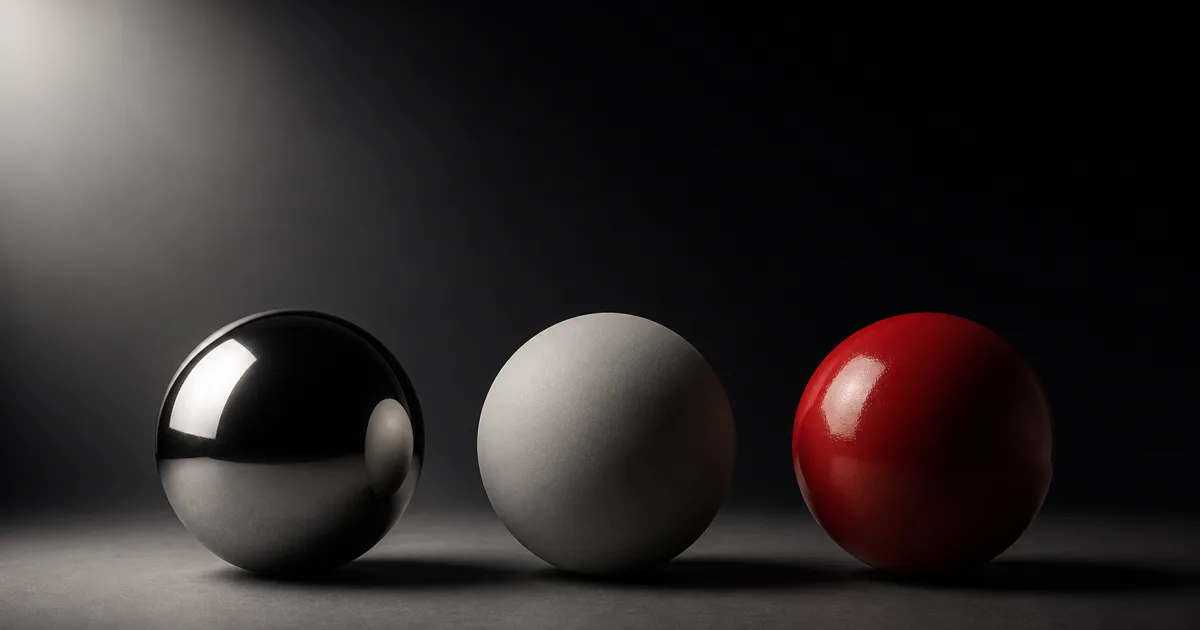
PBR energy conservation is the rule that keeps an ordinary material from reflecting more light than arrives. A shader may split illumination into diffuse, specular, transmission, clear coat, sheen, and subsurface responses, but those lobes share one budget. They are not six expense accounts with the same receipt.
This matters because a material can look plausible in one attractive environment while quietly gaining energy. Add unchanged diffuse to a strong Fresnel highlight, stack coat over a full-strength base, or blend two complete materials without normalizing coverage, and the surface brightens for reasons the scene cannot explain. Tone mapping may hide the crime. A gray reference sphere usually has fewer social obligations.
This guide turns PBR energy conservation from a rendering slogan into a production test: where the light budget goes, how common workflows break it, what engines already handle, and what still belongs to the material author.
PBR energy conservation is a budget, not a clamp
For a non-emissive surface, outgoing reflected and transmitted light cannot exceed incoming light. Some energy reflects at the boundary, some enters the material, some scatters back out, some passes through, and some becomes heat. A physically based shading model approximates that transport with a small set of lobes.
The simple accounting is useful even when the underlying renderer is complex:
- Specular reflection returns light from the surface boundary.
- Diffuse reflection represents light that enters a dielectric, scatters, and exits.
- Transmission carries light through thin or refractive material.
- Absorption removes wavelengths from the returning signal.
- Emission may add energy, but it must be declared as a light-producing term.
Energy conservation in PBR does not mean clamping every output color to 1.0. HDR illumination can produce values far above one, and a mirror can show a very bright source. Conservation concerns the ratio of returned energy to incident energy across directions and wavelengths. A white pixel is evidence of exposure. It is not a signed confession.
The renderer normally owns the BRDF math. Authors own legal inputs and combinations. Feeding impossible reflectance, double-counting masks, or stacking lobes outside the model can defeat a sound shader without changing one line of engine code.
Diffuse and specular must share incoming light
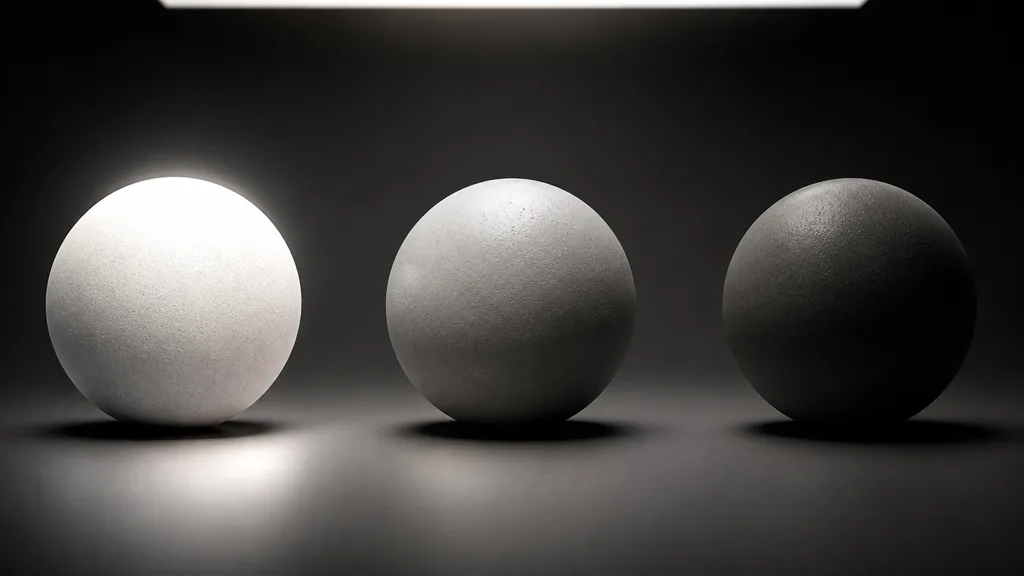
A dielectric surface reflects part of the light at the boundary. The remaining share may enter the material and contribute to diffuse scattering. Fresnel controls how that split changes with angle: reflection is modest near normal incidence and stronger toward grazing angles.
The classic failure is to calculate a physically plausible specular term and then add a full diffuse term as if no light had already reflected. At grazing angles the specular grows, diffuse stays unchanged, and the combined material gains energy. Correct diffuse and specular energy conservation attenuates the diffuse contribution by the share assigned to reflection.
In compact form, many real-time models use an idea like diffuseWeight = (1 - F) * nonMetal, where F is the Fresnel reflectance and nonMetal removes diffuse from conductors. Production BRDFs add details for roughness, geometry terms, multiple scattering, and color, but the ownership rule survives: once one lobe spends light, another lobe cannot spend the same light again.
The opposite fault also exists. Single-scattering microfacet models can lose energy on rough surfaces because light bouncing between microfacets is not fully returned. Modern renderers may compensate with multiple-scattering approximations. If a roughness sweep darkens too aggressively, do not brighten albedo until the BRDF and renderer version are understood. That fix might repair one rough sphere and overpay every smooth one.
Dielectrics, metals, and coats spend the budget differently
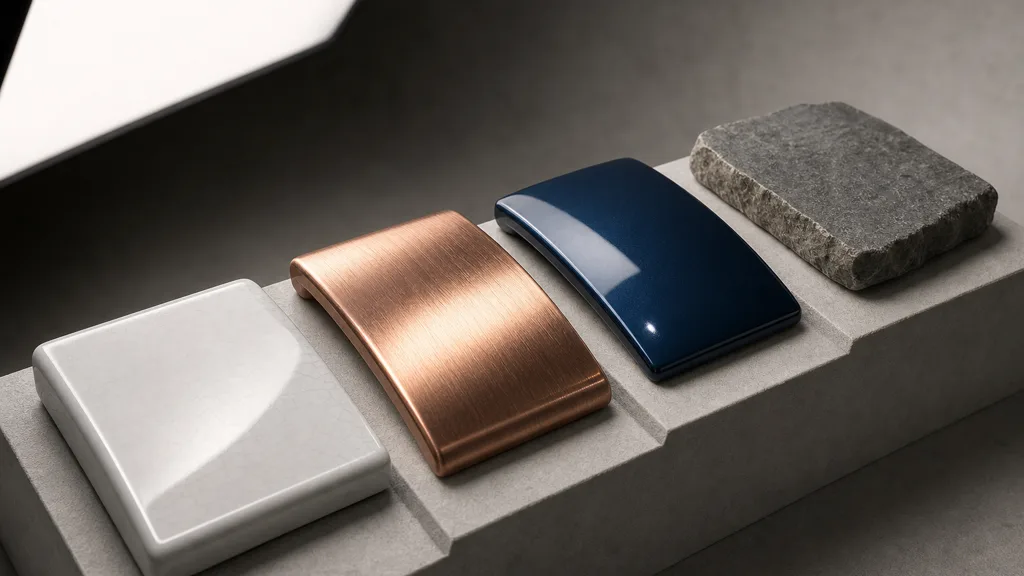
Dielectrics such as plastic, stone, ceramic, and dry wood usually have a mostly colorless specular response at normal incidence and colored diffuse response below it. Their base color should describe the scattering body, not a painted copy of the highlight. The IOR guide explains how index of refraction maps to normal-incidence reflectance.
Metals are conductors. In the common metalness workflow, a pure metal has no ordinary diffuse lobe; its color appears in specular reflection. Setting metalness to one while preserving bright diffuse creates a surface that behaves like copper placed over identical copper-colored chalk. Oxide, dust, fingerprints, and paint are dielectrics above the metal and should enter through masks or layers rather than weakening the definition of metal.
Clear coat introduces another boundary. Light may reflect from the coat, pass through it, interact with the base, and pass through again. An energy-aware layered model attenuates the base beneath the coat. Simply adding a coat highlight over an unchanged base produces two fully funded reflections. See the clear coat guide for coat roughness, IOR, and base-layer setup.
Sheen, subsurface scattering, and transmission need the same discipline. Each describes a different route through or around the surface; none grants extra incident light. The more lobes a material exposes, the more important clear ownership becomes.
Textures can break an energy-conserving shader
A correct BRDF cannot rescue inputs that encode lighting or exceed the workflow contract. Common material-side failures include:
- Base color containing baked highlights or broad illumination gradients.
- Metal pixels with a leftover diffuse contribution.
- Specular or IOR maps pushed outside plausible material ranges.
- Roughness imported as sRGB, changing the shape and energy of the lobe.
- Normal maps with excessive variance, creating unstable specular energy after filtering.
- AO multiplied into direct light and then applied again by the renderer.
- Decals or material layers adding complete responses instead of blending coverage.
Albedo data deserves particular suspicion. Bright diffuse reflectance is possible, but most real surfaces are darker than artists expect once photographed without exposure and lighting baked in. Use measured references as guardrails, not as isolated RGB commandments. Camera processing, sample condition, and renderer color management all matter.
Scalar maps must stay linear. The sRGB versus linear guide covers why roughness, metalness, AO, height, and packed masks should not receive display gamma. A wrong checkbox can reshape a material more efficiently than an afternoon of principled slider movement.
Normal maps deserve motion tests. Very strong microdetail can broaden or sparkle the highlight in ways a single filtered normal cannot preserve. Toksvig-style or variance-aware normal filtering, suitable mip generation, and stable detail frequency often solve the issue better than reducing light intensity.
Layering and blending are the usual leak
Layered materials fail when coverage and contribution are confused. A mask of 0.5 should usually blend between two surface states. Adding half of material A to all of material B returns one and a half materials. The arithmetic is simple enough to be embarrassing, which is why graphs hide it behind twenty nodes.
Opacity blending, height blending, and physical coating are different operations. Opacity chooses fractional coverage. Height blending changes which surface wins near a boundary. Physical coating creates another optical interface and requires attenuation. Pick the model first; then choose the math.
The PBR material layering guide shows cause-based masks and complete-response blending. For PBR energy conservation, audit every layer by asking:
- Does the mask represent coverage, thickness, or a shading property?
- Which lobe owns base color, roughness, normals, and reflectance here?
- Does the upper layer attenuate what sits below?
- Can two branches both reach full strength at the same pixel?
- Does disabling one branch reduce energy, or unexpectedly change exposure?
Blend normals with a method intended for normals, not component-wise color addition. Blend roughness according to the renderer and material model rather than assuming a linear midpoint always preserves appearance. Conservation is a property of the full response, not each texture channel viewed alone.
How to validate PBR energy conservation
A useful test scene is dull on purpose. It removes artistic variables until only the material can lie:
- Lock exposure and tone mapping. Auto exposure converts material changes into camera changes and ruins comparison.
- Use known lighting. Start with one area light, a neutral low-level environment, and no hidden fill cards.
- Choose diagnostic geometry. Use a sphere, a flat patch, a beveled block, and a roughness ramp.
- Verify inputs. Check color spaces, channel packing, metalness, IOR or specular, roughness, opacity, and emission.
- Solo lobes. Capture diffuse-only, specular-only, transmission-only, coat-only, and combined output when engine tools allow it.
- Sweep angle and roughness. Move from frontal to grazing view and from smooth to rough without changing exposure.
- Disable layers. Remove decals, coat, detail normals, AO, and blends one at a time.
- Test HDR values. Inspect unclipped buffers or false-color views; the display transform can conceal both gain and loss.
If the material only behaves under auto exposure, it has hired the camera as an accomplice.
This is a visual production audit, not a formal furnace test. Renderer developers can integrate the BRDF over the hemisphere under uniform incident radiance and measure whether output exceeds input. Material artists can still catch most practical violations by holding illumination constant, isolating lobes, and comparing controlled sweeps.
PBR energy conservation in Unity, Unreal Engine, and Blender
For PBR energy conservation Unity projects, Lit shaders in URP and HDRP already implement energy-aware metallic/specular workflows. Stay inside the pipeline’s intended inputs, import scalar maps as linear, and avoid custom Shader Graph branches that add diffuse and specular or stack coats without attenuation. Use the Frame Debugger and render-pass captures to separate lighting from post-processing.
For PBR energy conservation Unreal Engine, the Default Lit model handles the core split when Base Color, Metallic, Specular, and Roughness follow their contracts. Custom material functions, additive layer logic, aggressive cavity multiplication, and extra specular terms are common escape routes. Use Buffer Visualization modes and fixed exposure; compare Base Color, Roughness, Metallic, World Normal, and lighting buffers before blaming the tonemapper.
For PBR energy conservation Blender, Principled BSDF provides an energy-aware base for dielectrics, metals, coat, transmission, and sheen. Problems usually arrive when multiple BSDFs are added instead of mixed by coverage, or when color-management differences make engine output appear inconsistent. Test in rendered view with fixed exposure and the same world strength, then inspect each BSDF branch separately.
Do not compare engines from screenshots until lighting, exposure, tone mapping, environment orientation, normal convention, and material model match. Different pixels do not prove different energy accounting. They may prove that two cameras disagree about what gray means.
Build a material contract that survives production
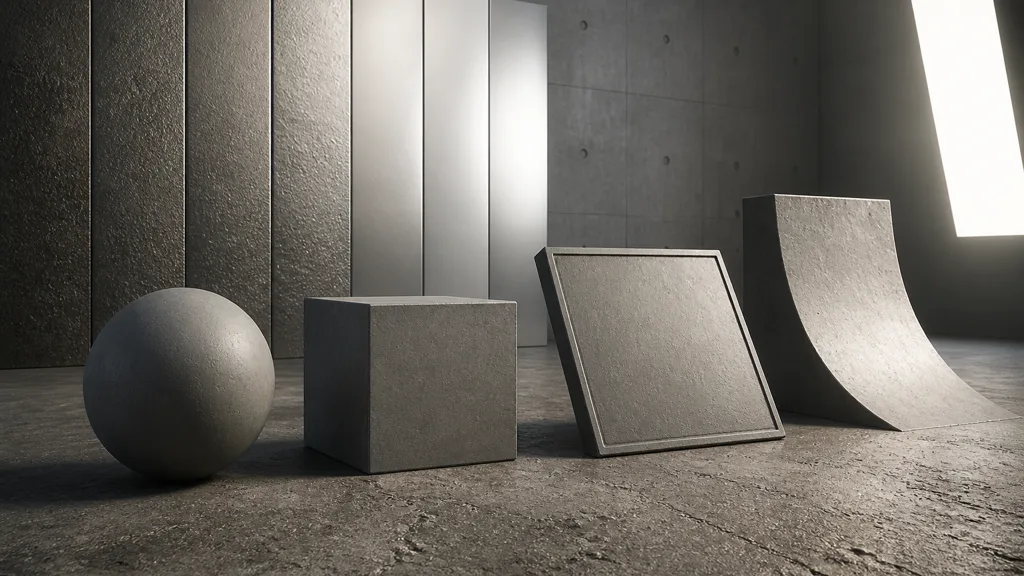
The best energy conserving material workflow ends with a short contract. Record which shading model applies, where color belongs for metals and dielectrics, accepted base-color and reflectance ranges, scalar color spaces, layer semantics, normal filtering, emission ownership, and renderer version.
Keep one reference scene in source control. Include smooth and rough dielectrics, a conductor, a coated surface, a layered material, a normal-detail sweep, and a deliberately broken control. Run it after renderer upgrades, tone-map changes, texture-import changes, and shared material-function edits.
The best PBR energy conservation workflow 2026 does not chase identical screenshots forever. It creates repeatable evidence: fixed scene, known inputs, isolated lobes, stable exposure, engine-specific diagnostics, and documented exceptions. That is enough to stop mysterious glow before it spreads through a library.
Try CraftPBR
CraftPBR gives PBR energy conservation a coherent input set instead of unrelated maps assembled by optimism:
- Text-to-PBR generates aligned base color, normal, roughness, height, AO, and metalness from a material description.
- Photo-to-PBR converts controlled surface evidence into editable maps while helping separate material color from captured illumination.
- Node workspace keeps levels, roughness, masks, height, tiling, and blend logic visible before export.
- Engine export prepares normal orientation, scalar color space, channel packing, names, and target conventions.
- Free tier lets you generate and validate a complete material before committing it to production.
- CC0 output lets you edit, bake, combine, render, and ship generated textures without attribution.
Give every lobe a job. Give no photon two invoices.
Build a balanced PBR material in CraftPBR →