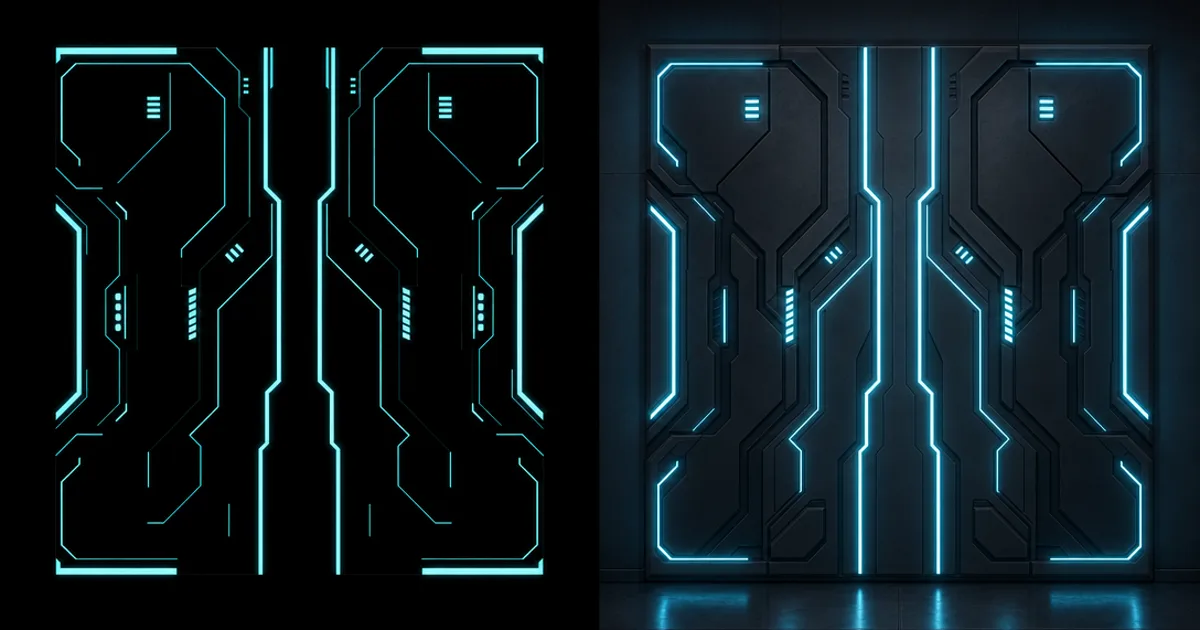
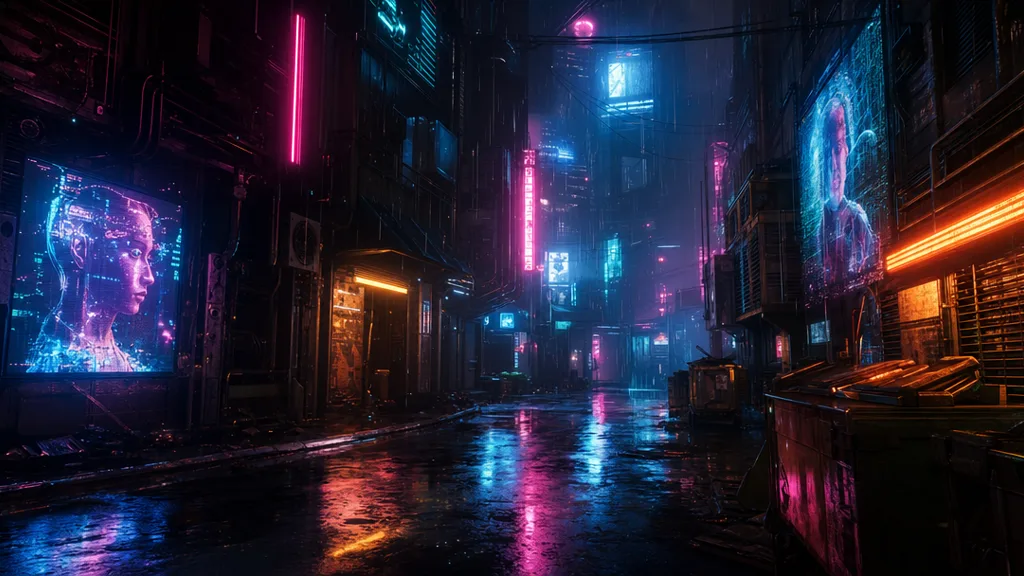
You know that feeling when a glowing screen or a lava crack stays bright even in a pitch-black room? That’s an emissive map at work. It’s the one PBR map that makes a surface ignore the lighting and shine on its own — the difference between a dead grey monitor and one that’s switched on.
Emissive is the map that powers every screen, neon sign, sci-fi panel, and lava flow in games. This guide explains what it stores, whether it actually lights the scene, how intensity and bloom work, and how to make one.
What an emissive map stores
Every other PBR map describes how a surface reacts to light. An emissive map describes light the surface produces. It’s a colour texture, usually black across most of the surface, with bright coloured areas where the surface glows — the screen, the neon tube, the lava vein. Where the map is black, there’s no emission and the surface behaves normally; where it’s bright, it shines at that colour no matter how dark the scene.
That “ignores the lighting” part is the whole point. Albedo goes dark in shadow; emissive does not. It’s why a phone screen reads in a night scene and a magma crack glows at the bottom of a cave.
Does emissive actually light the scene?
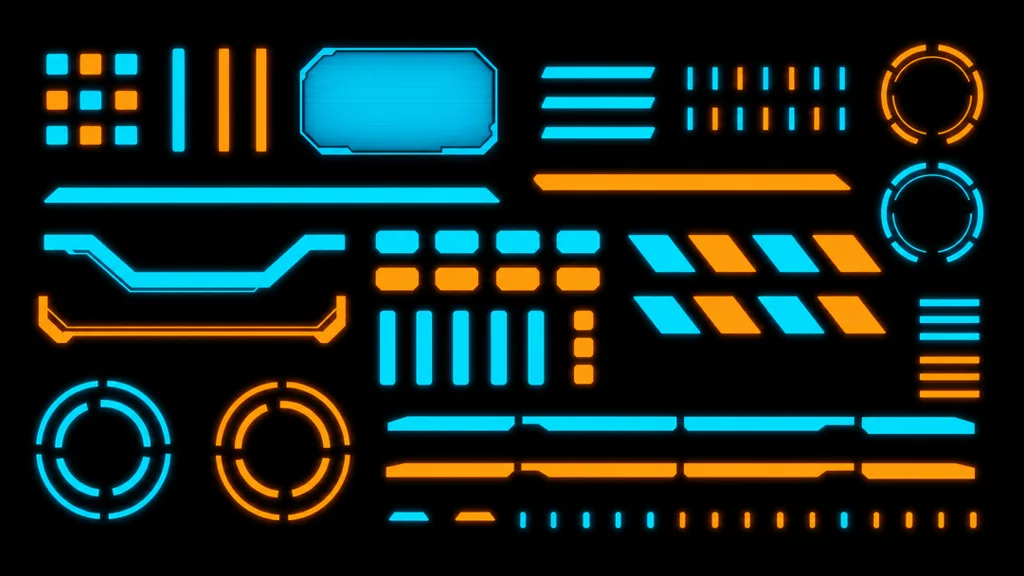
This trips everyone up: by default, no. An emissive map makes the surface look like it’s glowing, but it doesn’t cast light on nearby objects on its own. To make a neon sign actually illuminate the wall behind it, you add one of:
- Bloom — a post-process halo that makes bright areas bleed, selling the glow cheaply.
- Global illumination — some engines let emissive surfaces contribute real bounced light to GI or lightmaps.
- A real light — place an actual light next to the emissive surface so it casts properly.
Most glowing effects you see are emissive plus bloom. The emissive map does the shape and colour; bloom does the halo.
Intensity and HDR: how bright is the glow
The emissive texture holds the colour and pattern, but the material has an emissive intensity that scales it — and it can go well above 1.0 into HDR values. A high intensity is what pushes a surface past pure white into a blooming, burning glow. Author the map for the shape and colour; dial the intensity for how hot it burns.
Emissive in the PBR set
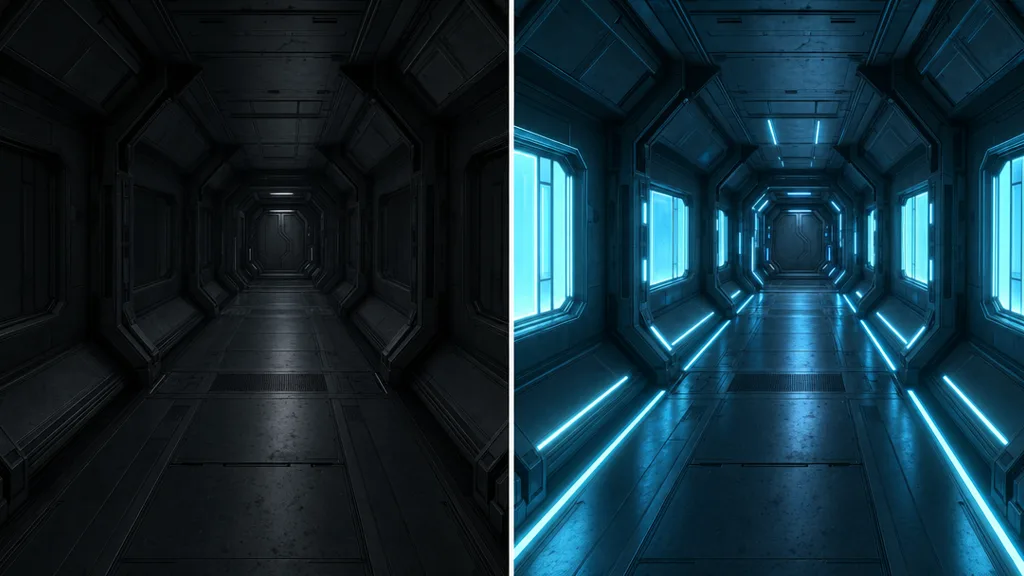
Emissive is an optional extra on top of the core PBR maps. The albedo, normal, roughness, and metalness maps describe the non-glowing surface; the emissive map adds the parts that light up. A screen, for instance, still has a slightly rough glass surface (roughness, normal) plus the bright image it displays (emissive).
How to make an emissive map
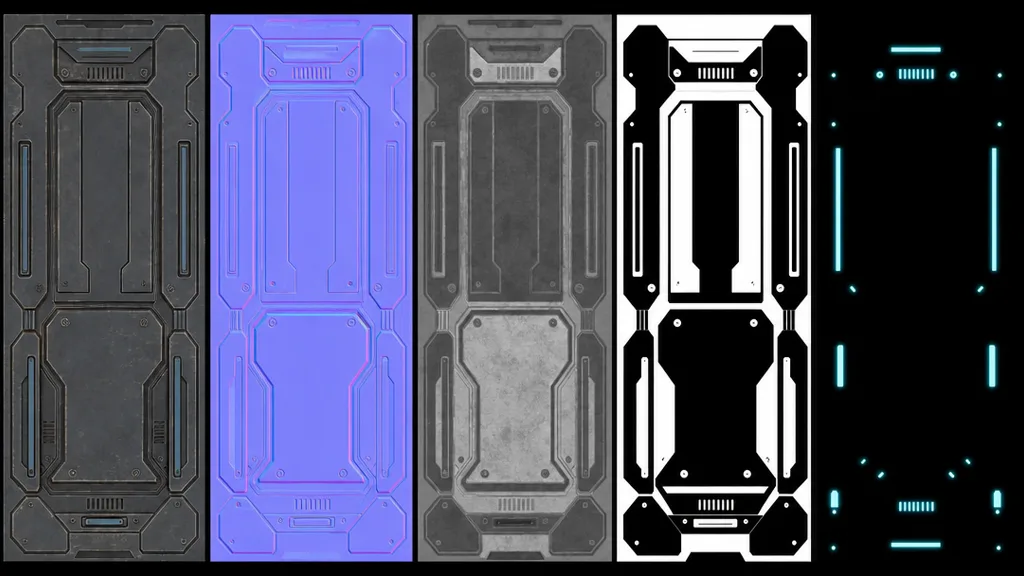
- Start black — black means no emission anywhere.
- Paint the glow in colour — the screen, the runes, the lava veins, tinted to the glow colour you want.
- Mask from the base colour — often the emissive shapes match features already in the albedo, so you can derive a mask from it.
- Set intensity in the material — push it into HDR for a strong bloom.
CraftPBR can include an emissive channel in a generated set for surfaces that glow — the same text to texture workflow, with the glow mapped out for you.
Emissive maps in Unity, Unreal, Blender, and Godot
- Unity — assign to the Emission slot and set the emission colour and HDR intensity; enable it for GI if you want bounced light. Import as sRGB.
- Unreal — plug into the Emissive Color input, multiply by a scalar for intensity; values above 1 drive bloom. Enable emissive for Lumen/lightmass GI if needed.
- Blender — connect to the Emission Color and set Emission Strength on the Principled BSDF; Cycles emissive contributes real light, Eevee needs bloom.
- Godot — enable Emission in StandardMaterial3D, assign the texture, set energy; works with the glow post-effect for bloom.
Key takeaways
- An emissive map marks which parts of a surface emit their own light, ignoring scene lighting
- It’s mostly black (no glow) with bright colour where the surface shines
- By default it doesn’t light the scene — add bloom, GI, or a real light for that
- Emissive intensity scales the map into HDR for a strong, blooming glow
- It sits on top of the core PBR maps, adding the glowing parts to a normal surface
- It powers every screen, neon sign, sci-fi panel, and lava flow in games