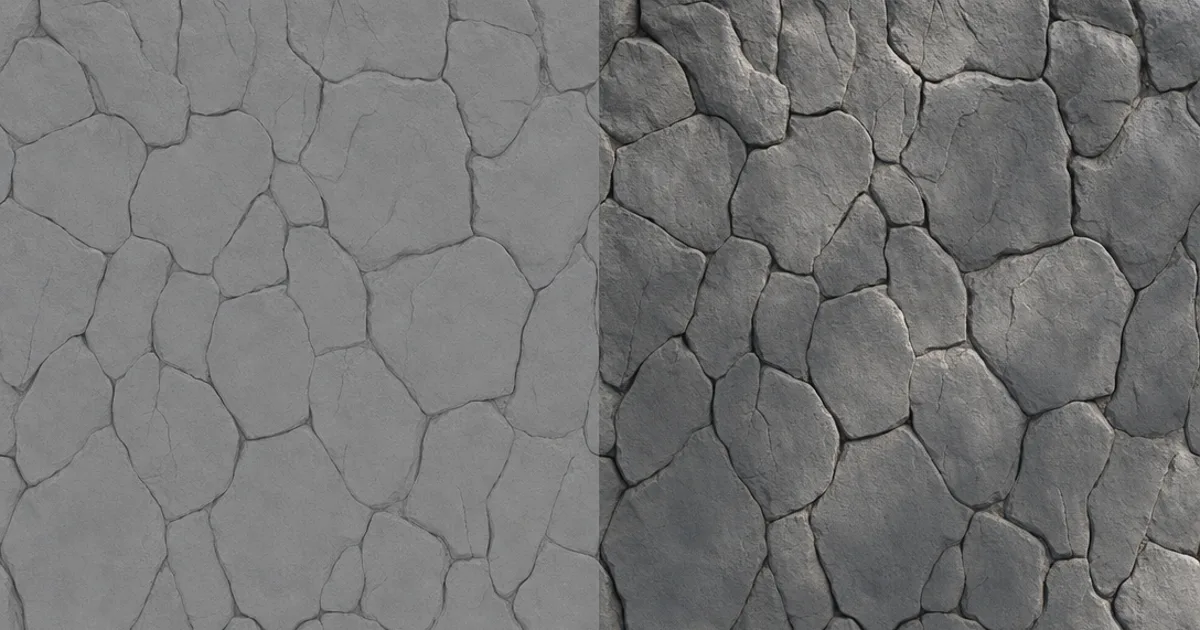
You know that feeling when a texture looks “off” under your lighting — shadows in the wrong places, a surface that won’t brighten no matter how many lights you add? Often the culprit is the albedo map. It’s the most basic map in a PBR material, and the easiest to get subtly wrong.
Albedo is the raw surface colour with every trace of lighting stripped out, so the renderer can light it honestly. This guide explains what it stores, how it differs from the old diffuse map, the mistakes that wreck it, and how to make a clean one.
What an albedo map stores
Albedo (sometimes “base colour”) is the colour a surface reflects, measured as if it were lit by perfectly flat, even light. No shadows. No highlights. No ambient occlusion. Just the pure material colour — the brown of wood, the grey of concrete, the red of a brick.
Why so strict? Because in a PBR pipeline the engine computes all the lighting in real time using the other maps. The albedo is the clean canvas it paints light onto. Bake any lighting into the albedo and you’re double-counting — the surface ends up lit twice, and it shows.
Albedo vs diffuse: what changed
The terms get used interchangeably, but they come from different eras:
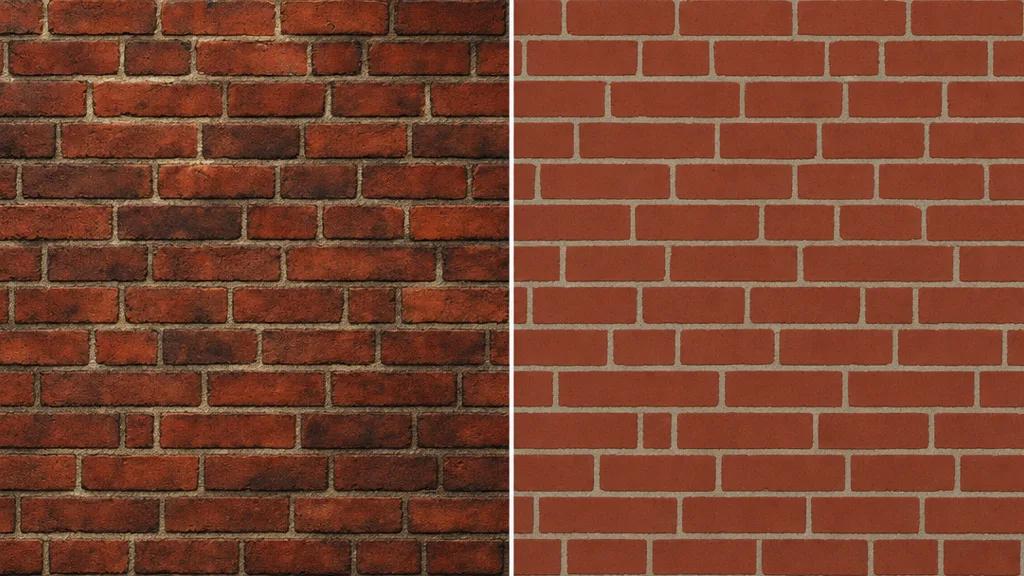
- Diffuse map — the older, pre-PBR convention. Often had soft shadow, ambient occlusion, and even highlights painted in, because lighting models were simpler.
- Albedo map — the PBR convention. Strictly flat colour, no lighting, and it also carries reflectance colour for metals (tinted, near-white) which diffuse never did.
If you pull an old diffuse texture into a PBR engine, it can look muddy because its baked shadows clash with the real lighting. Stripping that out — “delighting” — turns a diffuse into a proper albedo.
The mistakes that ruin an albedo map
- Baked ambient occlusion. AO belongs in its own AO map, not painted into albedo — otherwise crevices stay dark even in full light.
- Directional shadows or highlights. A shadow baked on one side lights wrong the moment the sun moves.
- Values too dark or too bright. Real-world materials rarely reflect less than ~3% or more than ~95%, so pure black or pure white albedo is almost always wrong and breaks lighting.
- Wrong colour space. Albedo is sRGB; importing it as linear washes the whole material out.
- Flat paint on bare metal. Metals take a tinted reflectance in albedo (gold is yellowish-white), not a solid diffuse hue.
Albedo’s place in the PBR set
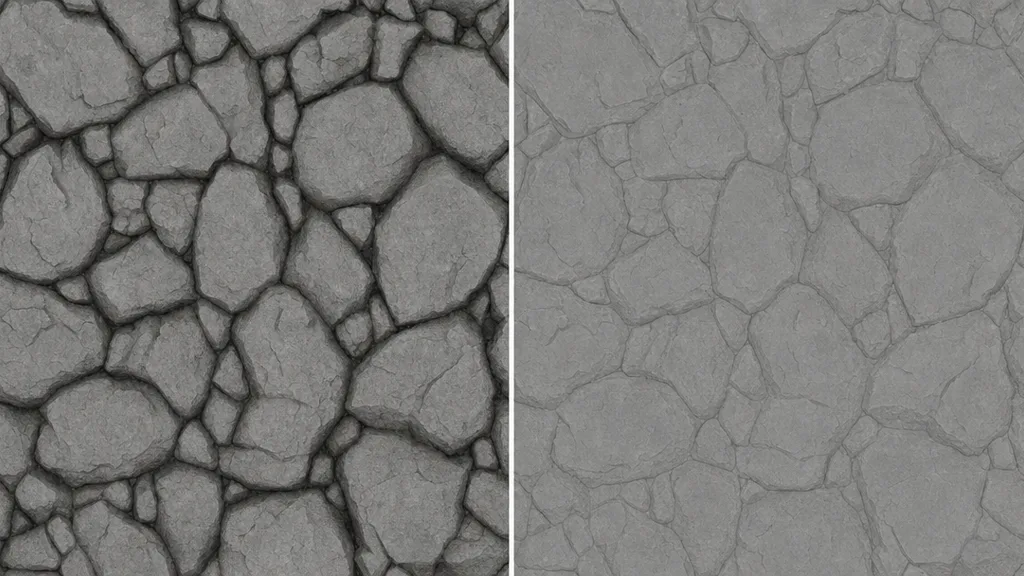
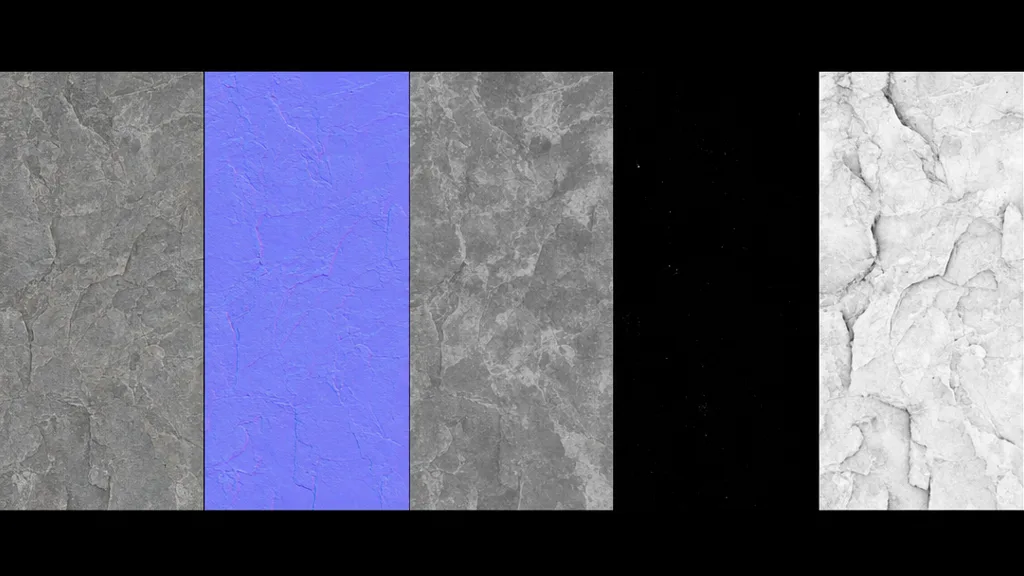
Albedo is the foundation, but it’s only one of several maps working together. The normal map adds surface direction, roughness controls the sheen, metalness flags bare metal, and AO adds contact shadow. The albedo just supplies the honest colour they all build on. Get it clean and the rest of the set has a solid base; bake lighting into it and every other map is fighting uphill.
How to make a clean albedo map
- Paint it flat — author the colour with no shading, the most controlled route for stylised work.
- Delight a photo — remove the baked lighting from a photo so only the colour remains.
- Generate it — produce it as part of a full PBR set so it’s lighting-free and matches the other maps.
That last route is the fastest and the safest. CraftPBR generates a clean, delit albedo alongside normal, roughness, metalness, and AO from a text prompt or photo — the same text to texture workflow, with the base colour already free of baked light.
Albedo maps in Unity, Unreal, Blender, and Godot
- Unity — assign to the Albedo/Base Map slot. Import as sRGB (color). This is the one map that is not Non-Color.
- Unreal — plug into Base Color. Keep sRGB on for this texture (off for the data maps).
- Blender — connect to Base Color on the Principled BSDF; leave the image on sRGB / Color.
- Godot — assign as Albedo in StandardMaterial3D; it’s treated as sRGB by default.
Key takeaways
- An albedo map is the pure surface colour with all lighting removed — the PBR foundation map
- Unlike an old diffuse map, it carries no baked shadow, AO, or highlights
- Baked lighting, pure-black/white values, and wrong colour space are the classic mistakes
- Metals take a tinted reflectance in albedo, not a flat diffuse colour
- It’s the one PBR map imported as sRGB, not linear
- Keep it clean and the normal, roughness, metalness, and AO maps all build on a solid base