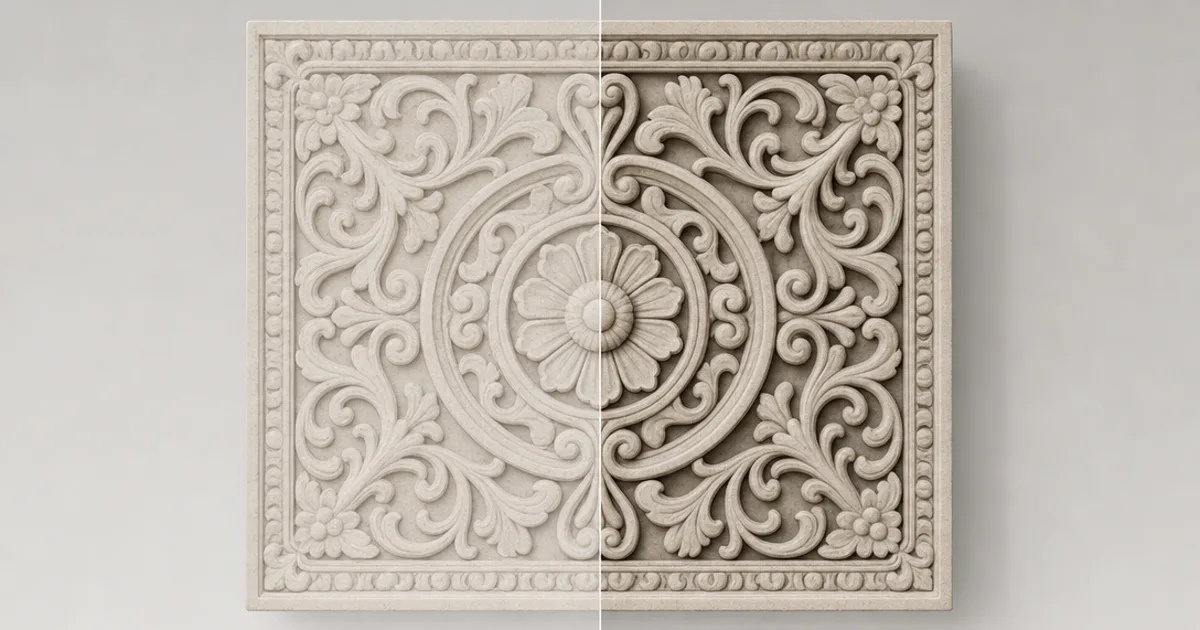
You know that feeling when a textured surface looks technically correct but somehow flat and weightless, like a sticker? Nine times out of ten it’s missing its ambient occlusion map. AO is the soft contact shadow that lives in every crevice, seam, and corner — the thing that tells your eye a surface is real and grounded.
It’s one of the quietest maps in a PBR set and one of the most missed. This guide explains what an AO map actually stores, how it differs from the shadows your engine already computes, and how to make one.
What an ambient occlusion map stores
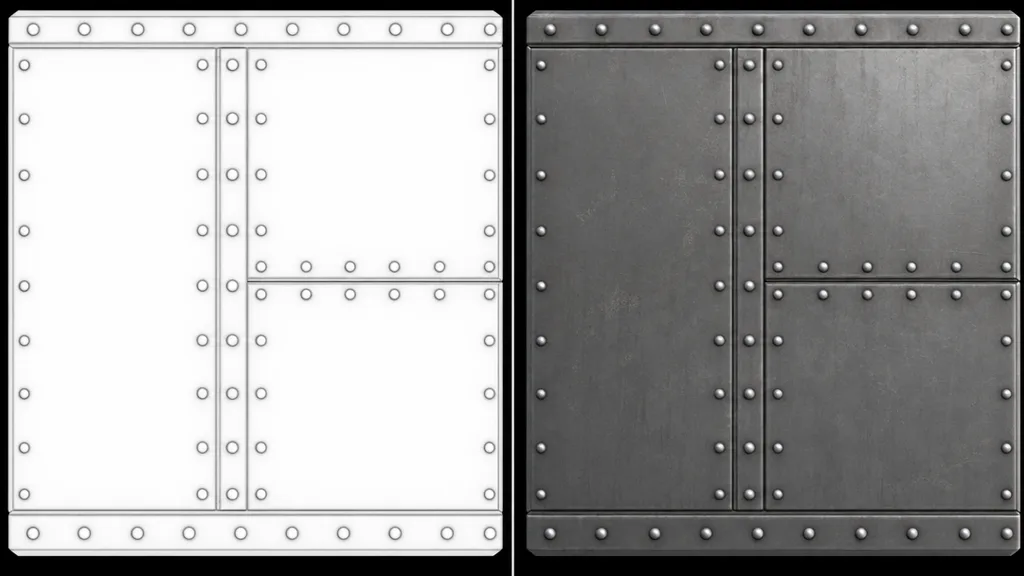
Ambient occlusion measures how exposed each point of a surface is to ambient light. A flat, open area gets light from all directions, so it’s bright. A deep crevice — the bottom of a mortar line, the inside of a bolt hole, the gap between cobblestones — is blocked from most directions, so it’s darker. An AO map bakes that into a greyscale image: white means fully lit, black means fully occluded.
Crucially, it stores no actual shadow direction and no colour — just “how buried is this pixel.” The engine uses it to darken ambient light in the right places, which is what makes detail read as carved-in rather than painted-on.
AO map vs SSAO: baked vs real-time
These get confused constantly, but they operate at different scales:
- AO map — baked into a texture, stores the fine, surface-level occlusion of a material (mortar, grain, rivets). Cheap at render time because it’s precomputed.
- SSAO / GTAO — computed live by the engine each frame, handles the bigger contact shadows between objects (a crate against a wall). More expensive, more dynamic.
You want both. The map handles the detail you authored into the texture; screen-space AO handles the scene the player assembles. They stack without fighting.
AO vs normal map: they’re partners
A normal map fakes the direction of surface detail so light catches the bumps. An AO map darkens the recesses that detail sits in. Use a normal map alone and the cracks light up too brightly from ambient light; add AO and those cracks gain shadow and the whole surface settles into depth. They’re a pair, not alternatives.
How engines use the AO map
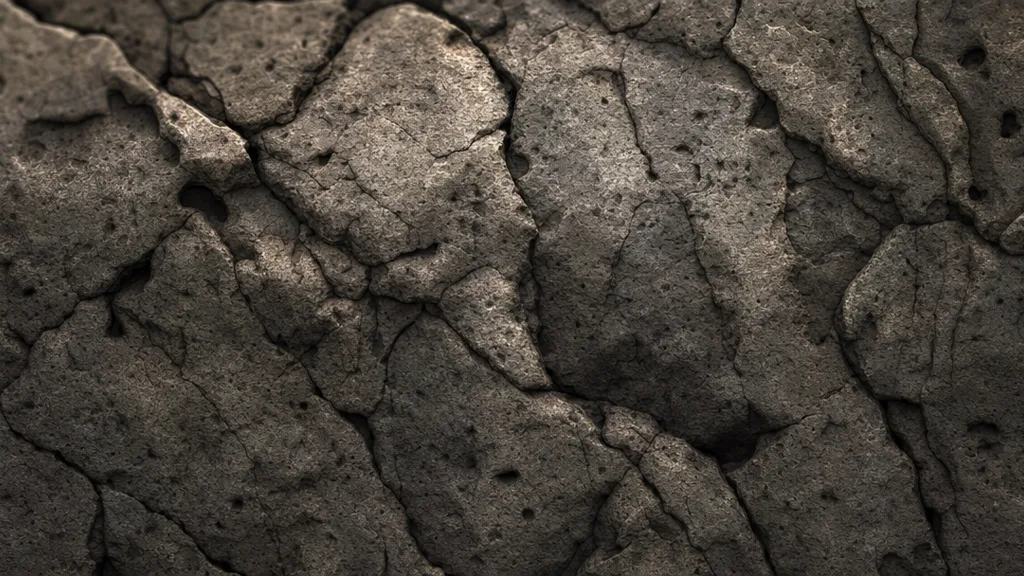
The renderer multiplies the AO value into the surface’s ambient and indirect lighting, darkening occluded areas. In a correct PBR setup it affects only ambient/indirect light — not direct light — so a crevice doesn’t get unrealistically black when a lamp shines straight into it. Many pipelines pack AO into the red channel of a combined “ORM” map (Occlusion, Roughness, Metalness) to save texture memory.
Making an ambient occlusion map
- Bake it from a high-poly model in Blender, Marmoset Toolbag, or Substance — the most accurate route for hero assets.
- Derive it from a height map or photo — quick and good enough for many surfaces.
- Generate it as part of a full PBR set so it agrees with the colour and normal.
That last route is the fastest. CraftPBR produces an AO map alongside base colour, normal, roughness, and height from a text prompt or photo — the same text to texture workflow, with the contact shadow already baked to match.
AO maps in Unity, Unreal, Blender, and Godot
- Unity — assign to the Occlusion slot (or the green channel of a mask map in HDRP/URP). Import as Non-Color. There’s an occlusion strength slider.
- Unreal — plug into the Ambient Occlusion input of the material, or use the red channel of a packed ORM texture. Import as a linear/masks texture (sRGB off).
- Blender — multiply the AO map into the base colour, or mix it into a MixRGB before the Principled BSDF; set the image to Non-Color.
- Godot — enable AO in StandardMaterial3D and assign the texture (or its channel); set it to the ambient light affect, not direct.
Key takeaways
- An AO map is a greyscale texture storing how occluded each pixel is from ambient light — white lit, black buried
- It adds the soft contact shadow that makes a surface look grounded instead of floating
- The baked AO map handles texture-scale detail; SSAO handles object-scale contact — use both
- AO and normal maps are partners: normals fake the bumps, AO shadows the recesses
- It affects ambient/indirect light only, and is often packed into the red channel of an ORM map
- Always import it as linear / Non-Color, never sRGB