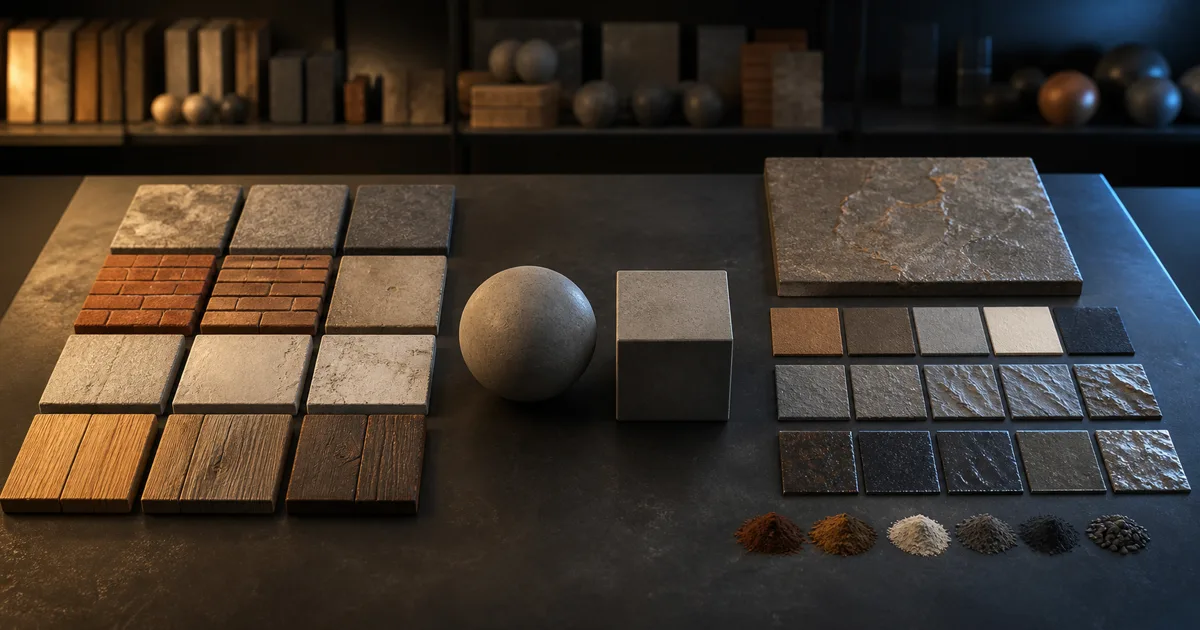
Every material library eventually meets a surface it does not have. The brief asks for pale terrazzo with recycled cobalt glass, a plaster wall matched to a concept painting, or a damp sci-fi deck that has somehow survived three departments of revisions. Search results offer twelve respectable concretes. None is the concrete in the art direction.
That is when an ambientCG alternative becomes a workflow question rather than a website list. ambientCG is already generous, useful, and genuinely CC0. Replacing it for the sake of replacing it would be a strange hobby. The practical choice is whether to download a proven asset, generate a custom PBR set, or use both.
The short ambientCG alternative verdict
Use ambientCG when a suitable real-world asset exists and you need it immediately. Its official site currently offers PBR surfaces, HDRIs, Substance files, and 3D assets, and its license documentation states that downloadable files and preview renders use CC0 1.0. You can copy, modify, distribute, and include the raw files in a commercial project without asking permission.
Use an AI alternative to ambientCG when the material must match a particular color story, wear pattern, reference photo, fictional substance, or scale. A generator is also useful when a downloaded material is close enough to waste an afternoon but not close enough to ship. The dangerous phrase in material production is “we can probably tint it later.” Sometimes you can. Sometimes the tint exposes that every roughness cue belonged to another surface.
The best answer is usually hybrid:
- download common, well-captured materials such as generic paving, neutral plaster, or ordinary timber;
- generate art-directed hero surfaces and missing variants;
- normalize both sources through the same scale, map, naming, and validation rules;
- keep provenance beside the asset, not in somebody’s browser history.
An ambientCG alternative for PBR textures should solve a gap, not make a good library disappear.
What ambientCG already does well
ambientCG is not merely a texture folder with a cheerful license. Its asset-type documentation covers PBR materials, atlases, decals, photo textures, Substance packages, HDRIs, models, and terrain. Its current catalog advertises thousands of assets, which makes it a strong first stop for familiar surfaces and lighting resources.
The library model has three production advantages:
- Reality is baked into the source. A scanned paving stone already contains the awkward mineral distribution and small damage that artists struggle to invent on command.
- Selection is fast. Search, preview, download, wire the maps, and test. There is no prompt iteration and no ambiguity about what the thumbnail represents.
- The license is unusually clear. ambientCG publishes assets under CC0, including commercial use and raw inclusion in projects. Attribution is appreciated but not required.
That makes ambientCG particularly effective for background coverage, blockouts, archviz materials that correspond to common construction products, and teams building an internal CC0 library. It also exposes a read-only version 3 API for asset, category, collection, and RSS metadata. A technical artist can automate discovery without scraping thumbnails like a raccoon with a spreadsheet.
If the project needs an HDRI, a complete model, or an atlas of photographed vegetation, CraftPBR is not a one-for-one ambientCG replacement. It focuses on creating and editing surface materials. Pick the tool that makes the required asset class.
Where a downloaded library stops fitting
Search libraries are finite by design. They work best when the art direction can accept the available specimen. Problems appear when the required surface has a precise combination of properties:
- a fictional material that has no physical scan source;
- a real material in an uncommon pigment, aggregate, finish, or age;
- a source photo from the actual location that must become a usable tile;
- a family of coordinated variants for clean, worn, wet, burned, or painted states;
- a stylized surface whose shapes must follow the project’s visual language;
- a material that needs an exact texel scale or restrained feature distribution.
Browsing sites like ambientCG can widen the pool, but it does not change the underlying search problem. The exact asset may still not exist. More tabs are not a material pipeline; they are a warm laptop.
Custom generation changes the input from category names to constraints. Instead of searching “terrazzo,” describe warm white cement, sparse cobalt recycled glass, small gray aggregate, low porosity, honed finish, and quiet repetition. Photo-to-PBR adds another route: capture the real surface, remove perspective and lighting contamination, create aligned maps, then repair the tile.
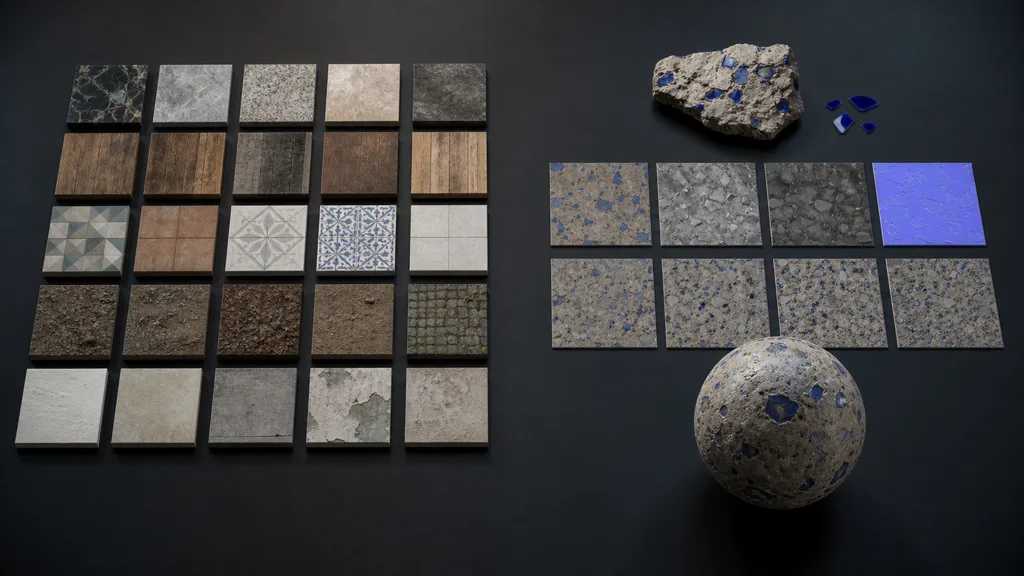
This is the central ambientCG vs AI texture generator tradeoff. A library starts with trustworthy source detail but limited art direction. Generation starts with art direction but requires stronger validation. Neither route gets diplomatic immunity from bad roughness.
Downloaded vs generated PBR textures
| Decision | Downloaded CC0 library | Custom generation |
|---|---|---|
| Best for | Common real surfaces, fast coverage, HDRIs and adjacent asset types | Specific, fictional, stylized, matched, or variant-heavy surfaces |
| Starting input | Search term and catalog selection | Text description or controlled reference photo |
| Main strength | Proven captured detail and immediate preview | Precise control over material identity and variants |
| Main risk | Wrong scale, baked lighting, obvious repetition, near-match compromise | Invented structure, incoherent maps, or attractive but impossible response |
| Iteration | Find another asset or edit the download | Change constraints, regenerate, then refine |
| License check | Read the source asset license and store it | Read the generator output license and store it |
| Technical work | Import conventions, map polarity, scale, tiling, compression | The same work, plus stronger coherence validation |
A free ambientCG alternative should not be judged only by whether the download button costs zero. Check which maps exist, allowed output use, commercial terms, attribution, redistribution, resolution, tiling quality, and export formats. Free with a vague license is not a bargain; it is deferred paperwork wearing a nice thumbnail.
For an ambientCG alternative for game developers, consistency often matters more than the number of assets. The team needs predictable suffixes, color-space rules, channel packing, normal orientation, import presets, and memory tiers. For an ambientCG alternative for archviz, resolution, real-world scale, displacement quality, close grazing light, and faithful finish variation may matter more.
Build a hybrid material workflow
- Write the material brief. Record physical substance, finish, age, color range, feature scale, camera distance, and engine target. “Old wall” is not a brief; it is a witness statement.
- Search the CC0 library first. If ambientCG has a close, technically sound material, download it with its source URL and license note.
- Set an acceptance threshold. Reject near-matches whose aggregate, board width, joint pattern, or wear tells the wrong story. Do not count planned rescue edits as free.
- Generate the gaps. Use text-to-PBR for a described surface or photo-to-PBR when a real reference owns the design. Ask for physical causes, not adjectives stacked like luggage.
- Normalize every source. Match real-world scale, resolution tier, filenames, normal convention, roughness polarity, and channel layout.
- Inspect map coherence. A crack should agree across color, normal, height, roughness, and AO where physics supports it. Copy-pasted grayscale is not agreement.
- Test the tile and repetition. Check the seams, then zoom out until distinctive stones, knots, or stains reveal the repeat. Remove landmarks or add macro variation.
- Validate in the destination. Test neutral, grazing, and representative scene lighting before approving the material.
- Store provenance. Keep source, license, generation prompt or photo reference, edits, date, and export preset with the material record.
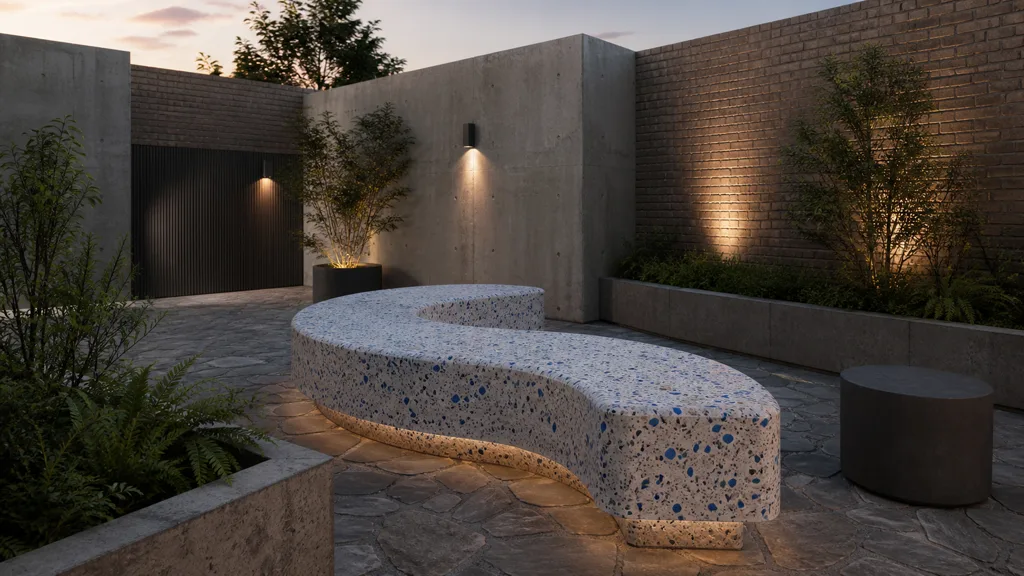
This hybrid approach makes a credible best ambientCG alternative 2026 because it does not confuse tool loyalty with production discipline. Download what is already good. Create what is missing. Apply the same quality gate to both.
Prepare custom textures for Unity and Unreal Engine
For custom textures for Unity, import base color as sRGB and data maps such as normal, roughness-derived smoothness, AO, and metalness as non-color data according to the render pipeline. Mark the normal map with the normal texture type. Unity’s common metallic workflow expects smoothness rather than roughness in several shaders, so invert roughness when required and pack it into the channel expected by Standard, URP Lit, or HDRP Lit. Verify the exact shader rather than exporting to “Unity” as if it were a single socket.
For custom textures for Unreal Engine, import base color with sRGB enabled and disable sRGB for roughness, metalness, AO, height, and packed masks. Unreal commonly packs ambient occlusion, roughness, and metalness into RGB, but the channel contract belongs to the material. Confirm the normal convention and compression setting, then test under a movable light. A material that only looks correct in the thumbnail has not entered the engine yet.
In either engine, match texel density across downloaded and generated assets. A custom 4K hero material beside a library wall resolving at half the pixels per metre will announce the asset boundary. The texture resolution guide covers camera-based sizing, while texture channel packing explains how to combine linear masks safely.
Validate an ambientCG alternative before shipping
Every source needs the same audition. Apply the material to a sphere, beveled cube, and flat plane. Use a neutral environment, a hard grazing light, and the scene’s dominant lighting. Rotate the light instead of rotating your optimism.
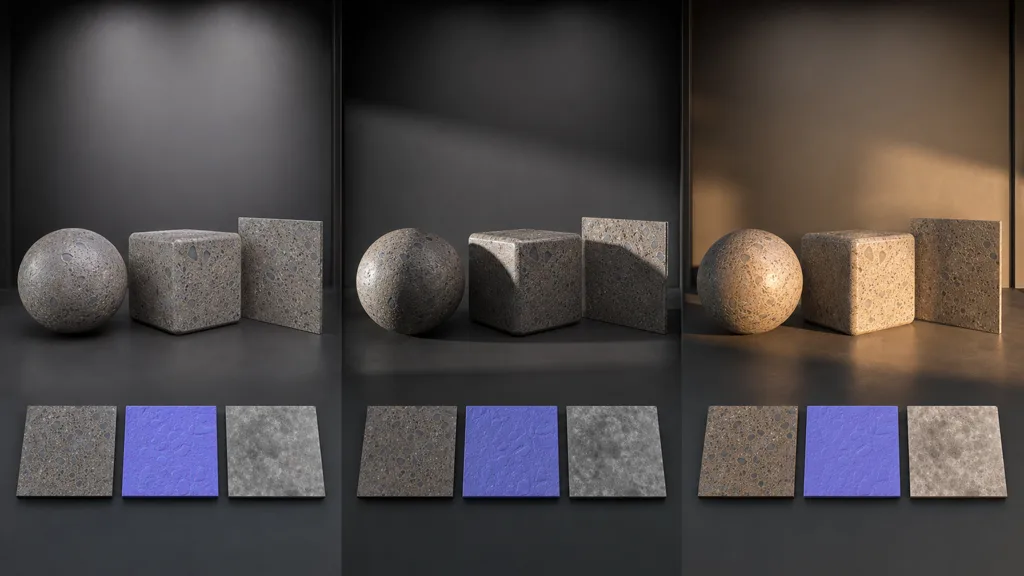
Check these failure modes:
- base color contains shadows or highlights that stay painted in place;
- normal detail is inverted, too strong, or unrelated to the height structure;
- roughness merely copies luminance and makes dark pigment falsely glossy;
- metalness contains gray transition noise on an otherwise dielectric surface;
- AO is multiplied too aggressively and dirties open areas;
- tile edges wrap, but a large unique feature repeats across the room;
- world scale changes between assets that should share construction dimensions;
- compression erases subtle roughness or creates blocks in the normal map.
The PBR workflow guide gives the wider material contract. Whether the source came from a scanner, an ambientCG alternative, or a camera, approval should depend on behavior under light.
FAQ
What is the best ambientCG alternative?
The best option depends on the missing asset. Use another CC0 library when you need more ready-made scans, and use a text-to-PBR or photo-to-PBR generator when you need a specific custom surface. For most teams, a hybrid library-plus-generation workflow is more useful than a single replacement.
Is ambientCG really free for commercial use?
Yes. ambientCG's official license page says its downloadable assets and preview renders use CC0 1.0, allowing copying, modification, distribution, commercial use, and raw inclusion in a project without required attribution. Save the source URL and license record with your asset anyway.
Where can I get textures besides ambientCG?
You can use other CC0 material libraries, scan your own surfaces, convert controlled photos to PBR, or generate materials from text. Choose by asset type and art direction: a download is efficient for common surfaces, while generation handles rare, fictional, and tightly specified ones.
Is an AI texture generator better than ambientCG?
Not universally. AI generation is better at specificity, variants, and fictional materials; ambientCG is better at immediate access to existing scanned surfaces, HDRIs, and other asset types. Both require map, scale, tile, license, and engine checks.
Can I use generated PBR textures commercially?
That depends on the generator's license, so read it before production use. CraftPBR outputs are CC0, which permits commercial use, modification, and redistribution without attribution; keep a provenance record for studio audits.
How do I choose between downloaded and generated PBR textures?
Start with the material brief, search for an acceptable CC0 asset, and set a firm threshold for scale, finish, color, and wear. Generate when the nearest download would need enough corrective work that creating the intended surface is clearer and faster.
Can CraftPBR replace ambientCG?
CraftPBR can replace the search step for custom surface materials by generating seamless PBR maps from text or photos. It does not replace ambientCG's HDRIs, complete 3D models, or every atlas, so the two tools work well together.
Try CraftPBR
CraftPBR is an ambientCG alternative for the material the catalog does not contain:
- Text-to-PBR creates a coordinated surface from a physical description.
- Photo-to-PBR turns a controlled reference image into aligned material maps.
- Node workspace keeps tiling, levels, map cleanup, and variations editable.
- Engine export prepares normal orientation, roughness or smoothness, channel packing, and filenames for common destinations.
- Free tier lets you test a complete material before committing a production pipeline.
- CC0 output lets you modify, ship, and redistribute generated materials without attribution.
Create the material your library search could not find →
Keep the excellent downloads. Generate the stubborn gaps.