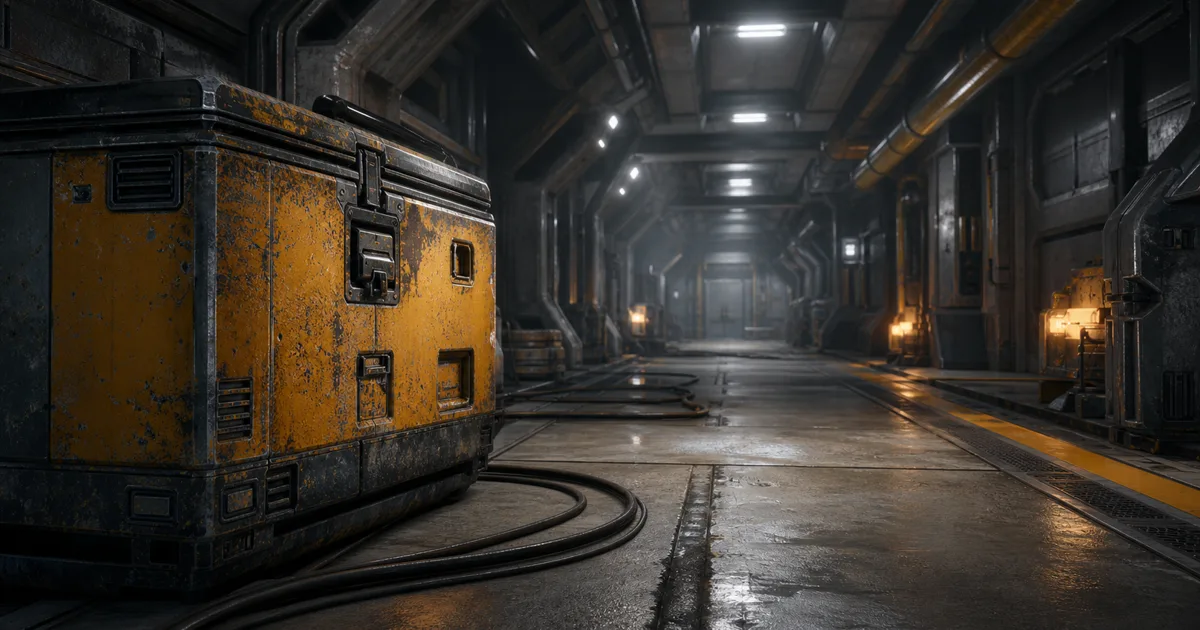
A game camera can see thousands of textured surfaces while the GPU can hold only a finite set of full-resolution images. Texture streaming resolves that disagreement by keeping useful mipmap levels in memory and requesting sharper ones where the current view can prove they matter.
Good texture streaming for games is nearly invisible. Bad streaming announces itself as a blurry hero prop, a wall that snaps sharp after the player stops, or a memory warning that treats every 4K texture as an urgent personal matter. This guide explains the data, budgets, and camera tests that keep PBR materials stable without asking VRAM to perform folklore.
Texture streaming manages residency, not image quality
A texture usually enters a game build with a precomputed mip chain: the original image followed by smaller filtered versions. The smallest levels cost little and can remain resident. As a surface occupies more screen pixels, the mipmap streaming system asks storage for higher-resolution levels. When the surface moves away or the pool needs space, those large levels can be removed.
This creates four different questions that are easy to confuse:
- Source resolution: how much authored detail exists in the master image.
- Runtime format: how the GPU stores each mip, covered in the texture compression guide.
- Wanted resolution: which mip the current camera and UV scale ideally require.
- Resident resolution: which mip levels are actually available in GPU memory now.
Streaming cannot invent detail removed by a low import size or destructive source. It also does not shrink the dimensions of the authored asset. It decides which prepared levels are resident at a given moment. A 4K texture with only its 512-pixel-and-smaller mips loaded is still a 4K asset waiting for better accommodation.
How mipmaps make texture streaming possible
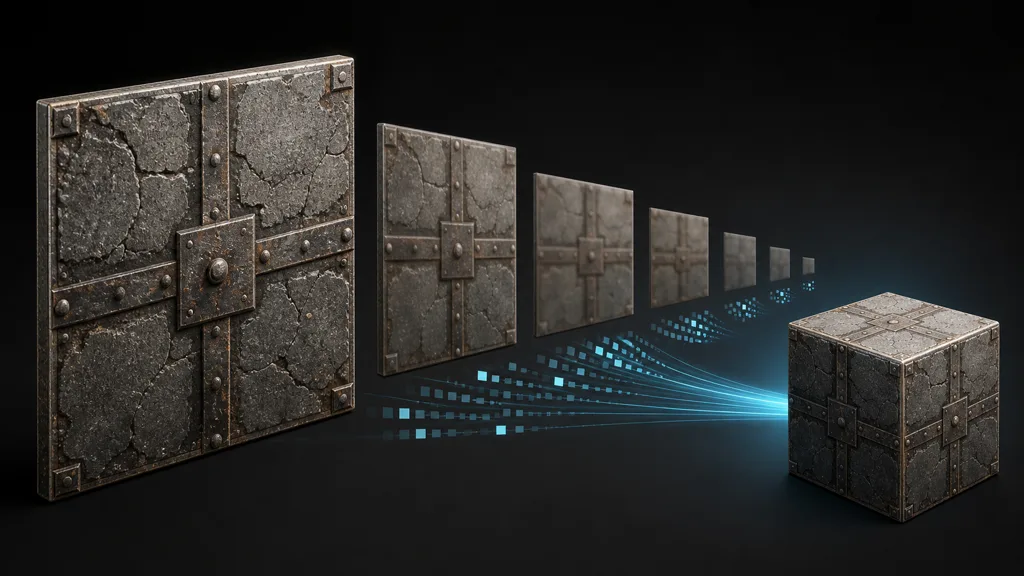
Each mip level is typically half the width and height of the previous one. A 4096 × 4096 top level leads to 2048, 1024, 512, and so on. Because area falls by four at every step, a complete chain adds about one third to the top-level memory rather than doubling it.
That extra data prevents distant textures from shimmering and gives texture streaming useful resolution steps. Loading only a tiny mip produces blur. Loading a mip much larger than the surface footprint wastes memory and bandwidth without adding visible information.
| Map role | Mip requirement | Failure to inspect |
|---|---|---|
| Base color | Filter in the correct color space | Hue shift, bleeding, or lost thin color features |
| Normal | Renormalize filtered vectors | Wavy highlights or weakened surface relief |
| Roughness | Preserve stable reflection energy | Sparkle, flicker, or changing highlight width |
| Metalness and masks | Protect material boundaries | Edges move and change the shader category |
| Opacity cutout | Preserve alpha coverage | Leaves, fences, or hair vanish with distance |
Correct mip generation belongs upstream of the streamer. A residency system can choose a level perfectly and still display bad data perfectly. The texture resolution guide helps choose the top level; streaming governs when the lower levels do the work.
Build a texture streaming budget from the camera outward
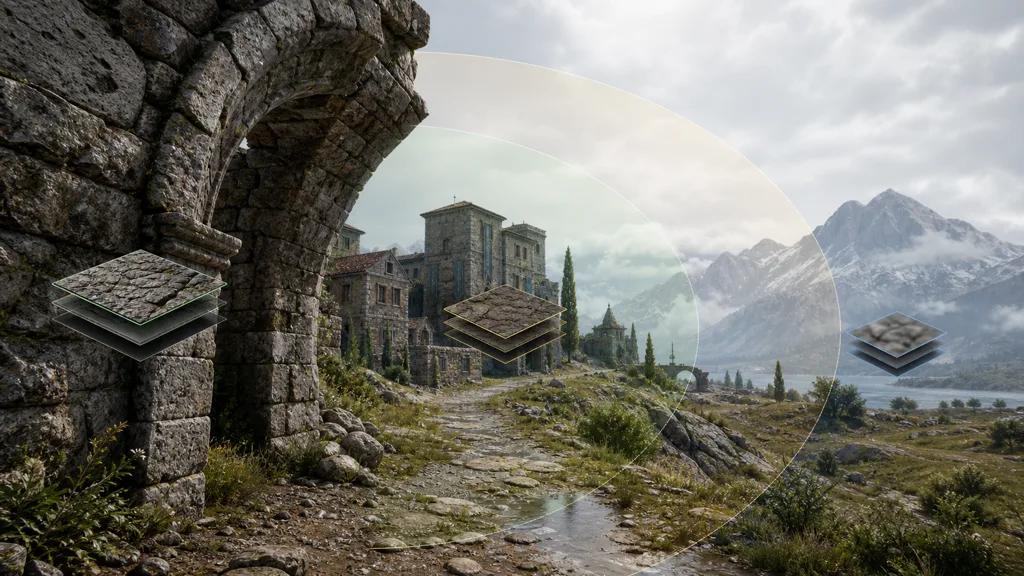
A texture streaming budget is not the GPU memory printed on the box. Render targets, geometry, acceleration structures, buffers, shaders, operating-system reservation, and engine overhead all need space. Start from measured availability on the lowest supported device, reserve those consumers, then give streaming a pool that survives the heaviest representative scene.
Demand normally depends on projected screen size, UV scale, camera distance, visibility, and a quality bias. A close wall with densely tiled UVs may want a larger mip than a whole distant building. Split-screen, reflection captures, scene captures, and multiple cameras can increase demand because the streamer must satisfy more than the main view.
Use priority for product decisions, not panic:
- Hero characters, readable signs, and interaction targets may deserve a modest positive bias.
- Background clutter and surfaces hidden by effects can tolerate less resident detail.
- UI, lookup textures, and tiny exact-data assets often belong outside ordinary world streaming.
- Large lightmaps and terrain layers need explicit tests because they can dominate the pool quietly.
If everything is marked high priority, the setting becomes decorative. The pool remains finite; it merely runs out with stronger opinions.
Set up texture streaming as a measured pipeline
- Keep full-quality masters. Preserve clean PBR sources and let the build create platform formats and mip chains.
- Generate role-aware mips. Validate normal vectors, alpha coverage, packed masks, borders, and color-space filtering.
- Measure the target budget. Profile non-texture GPU consumers before setting the pool.
- Enable streaming by asset class. Start with large world, prop, character, terrain, and lightmap textures; document exclusions.
- Set few priorities. Reserve overrides for assets with a visible gameplay or presentation reason.
- Exercise hard camera paths. Test teleports, cuts, fast turns, vehicles, dense rooms, and transitions from menus or loading screens.
- Inspect the packaged build. Record wanted, resident, missing, and non-streaming memory on real target hardware.
A controlled test scene should include large and small textures, tiling and unique UVs, base color, normals, roughness, masks, foliage alpha, and at least one rapid viewpoint change. Change one budget or priority variable at a time. Otherwise the profiler becomes a witness to several simultaneous crimes and identifies none of them.
Fix texture pop-in, persistent blur, and pool pressure
| Symptom | Likely cause | Next test |
|---|---|---|
| Texture stays blurry | Pool pressure, low priority, import cap, or bad bounds | Compare wanted and resident mips; inspect max size and streaming data |
| Sharpens after a pause | Storage or upload cannot satisfy demand fast enough | Preload the destination and limit competing requests |
| Flips between two levels | Demand sits on a threshold or the budget thrashes | Add hysteresis or stabilize camera and pool headroom |
| Pool always over budget | Too many high priorities or non-streaming textures | Audit exceptions and measure the worst view |
| Distant material sparkles | Bad mip filtering, not slow streaming | Inspect the mip chain for normals and roughness |
| One mesh requests huge mips | Wrong bounds, UV density, or material scale data | Use engine accuracy visualizations and rebuild data |
Fast travel and camera cuts need anticipation. Request destination mips during a transition, loading screen, fade, or approach volume, then release the override after the normal streamer catches up. Permanently forcing the largest mip fixes pop-in by converting a scheduling problem into a memory problem.
Keep PBR map families at compatible resident detail
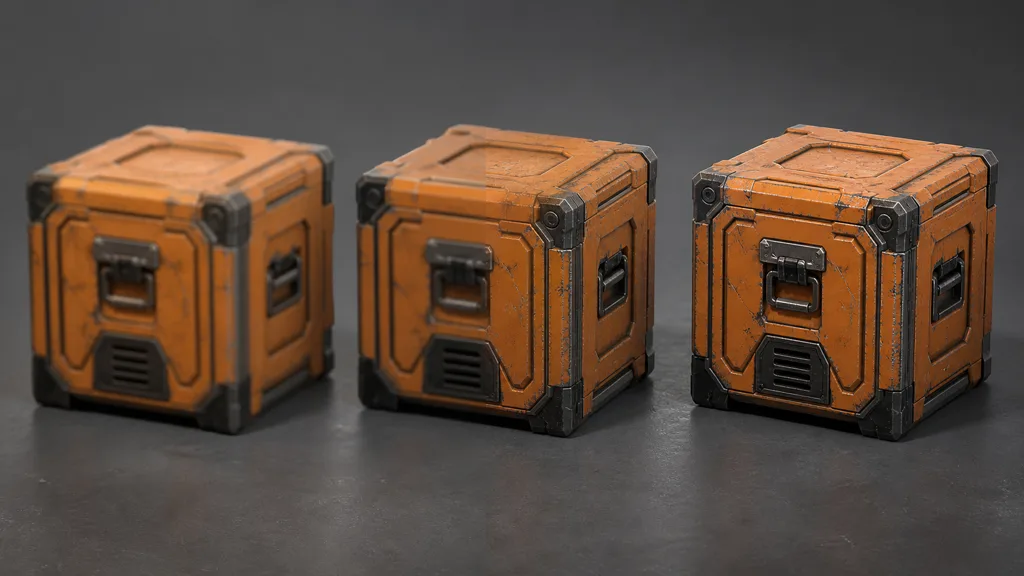
A PBR material is a coordinated set. If base color reaches a sharp mip while its normal and roughness remain soft, the surface may look freshly repainted or oddly flat during the transition. Engines can stream assets independently, so verify the material response under moving light rather than judging one channel in an image viewer.
- Use aligned dimensions and a consistent UV layout for maps representing the same surface.
- Keep material groups close in priority unless a channel has a deliberate lower resolution.
- Inspect packed ORM or mask textures because one delayed asset may affect several shader controls.
- Test decals, detail normals, macro variation, and tileable layers together; they may hide or exaggerate a transition.
- Validate under grazing light, motion, and temporal upscaling, where unstable roughness and normals become obvious.
The goal is perceptual continuity, not identical mip numbers for every file. A low-frequency metalness map may remain convincing at a lower resolution than a normal map. Spend bandwidth according to visible signal.
Verify texture streaming in Unity and Unreal Engine
For texture streaming in Unity, enable Mipmap Streaming in the relevant Quality settings and enable Mip Streaming on appropriate texture imports. Set the memory budget for each quality tier, then inspect current, desired, target, total, and non-streaming texture memory in a player build. Unity 6 exposes the import switch through TextureImporter.streamingMipmaps; camera cuts can use controlled mip requests or a Streaming Controller rather than waiting for ordinary demand.
For texture streaming in Unreal Engine, build texture streaming data, run representative viewpoints, and inspect pool and residency metrics. Unreal’s texture streaming overview describes how the streamer computes ideal resolution, fits it to the pool, prioritizes updates, and generates load or unload requests. Accuracy view modes help find incorrect primitive bounds, UV density, or material scale rather than masking those errors with a larger pool.
For both engines:
- Profile a packaged build because editor memory and I/O behavior distort the result.
- Capture a slow walkthrough, fastest supported traversal, teleport, and 180-degree turn.
- Record pool occupancy, wanted resolution, missing mips, upload activity, and visible transition time.
- Repeat on the lowest memory and slowest storage tier you actually support.
Use virtual texturing only when page-level demand earns it
Traditional texture streaming generally moves whole mip levels. A very large texture may therefore load a great deal of off-screen data just to sharpen one visible region. Virtual texturing divides mip levels into pages and requests only visible regions, which suits huge landscapes, UDIM-like sets, dense scans, or surfaces with sparse screen coverage.
The trade is a more complex cache and sampling path, page borders, feedback latency, platform limits, and extra debugging. Unreal’s Streaming Virtual Texturing documentation explicitly distinguishes page-based demand from conventional whole-mip streaming. Use it because measured whole-mip waste is significant, not because the word virtual sounds as though memory has stopped being real.
FAQ
What is texture streaming in games?
Texture streaming loads and removes mipmap levels as the camera, visibility, and memory budget change. It keeps a usable low-resolution version resident, then requests sharper mips for surfaces that need more screen detail.
Does texture streaming improve FPS?
Texture streaming primarily reduces texture memory pressure and upload spikes rather than making every frame faster. It can improve frame stability when VRAM oversubscription or synchronous texture loading is the bottleneck, but the result must be profiled on target hardware.
Why are my textures blurry in game?
The streamer may be holding lower mips because the pool is full, streaming data is inaccurate, the texture has a low priority, or the camera moved faster than storage could supply the request. Also check import max size, mip bias, compression, UV density, and whether the full-resolution source was included in the build.
What causes texture pop-in?
Texture pop-in appears when a sharper mip becomes visible after the object is already on screen. Fast camera cuts, insufficient prefetch time, a small streaming pool, slow storage, too many simultaneous requests, and unstable mip selection can all cause it.
How much VRAM should the texture streaming pool use?
Set the pool from the target device budget after reserving memory for render targets, geometry, buffers, shaders, operating-system overhead, and other GPU consumers. Measure representative worst-case scenes; a pool that fits an empty level is merely optimistic bookkeeping.
Should every texture use mipmap streaming?
No. Large world surfaces, props, characters, and lightmaps are common candidates, while UI, lookup tables, tiny textures, and assets requiring exact immediate resolution may need different handling. Each exception should be intentional and measured.
What is the difference between texture streaming and virtual texturing?
Traditional texture streaming usually moves whole mip levels for a texture. Virtual texturing divides those levels into smaller pages and loads only requested regions, which helps very large or sparse textures but adds page-table, cache, authoring, and platform costs.
Try CraftPBR
CraftPBR creates the coherent source material set that enters a texture streaming workflow:
- Text-to-PBR generates aligned maps from a physical surface description.
- Photo-to-PBR converts a controlled photo into coordinated base color, normal, roughness, height, AO, and metalness.
- Node workspace keeps tiling, masks, levels, layers, and material variations editable before runtime optimization.
- Engine export prepares clear map roles, normal orientation, color/data handling, and packed channels for common destinations.
- Free tier lets you build and test a full PBR set before assigning final mip and memory budgets.
- CC0 output lets you modify, compress, stream, render, and ship generated materials without attribution.
Create a PBR material for your next streamed scene →
Keep the pixels the camera can defend. Let the rest wait offstage.