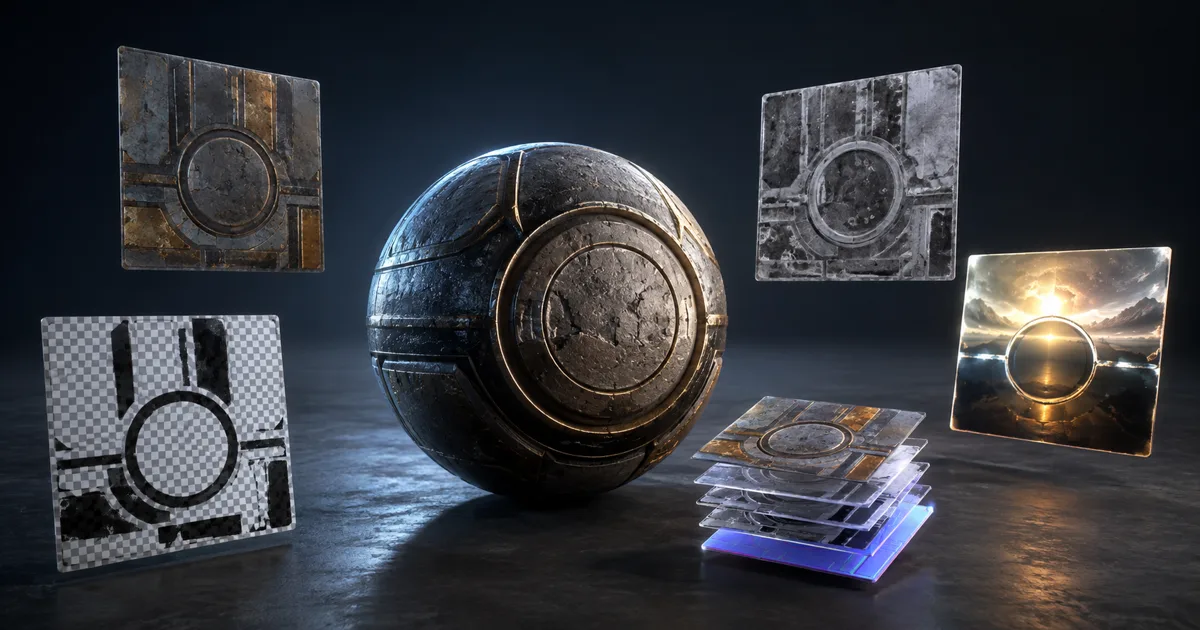
Texture file formats for games are easy to reduce to PNG versus TGA, then oddly hard to get right in production. The extension on disk must preserve the authored channels, precision, alpha, and dynamic range. The texture sampled by the GPU must satisfy a different problem: fast access, predictable memory, mipmaps, and support on the shipping device.
Those are two files with two jobs. A lossless source master can be large and editor-friendly. The imported runtime asset can be block-compressed, platform-specific, and impossible to edit pleasantly. Asking one format to be both is how a 46 MB sky texture and a crunchy normal map end up in the same build review.
This guide compares game texture formats by what the pixels mean, not by which extension won the last studio argument.
Texture file formats for games have three separate layers
A reliable pipeline names three layers. The texture source format is the artist-facing file checked into source control or exported from the authoring tool. The engine asset is an imported, processed representation with metadata such as color space and normal-map type. The texture runtime format is what the shipped build stores or uploads for a specific GPU.
PNG, TGA, TIFF, PSD, and OpenEXR are commonly source formats. BC, ASTC, ETC2, and platform-specific variants are runtime pixel formats. DDS and KTX2 are containers that can carry prepared GPU data, mip chains, arrays, or cubemaps. A container is not one compression algorithm, just as a shipping crate is not one kind of cargo.
This distinction explains why source file size does not predict VRAM. PNG compresses bytes on disk but is normally decoded before GPU sampling. A visually simple 4K PNG may be tiny in Git and still occupy the full imported allocation if the engine leaves it uncompressed. Review the built asset, not the optimism of File Explorer.
Choose by color, data, alpha, and dynamic range
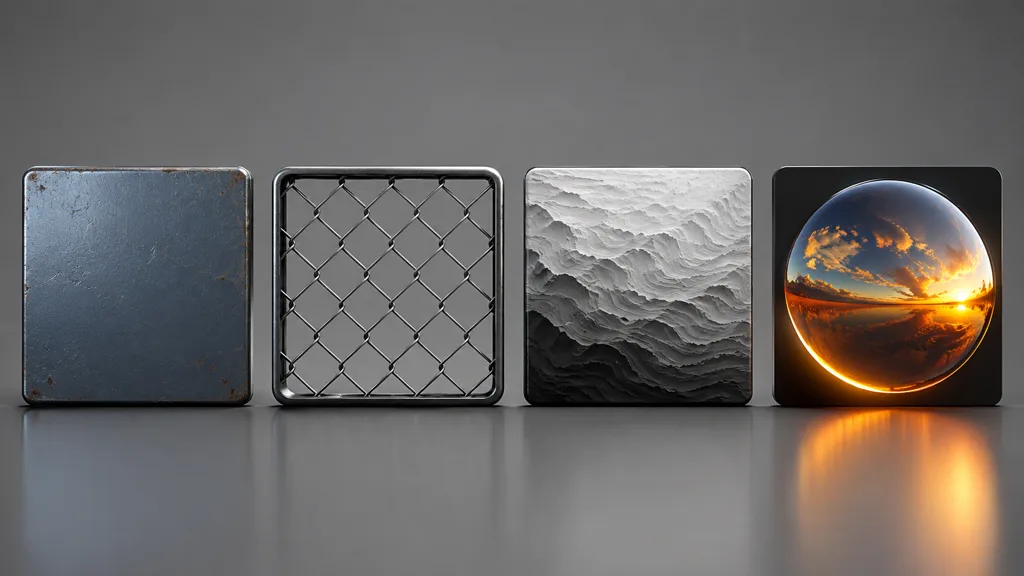
Classify the payload before selecting the extension:
- Base color: lossless RGB or RGBA, normally interpreted as sRGB.
- Normal, roughness, metalness, AO, and masks: numeric data, normally imported as linear; avoid source compression that bends values.
- Cutout or transparency: requires a deliberate game texture alpha channel, straight or premultiplied according to the consumer.
- Height and displacement: may need 16-bit integer or float precision when smooth gradients matter.
- Environment and lighting maps: need HDR range, often half-float OpenEXR.
Texture bit depth for games should follow error tolerance. Eight bits per channel gives 256 stored steps before later processing. That is plenty for many color and mask sources, but broad height ramps can band after levels, resampling, and compression. Use 16-bit or float where repeated transforms or HDR values justify it. Precision without a purpose only makes the repository lift heavier boxes.
PNG vs TGA for textures is mostly a pipeline decision
For PNG vs TGA for textures, both can preserve common 8-bit RGB or RGBA values without JPEG damage. PNG usually produces smaller source files through lossless compression. TGA is simple, widely understood by DCC and engine tools, and familiar in pipelines that rely on an explicit alpha channel.
Neither extension makes a texture more physically based. Check what the exporter writes and what the importer reads: bit depth, alpha, orientation, color profile, grayscale handling, and channel order. Open the imported channels separately. A file that looks correct in a paint app can still arrive with discarded alpha or an unintended sRGB flag.
Keep PSD or layered application files as editable working documents when useful, but publish flattened interchange masters for automated builds. Source-control diffs cannot explain which hidden adjustment layer changed, and build workers have little patience for plugin-dependent documents.
JPEG is the risky shortcut. It is designed for photographic color, not tangent vectors, hard masks, thin alpha edges, or height data. Its artifacts can survive the engine import and then receive a second round of block compression. Two compressors do not negotiate; they stack evidence.
Use OpenEXR when values exceed an ordinary image
OpenEXR game textures make sense for high dynamic range and high-precision intermediate data. Environment lighting can contain sun pixels far brighter than display white. Displacement, depth, or generated height data may need smooth half-float gradients. Blender describes OpenEXR as an industry-standard HDR format, and Epic lists EXR for HDR image import.
Choose channels and precision intentionally. Half-float RGBA is often enough for lighting work; full 32-bit float can be justified for calculations but is rarely the automatic answer. A scalar height source may need one channel, not four identical ones. Preserve the high-range master, then let the destination choose an appropriate runtime representation.
Do not use EXR for every PBR map because it sounds serious. Binary metal masks, ordinary roughness, and base color do not benefit automatically. More bits can preserve more mistakes with admirable fidelity.
DDS and KTX2 package runtime-oriented texture data
The DDS texture format can store 2D textures, cubemaps, arrays, volume textures, mip levels, and GPU block-compressed payloads. It is useful when a toolchain explicitly consumes prepared DirectX-oriented texture data or custom mipmaps. Import support is not identical across applications, so test the exact contents rather than treating .dds as a promise.
The KTX2 texture format is designed as an efficient graphics texture container. It can carry GPU formats, mip levels, arrays, cubemaps, metadata, and Basis Universal data. ETC1S or UASTC payloads can be transcoded on the destination into formats supported by desktop, mobile, or web hardware. KTX2 also supports per-level supercompression and small-mip-first streaming layouts.
Universal delivery is still a build policy, not a magic file. The target must support the chosen transcode path, alpha mode, color space, dimensions, and texture type. Keep the lossless authoring master. Generated DDS or KTX2 files are delivery artifacts unless your production tools can edit them without quietly changing the payload.
Build a source-to-runtime format workflow
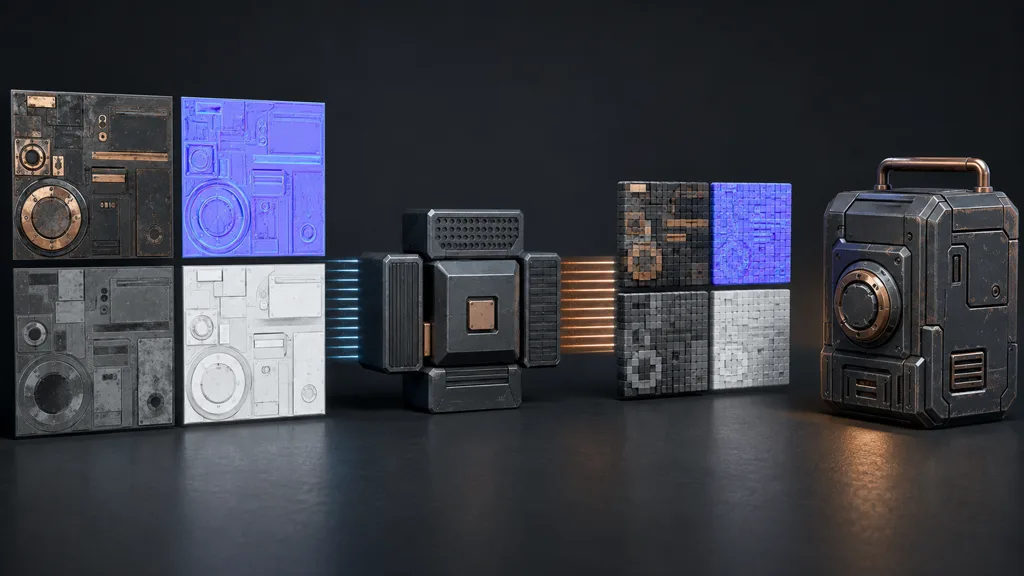
Use this workflow for the best image format for game textures without letting extensions make the decision:
- Classify the map. Record color, data, normal, alpha, height, HDR, cubemap, array, or volume intent.
- Choose precision. Keep only the channels and bit depth required for editing and transforms.
- Save a lossless master. Preserve alpha, range, and gradients before engine conversion.
- Declare import semantics. Set sRGB or linear, normal type, alpha use, wrap, mipmaps, and channel packing.
- Build per platform. Generate supported runtime compression and containers for each quality tier.
- Inspect the import. View channels, lower mips, memory size, and artifacts inside the engine.
- Test the material. Move light and camera on target hardware; check alpha edges, normal stability, and gradients.
- Record the contract. Store source extension, bit depth, exporter, importer preset, and exception owner.
Automate the clerical parts. A validation script can reject JPEG normals, missing alpha, inconsistent dimensions, accidental 32-bit-float masks, or files whose name disagrees with their import preset. Human review still decides whether the values describe a believable material.
Texture formats in Unity, Unreal Engine, and Godot
For texture formats Unity, separate source import from runtime TextureFormat. Unity exposes platform formats including BC, ETC, ASTC, and float variants, and notes that hardware support differs. Use per-platform overrides and inspect the built texture rather than assuming the desktop result represents mobile.
For texture formats Unreal Engine, Epic's current texture documentation lists PNG, TGA, PSD, DDS, EXR, TIFF, JPEG, and other supported imports. Power-of-two dimensions are the dependable path for mip generation and streaming. Import source files, then verify compression settings, sRGB, alpha, texture group, and the resource size shown by Unreal.
Godot's image import documentation distinguishes PNG, TGA, WebP, DDS, KTX, EXR, HDR, and internal compression modes. Its docs note that PNG imports are limited to 8 bits per channel, EXR is suitable for HDR, and Basis Universal does not support floating-point input. This is why a format matrix must name the engine version and the payload, not only the suffix.
Blender can author and preview many of these files, but the game engine owns the final import semantics. A render that looks correct in the DCC does not prove that the build used the same transfer function, alpha interpretation, or normal convention.
Validate the shipped result, not the source thumbnail
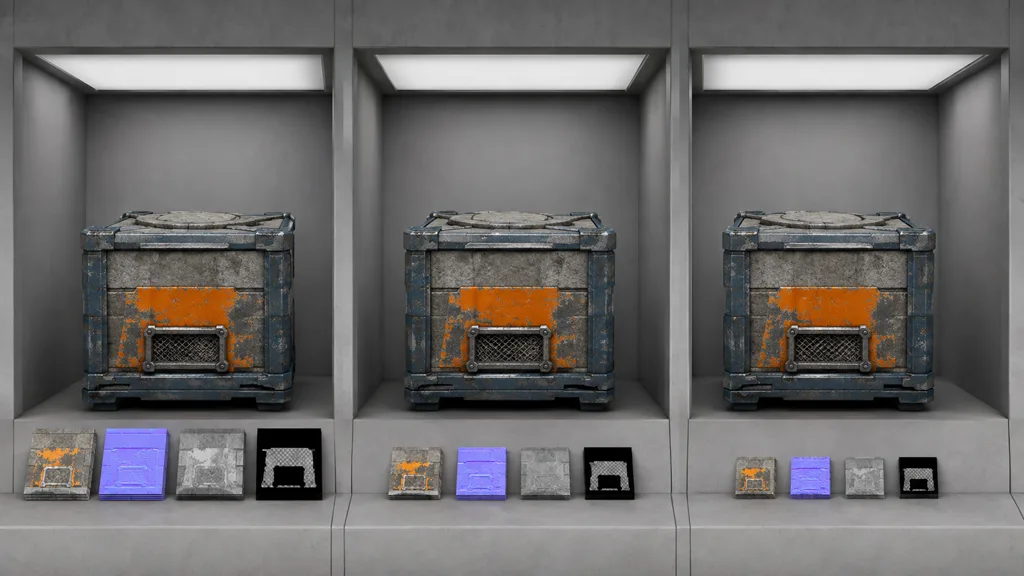
The best game texture format 2026 is the smallest supported representation that preserves the approved result. Compare imported base color, each data channel, alpha coverage, normal direction, HDR highlights, and lower mip levels. Record runtime memory and download size separately; improving one can worsen the other.
Test desktop, mobile, console, and web outputs as separate products. A KTX2 transcode, ASTC build, and BC build may begin from the same PNG or EXR master and still differ at thin masks, smooth gradients, and high-frequency normals. The texture compression guide covers choosing the block format; the texture filtering guide covers what happens when those texels shrink on screen.
Keep a tiny reference set in continuous integration: one opaque color texture, one alpha cutout, one normal, one smooth scalar ramp, and one HDR environment. When an engine upgrade or importer change alters them, the pipeline should fail loudly before a hundred materials become subtly educational.
Try CraftPBR
CraftPBR gives texture file formats for games coherent map data before the export matrix begins:
- Text-to-PBR generates aligned base color, normal, roughness, height, AO, and metalness from a material brief.
- Photo-to-PBR turns controlled surface photos into coordinated source maps.
- Node workspace lets you inspect and refine channels before flattening delivery files.
- Engine export prepares normal orientation, channel packing, color-space intent, and useful filenames.
- Free tier lets you test a complete map set and import preset before committing a pipeline.
- CC0 output lets you convert, compress, transcode, edit, and ship generated textures without attribution.
Keep one clean master. Make every shipping format prove itself.
Generate a game-ready PBR map set →