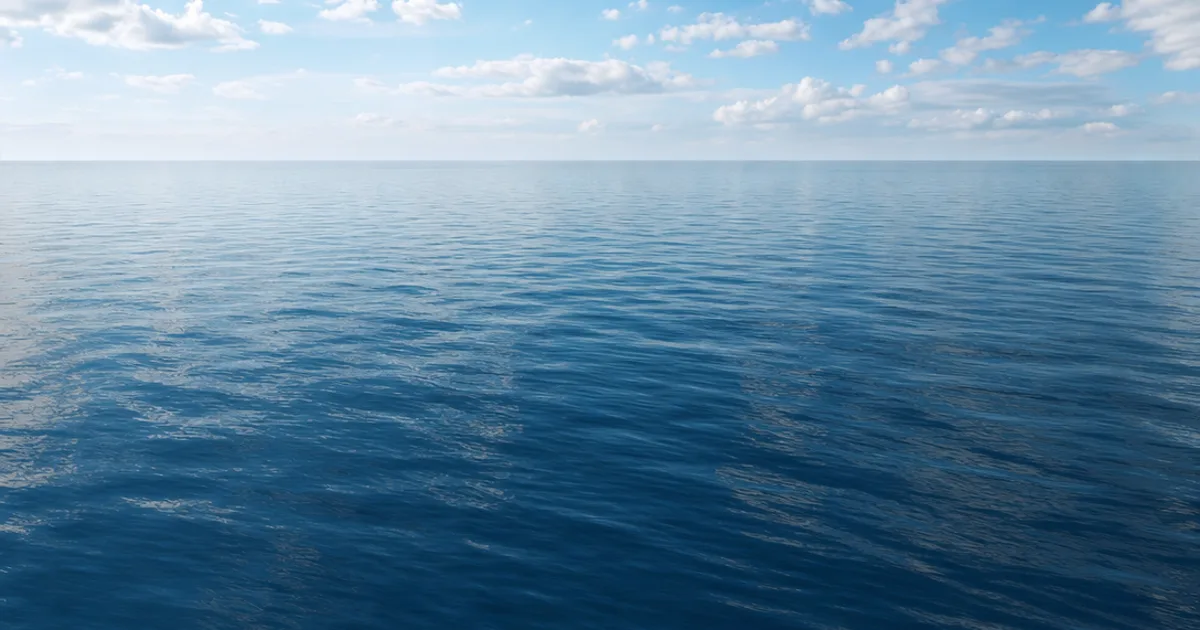
You know that feeling when your lake or ocean looks like a sheet of blue plastic? Water is the trickiest common surface because it’s barely a texture at all — it’s mostly reflection, refraction, and motion. A seamless water texture gives the shader its foundation: a tileable normal map of ripples that wraps cleanly and flows without an obvious grid.
Water leans far more on the shader than on a colour map, but it still starts with a seamless, tileable normal. This guide covers what makes water seamless, why it goes plastic, and how to get a proper water set.
Why water is mostly a shader, not a texture
Most materials are defined by their colour and surface maps. Water is defined by what it does to light: it reflects the sky, refracts what’s below, and its colour comes from depth, not a painted albedo. So a water material is mostly a shader — reflection, refraction, transparency, depth-based colour, foam — built on top of one crucial texture: a tileable normal map of ripples that bends the reflection convincingly.
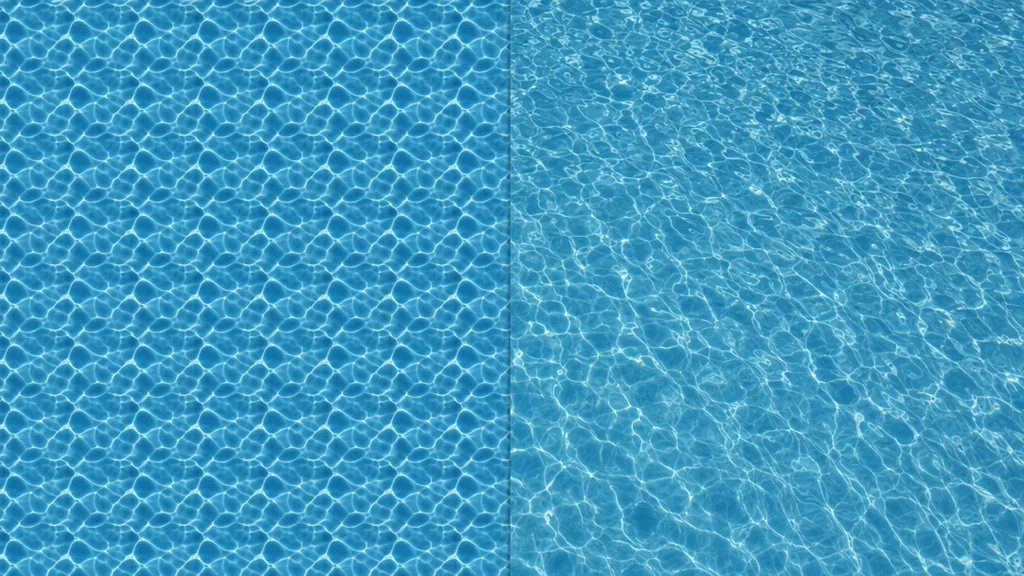
Why water looks like blue plastic (and how to fix it)
- Solid blue albedo. Water’s colour comes from depth and what’s below, not a painted blue. A flat blue base reads as plastic.
- No normal ripples. Without a tileable normal map the surface is mirror-flat and dead.
- Roughness too high. Water is near-mirror; a high roughness blurs the reflection into milk.
- No movement. Still water looks frozen. Real water scrolls its normals so the ripples drift.
- No reflection to catch. Water with nothing to reflect — no sky, no probe — looks black and dead.
The fix is a tileable normal map, very low roughness, high reflectivity, transparency with depth-based colour, and scrolling animation — handled in the shader, founded on the seamless normal.
The maps a water material needs
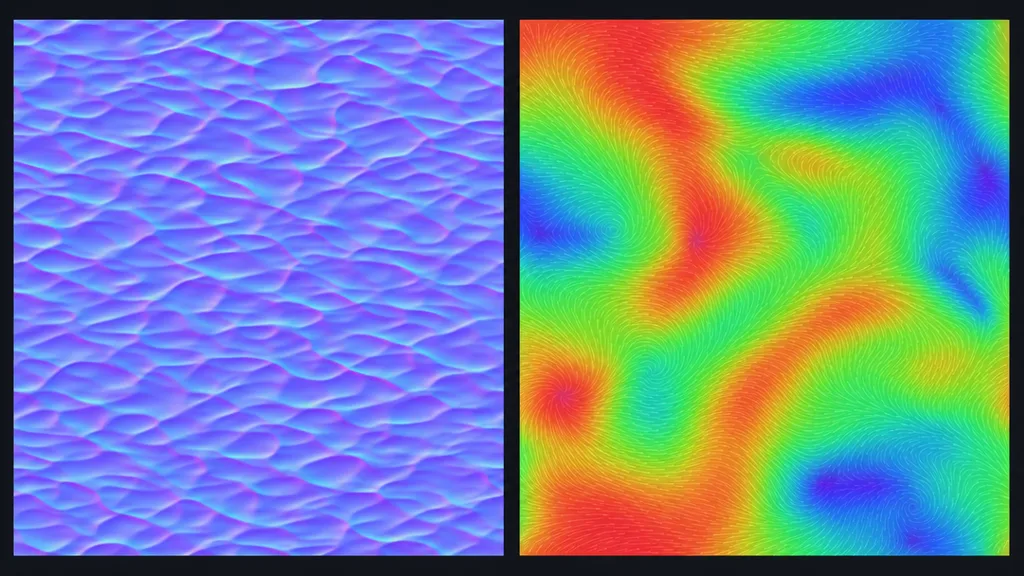
- Normal (tileable) — the ripples; the single most important map. (See what a normal map is.)
- Roughness — very low and slightly varied, for sharp reflections with a little break-up. (See what a roughness map is.)
- Colour / tint — subtle; most of the colour comes from depth in the shader.
- Foam, flow, caustics — masks and maps the shader uses for surf, direction, and underwater light.
Animating water: scroll the normals
Still water looks frozen, so water shaders scroll the normal map over time — almost always two copies at different speeds and directions, blended, so the ripples never look like they repeat. The colour and roughness usually stay put; only the normals move. For rivers, a flow map steers that scrolling so water rushes around rocks and down channels instead of sliding sideways.
Three ways to get a seamless water texture
1. Derive a tileable normal from a photo
Take a top-down water-ripple photo, offset it by half (Photoshop: Filter › Other › Offset, wrap-around), heal the seam, and convert it to a tileable normal map. Keep the colour map subtle. Free, and a good base for a custom water shader.
2. Download a CC0 set
Poly Haven, ambientCG, and similar libraries give you ready-made seamless water normal maps and materials under CC0. Fast, with one limit: you get the wave scale that exists. Calm-versus-choppy or a specific ripple size may not be in the catalogue.
3. Generate it from a prompt
Describe the water — “calm lake with fine ripples” — and let AI build a tileable, normal-led set already wrapped. CraftPBR generates the surface and derives a matching normal and roughness, made seamless together, ready to drop into a water shader. You get the exact ripple scale you described, in about a minute — the same text to texture workflow, pointed at water.
Killing the grid: break up the repetition
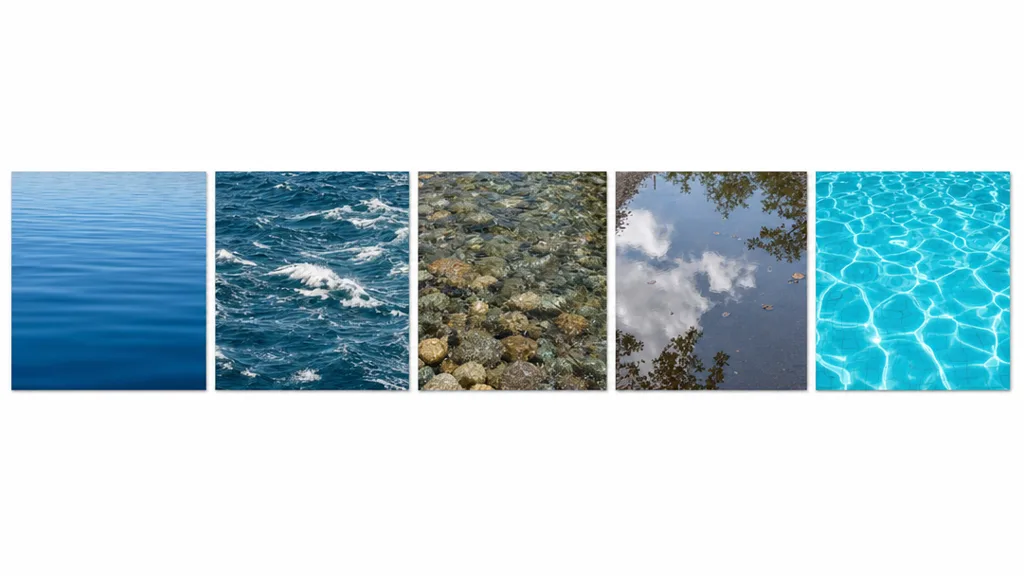
- Blend two scrolling normals at different scales, speeds, and directions so no single ripple pattern repeats.
- Add a large-scale wave normal on top of the fine ripples for ocean swell.
- Use a flow map so direction varies across the surface instead of uniform sliding.
- Vary roughness subtly so the reflection isn’t perfectly uniform.
For the full anti-repetition toolkit across every material, the seamless tileable textures guide goes deep.
Seamless water in Unity, Unreal, Blender, and Godot
- Unity — most use a water shader (HDRP Water, or assets) fed a tileable normal; import normals as linear, OpenGL convention, with scrolling UVs.
- Unreal — the Water plugin or a custom material with scrolling normals, reflection, and refraction; Unreal expects DirectX normals — flip green if authored OpenGL.
- Blender — a Principled BSDF with high transmission, low roughness, and a scrolling normal via mapping nodes; OpenGL normals.
- Godot — a custom shader or a water asset with a tileable normal and time-scrolled UVs; OpenGL normals.
Key takeaways
- Water is mostly a shader — reflection, refraction, depth colour — built on one tileable normal map
- The “blue plastic” look is a solid albedo, no ripples, high roughness, and no movement
- Water’s colour should come from depth in the shader, not a painted blue base
- Animate by scrolling two blended normal copies; use a flow map for rivers
- Keep roughness very low for sharp reflections, and give the water something to reflect
- The tileable normal imports into any engine — mind the OpenGL/DirectX convention