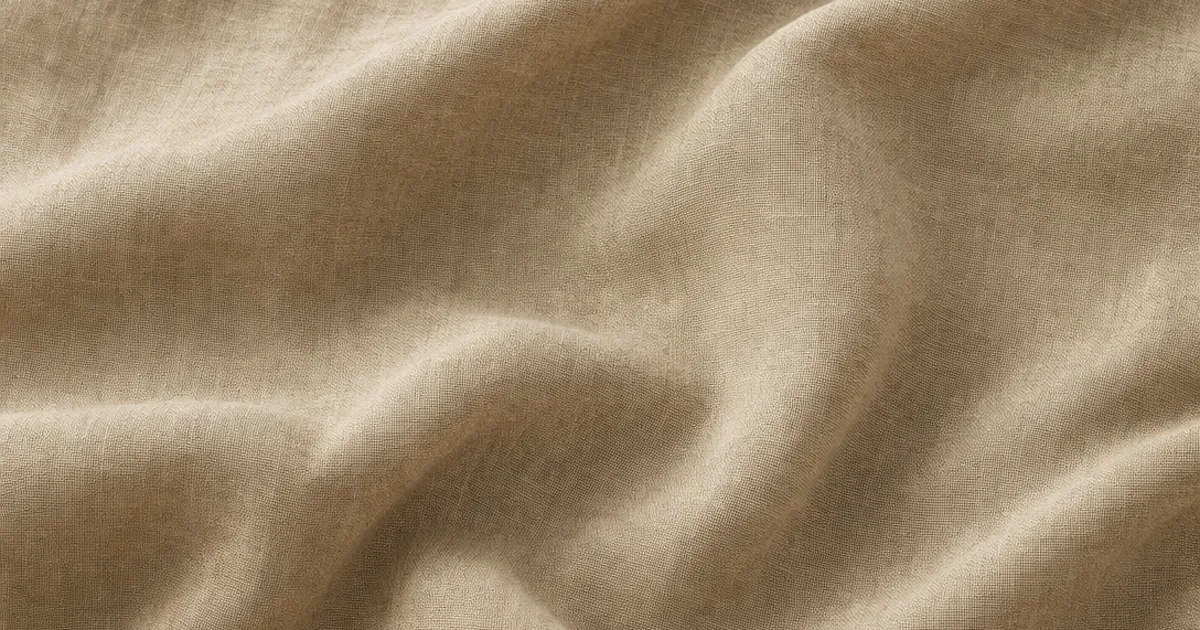
You know that feeling when your character’s shirt or that sofa looks more like painted cardboard than actual cloth? A seamless fabric texture fixes the tiling — but fabric has a second problem: it has to look woven. Get the weave relief and the sheen right and a single 2K tile covers an entire curtain and reads as real textile.
Fabric is deceptively hard. It has a regular weave grid that fights tiling the same way brick’s bond does, plus a soft sheen most textures don’t. This guide covers what makes cloth seamless, why it goes flat, and three ways to get a proper PBR fabric set.
What makes a fabric texture seamless?
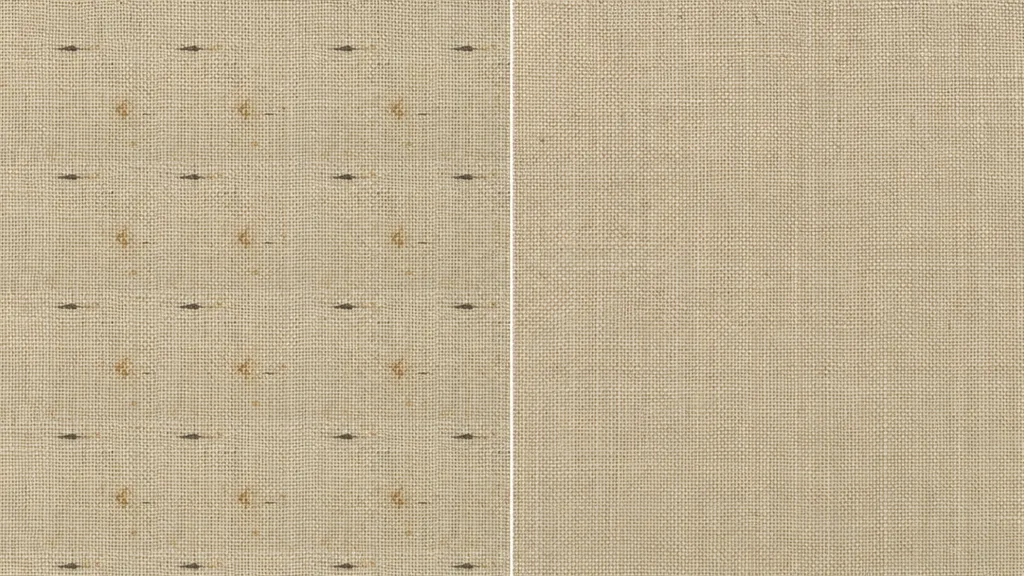
A texture is seamless when its opposite edges match — right continues into left, top into bottom. For fabric the catch is the weave: it’s a regular thread grid, so the pattern has to continue unbroken across the wrap, and no standout slub, stain, or pull can repeat. A proper tileable fabric texture is a full PBR set where every map wraps together — base colour, normal, roughness, and AO — or the seam shows in the weave even when the colour tiles fine.
Why fabric looks flat (and how to fix it)
Most fake-looking cloth is technically seamless. It wraps fine. The problem is it has no body. Here’s what kills it:
- No weave relief. Fabric is bumpy thread, not a flat sheet. Without a normal map the surface is dead.
- Flat roughness. Silk is glossy, wool is matte, denim sits between. One constant value flattens the difference.
- No sheen. Cloth has a soft glow at grazing angles — the fuzz catching light. Without it, fabric looks like plastic.
- No AO. Without shadow nestled between threads and in the folds, the weave loses depth.
The fix is a full PBR set plus the right shading model: a normal map for the weave, varied roughness, an AO map for the thread shadow, and your engine’s cloth/sheen shader for the glow.
The maps fabric needs most
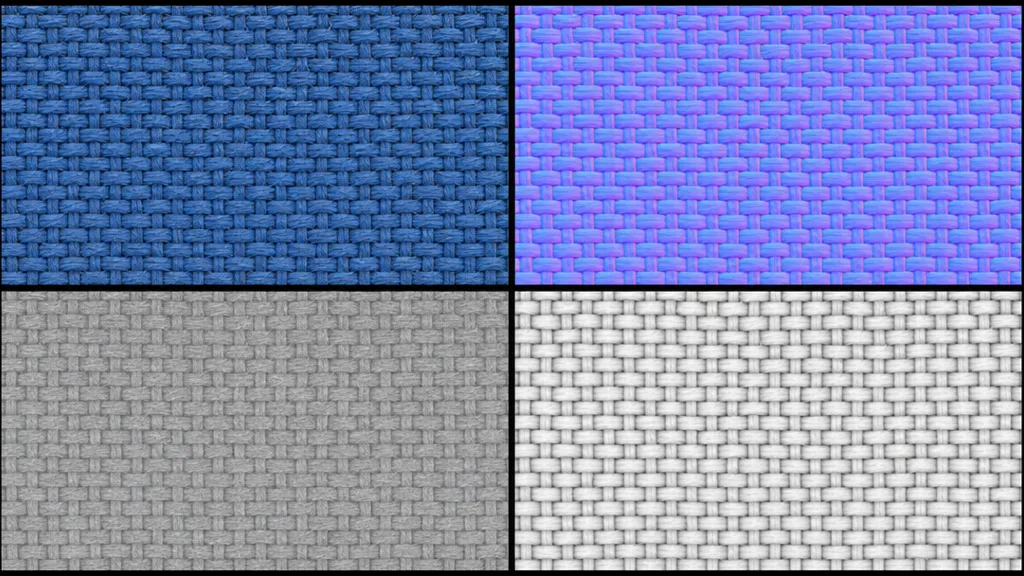
- Base colour (albedo) — the cloth colour and any pattern, lighting removed.
- Normal — the woven thread relief, faked without geometry. This is what makes fabric look soft and bumpy. (New to these? See what a normal map is.)
- Roughness — the sheen: glossy silk to matte felt. Carries most of fabric’s character. (See what a roughness map is.)
- Ambient occlusion — the shadow between threads and in the folds, for depth.
Three ways to get a seamless fabric texture
1. Heal a photo by hand
Take a flat-on fabric photo, offset it by a whole number of weave repeats (not half — that breaks the thread grid), and heal the seam. Then paint out any standout slub, stain, or pull that would repeat. Free, fiddly, and you still derive the normal, roughness, and AO maps separately.
2. Download a CC0 set
Poly Haven, ambientCG, and similar libraries give you ready-made seamless fabric with full PBR maps under CC0. Fast and high quality, with one limit: you get the cloth that exists. A specific weave, colour, or print may not be in the catalogue.
3. Generate it from a prompt
Describe the fabric — “quilted navy velvet” — and let AI build a tileable PBR set already wrapped. CraftPBR generates the base colour and derives a matching normal, roughness, and AO, then makes the set seamless together while keeping the weave aligned. You get the exact fabric you described, in about a minute — the same text to texture workflow, pointed at cloth.
Killing the grid: break up the repetition
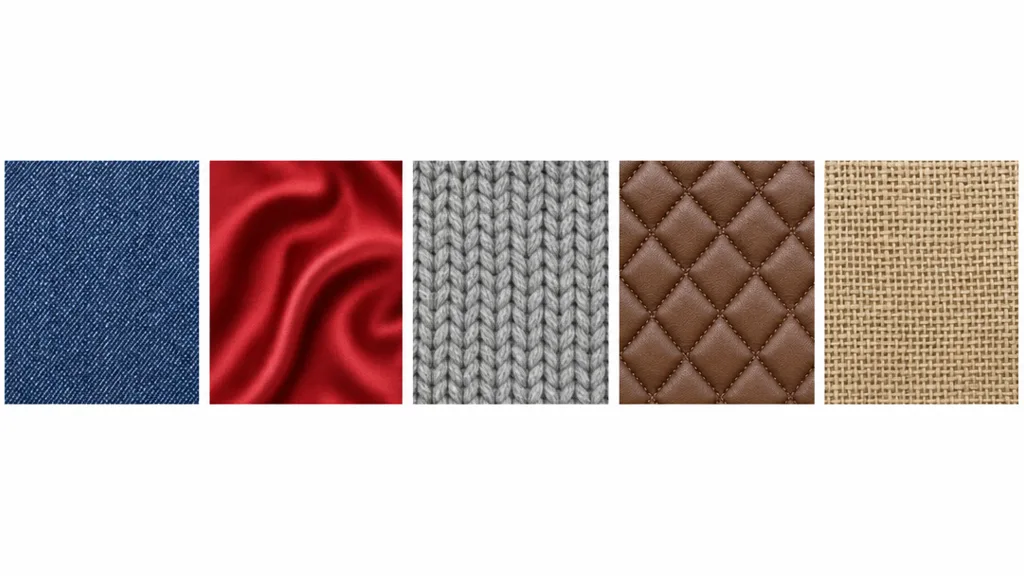
Even a perfect seamless fabric texture repeats across a surface bigger than the tile. The standard tricks:
- Add a macro variation map — large, faint noise that drifts whole regions lighter and darker, like wear and fading.
- Blend a dirt or wear decal layer — stains, fades, frayed patches placed by hand, not on a tiling grid.
- Vary UV scale per object so the weave doesn’t line up across garments.
- Let folds do the work — draped cloth geometry hides tiling naturally because the surface curves.
For the full anti-repetition toolkit across every material, the seamless tileable textures guide goes deep.
Seamless fabric texture in Unity, Unreal, Blender, and Godot
- Unity — Wrap Mode Repeat, base colour sRGB, normal/roughness/AO as linear (Non-Color). HDRP has a dedicated Fabric shading model with sheen.
- Unreal — drop the maps into a Material, use the Cloth shading model for sheen, and remember Unreal expects DirectX normals — flip the green channel if yours are OpenGL.
- Blender — Image Texture nodes set to Repeat, base colour sRGB and the rest Non-Color; add a Sheen value on the Principled BSDF for the cloth glow. Blender uses OpenGL normals.
- Godot — assign the maps in a StandardMaterial3D, enable the rim/backlight for sheen, set UV1 scale to tile. Godot uses OpenGL normals like Blender.
Key takeaways
- Fabric has a regular weave grid that fights tiling — offset by whole weave repeats, never half
- The “flat cloth” look is missing weave relief, flat roughness, and no sheen, not a bad photo
- Every PBR map has to tile together — colour, normal, roughness, AO
- The weave lives in the normal map; the sheen lives in the roughness plus a cloth/sheen shader
- Break up repetition with macro variation, wear decals, UV variation, and draped folds
- It imports into any engine — use the cloth shading model and mind the OpenGL/DirectX normal convention