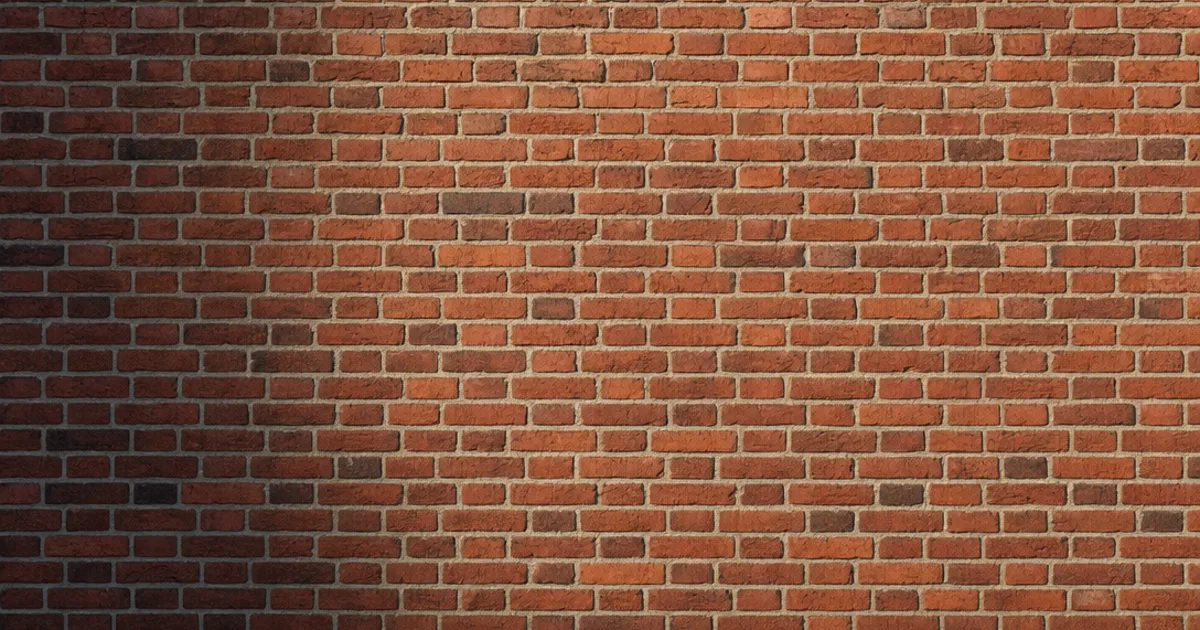
You know that feeling when you tile a brick wall and the same chipped brick shows up every two metres like a watermark? A seamless brick texture fixes that. It tiles in every direction with no edges and no repeating brick, so a single 2K tile can cover an entire building and still read as real masonry.
Brick is the sneaky-hard one, though. It already is a grid — the bond pattern — so any second, accidental repeat lands on top of an existing rhythm and screams. This guide covers what makes brick seamless, why it fights you harder than wood or concrete, and three ways to get a clean tileable set.
What makes a brick texture seamless?
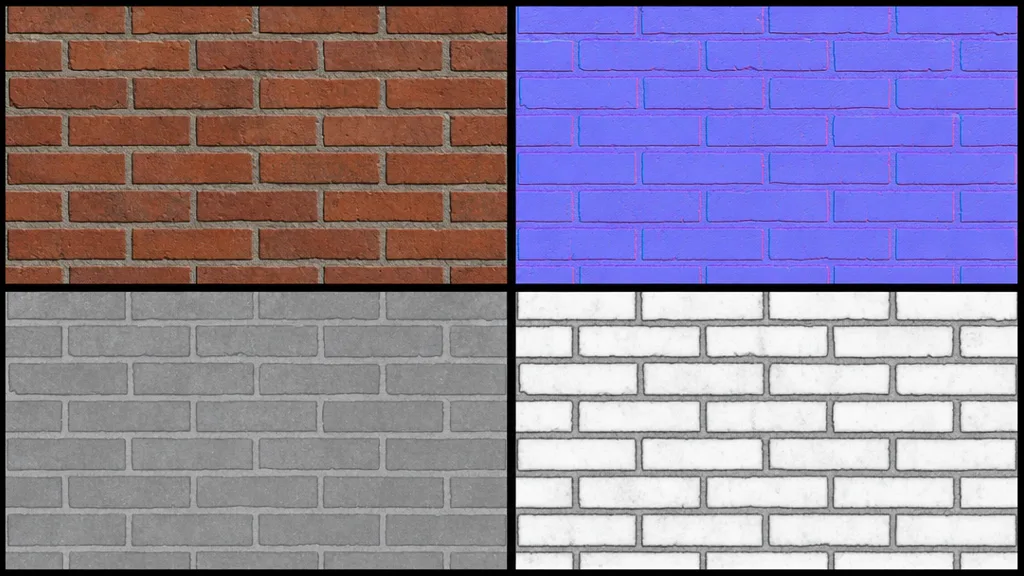
A texture is seamless when its opposite edges match — right continues into left, top into bottom. For brick that means three things at once: the mortar lines line up across the wrap, the running-bond offset continues unbroken, and no single distinctive brick repeats. A proper tileable brick texture is a full PBR set where every map wraps together — base colour, normal, roughness, and AO — or the seam shows in the mortar shadows even when the colour looks fine.
Why brick is the hardest material to tile
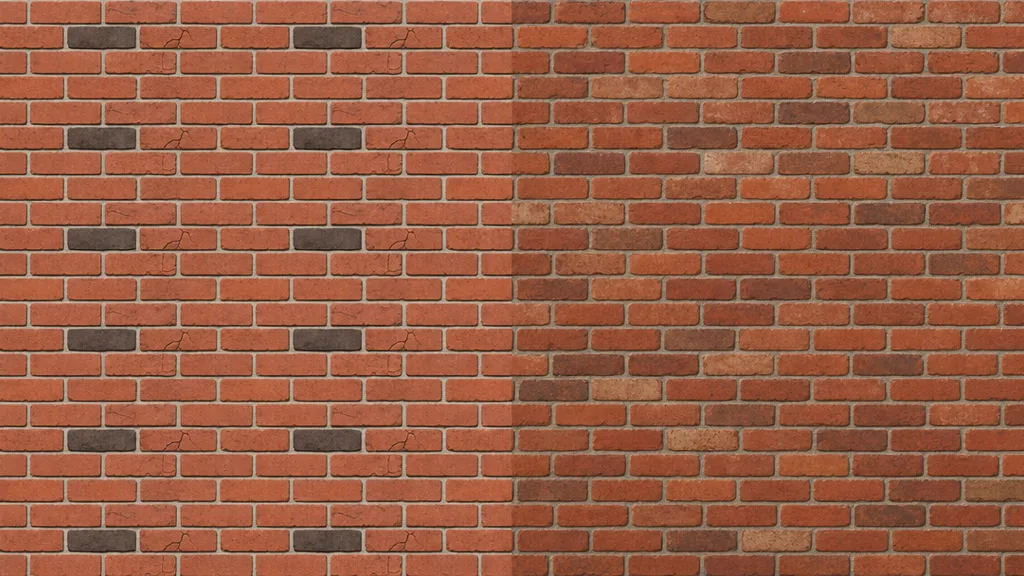
Wood and concrete are forgiving because their detail is semi-random. Brick isn’t — it has rules, and your eye knows them. Here’s what trips people up:
- The double grid. Brick already repeats by design. An accidental tiling repeat stacks on top of that rhythm and becomes glaring.
- Breaking the bond. Offset the image by half to seam-heal and you shift the running bond out of alignment — now the courses don’t stack right. You must offset by whole courses.
- The hero brick. One unusually dark, cracked, or painted brick is a fingerprint the eye tracks instantly across the wall.
- Flat mortar. Without deep normal and AO in the joints, brick looks like a printed photo glued to a flat plane.
The fix is to respect the bond while flattening the standouts: even out brick-to-brick colour so no one brick dominates, and make sure the mortar carries real depth in the normal and AO maps.
The maps brick needs most
- Base colour (albedo) — the brick and mortar tone, lighting removed. Wants gentle brick-to-brick variation, but no single hero brick.
- Normal — the deep mortar grooves and each brick’s bevel, faked without geometry. Brick lives on this map. (New to these? See what a normal map is.)
- Ambient occlusion — the shadow recessed in the mortar joints. The second half of what makes brick read as 3D.
- Roughness — brick is matte, mortar slightly different; a little variation keeps it from looking uniform.
Three ways to get a seamless brick texture
1. Heal a photo by hand
Take a flat-on brick photo, offset it by a whole number of courses (not half — that breaks the bond), and heal the mortar seam where the tiles meet. Then hunt down every standout brick — too dark, cracked, painted — and even it out. Free, fiddly, and you still derive the normal, roughness, and AO maps separately.
2. Download a CC0 set
Poly Haven, ambientCG, and similar libraries give you ready-made seamless brick with full PBR maps under CC0. Fast and high quality, with one limit: you get the brick that exists. A specific bond, colour, weathering, or paint job may not be in the catalogue.
3. Generate it from a prompt
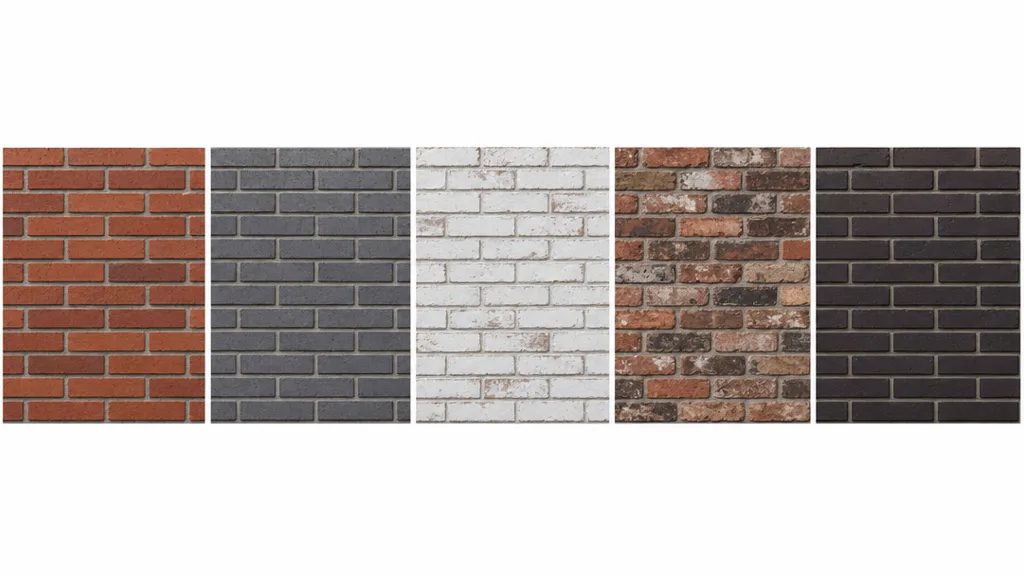
Describe the brick — “weathered London stock brick, lime mortar” — and let AI build a tileable PBR set already wrapped. CraftPBR generates the base colour and derives a matching normal, roughness, AO, and height, then makes the set seamless together while keeping the bond intact. You get the exact brick you described, in about a minute — the same text to texture workflow, pointed at masonry.
Killing the grid: break up the repetition
Even a perfect seamless brick texture repeats across a facade bigger than the tile. The standard tricks:
- Add a macro variation map — large, faint noise that drifts whole regions lighter and darker, like real weathering.
- Blend a second brick or decal layer — soot, efflorescence, paint patches placed by hand, not on a tiling grid.
- Vary UV scale and offset per wall so the bond doesn’t align between objects.
- Use a stochastic/hex-tiling node (Unreal, Blender) — though for brick, blend it carefully so the bond stays believable.
For the full anti-repetition toolkit across every material, the seamless tileable textures guide goes deep.
Seamless brick texture in Unity, Unreal, Blender, and Godot
- Unity — Wrap Mode Repeat, base colour sRGB, normal/roughness/AO as linear (Non-Color). Use Tiling on the material to scale the brick to the surface.
- Unreal — drop the maps into a Material, wire roughness and AO, and remember Unreal expects DirectX normals — flip the green channel if yours are OpenGL. Brick benefits from a parallax or height input for deep mortar.
- Blender — Image Texture nodes set to Repeat, base colour sRGB and the rest Non-Color, into a Principled BSDF. Blender uses OpenGL normals.
- Godot — assign the maps in a StandardMaterial3D, enable AO, set UV1 scale to tile. Godot uses OpenGL normals like Blender.
Key takeaways
- Brick is the hardest material to tile because it already has a grid — the bond — that any second repeat fights
- Offset by whole courses, never half, or you break the running bond
- One standout brick is the giveaway — flatten brick-to-brick variation so none dominates
- Mortar depth lives in the normal and AO maps; without them brick looks like a flat photo
- Break up repetition with macro variation, grime decals, and per-wall UV offset
- It imports into any engine — just mind the OpenGL/DirectX normal convention