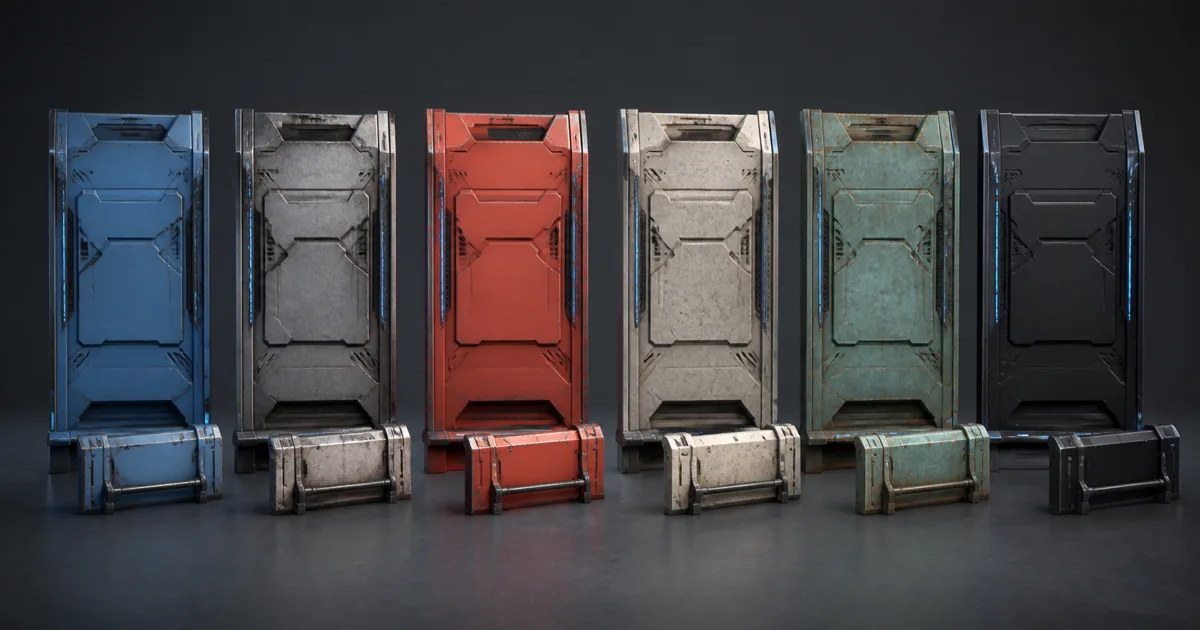
Material instances solve a library problem that looks harmless until the fiftieth prop. An artist duplicates a material to make the paint red, another copy adds dust, a third lowers roughness, and soon twelve nearly identical graphs disagree about normal strength. The checkbox has reproduced; nobody remembers its parent.
The better model separates shader structure from material data. One parent defines how surfaces are shaded. Each child stores only intentional overrides: textures, tint, roughness range, scale, wetness, or damage. Fix the shared math once and every compatible child inherits it.
This guide explains how do material instances work, where their limits belong, and how to keep a convenient material family from becoming a shader-permutation farm.
Material instances separate code from surface data
A shader graph is a program. It decides which texture channels are sampled, how normals are blended, which BRDF is used, and whether optional features exist. A material instance supplies data to that program while keeping its parent relationship explicit.
- Shader or parent graph: stable lighting model, map conventions, coordinate logic, and feature gates.
- Material family: defaults for one compatible class, such as opaque painted metal or tileable masonry.
- Material instances: asset-level texture sets and narrow art controls.
The hierarchy matters because a parent fix propagates. Correct a packed-mask channel, normal blend, or UV conversion in the shared graph and its children improve together. Duplicate graphs do not inherit anything; they merely look related on the day they are copied.
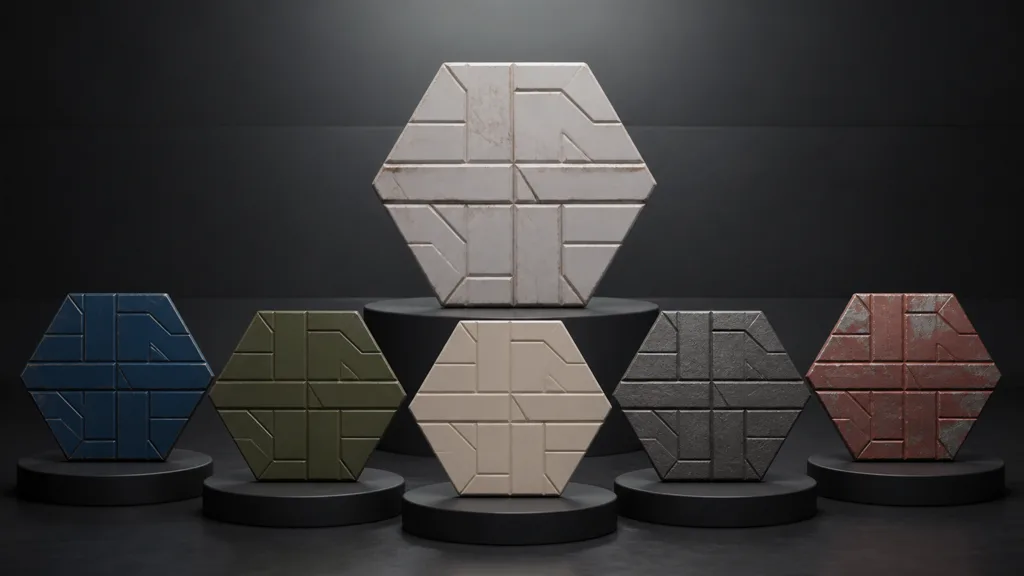
PBR material instances do not make different substances physically equivalent. Copper, plaster, clear-coated paint, skin, and glass may need different shading models. Instance only surfaces whose structural logic can honestly stay shared.
Material instance vs duplicate material: choose by structure
Use a material instance vs duplicate material test before adding a child: does the change require new shader logic, or only different data?
Good instance overrides include:
- base-color, normal, roughness, height, AO, and packed-mask textures;
- real-world texture scale and UV offset;
- restrained tint, roughness remap, normal intensity, or height range;
- wear, dust, moss, wetness, or decal amounts already designed into the parent;
- emissive color and intensity within an existing emissive path.
Create a separate parent when the surface needs a different blend mode, shading model, render queue, displacement method, tessellation policy, transmission path, or fundamentally different sampler layout. Those choices change compiled structure or render state. Hiding all of them behind switches can produce a universal graph that is technically reusable and emotionally unavailable.
Static switches deserve special caution. They can remove unused branches efficiently, but each used combination may create another shader variant. Six independent booleans allow 64 theoretical combinations. A few intentional families are easier to compile, cache, profile, and explain than one parent with every feature ever mentioned in chat.
Design parameterized materials as an artist-facing contract
Parameterized materials are interfaces. Expose a control only when an artist can predict its effect, its valid range, and whether it changes runtime structure.
Name parameters by purpose: MetersPerTile, CoatRoughness, DustAmount, and NormalStrength beat Scalar17. Group them by surface layer or task. Set defaults that render correctly when no child overrides anything. A fresh instance should be boring but valid, not a scavenger hunt for six required checkboxes.
Bound every scalar. Roughness multipliers that reach zero create sparkle; unbounded normal strength folds vectors; arbitrary tint can turn dielectric base color into emitted-looking paint. If a control repeatedly leaves the plausible range, the source texture or parent model needs work.
Treat texture slots as typed inputs. Base color expects sRGB color; roughness and masks expect linear numeric data; normals expect the engine's normal-map import and tangent convention. A texture parameter accepts a file, but it cannot prevent someone from placing a vacation photo into a normal slot. Naming, thumbnails, validation scripts, and review still have jobs.
Keep variation coherent across the PBR map set
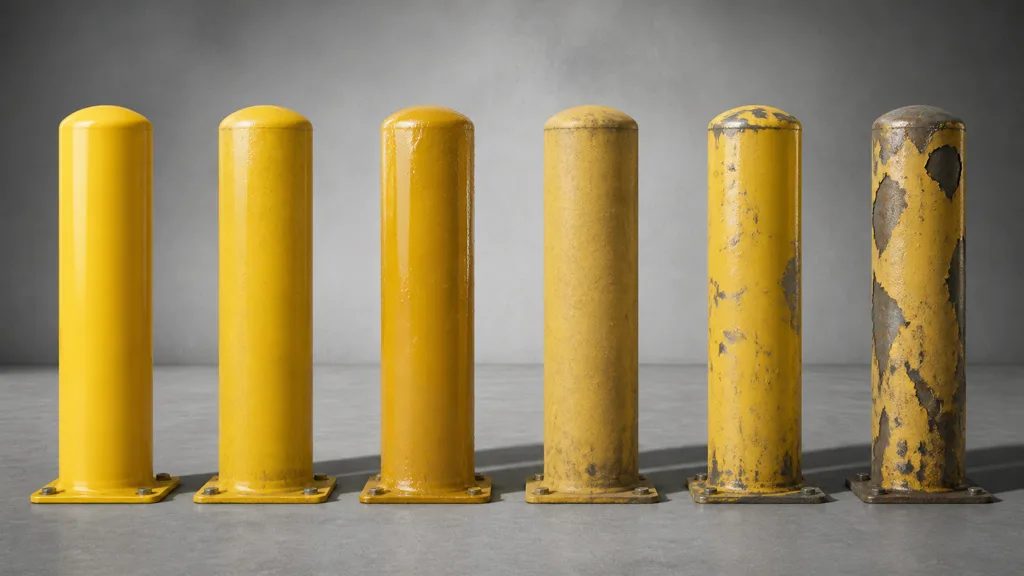
Material variation should follow causes. Wetness usually darkens porous base color slightly, lowers roughness, and may reduce visible micro-normal contrast under a water film. Paint loss changes base color, metalness, roughness, normal, and perhaps height at the same boundary. Dust raises roughness and settles according to orientation or cavities; it does not politely tint every pixel beige.
That is why a single Variation slider is rarely enough. Build related controls around material events: coating wear, accumulated dirt, moisture, oxidation, or heat. Each event can drive several outputs through one authored mask while keeping the response coherent.
Use shared texture conventions across material instances. If one family expects ORM packing and another silently expects RMA, a texture swap becomes a channel lottery. Standardize suffixes, color-space flags, normal orientation, meters per tile, and neutral defaults. Link to a written contract beside the parent.
For broad repetition control, combine a few authored instances with texture arrays, vertex painting, or texture bombing only when the target scene needs them. One clean family plus measured variation beats forty copies with slightly different random seeds.
Build a material instance workflow in eight passes
Use this material instance workflow for how to create material instances without inheriting surprises:
- Define a family. Group only assets that share shading model, blend mode, map contract, and render-state needs.
- Choose parent defaults. Connect a valid neutral texture set and plausible scalar values.
- Expose proven variation. Add parameters for real production requests, not hypothetical future weather on indoor cutlery.
- Set ranges and groups. Give every control a clear name, unit, tooltip, default, and safe range.
- Separate static and dynamic choices. Use static switches for rare structural forks; use scalar, vector, and texture parameters for ordinary variation.
- Create representative children. Build clean, worn, wet, and tinted cases that exercise the intended surface envelope.
- Validate inheritance. Change one parent input and confirm every child updates without losing deliberate overrides.
- Profile the shipping scene. Inspect compiled variants, texture residency, draw-call behavior, batching, and platform output.
Store proof with the family: screenshots, parent path, shader version, texture convention, supported platforms, and known expensive features. The best material instance workflow 2026 is not the graph with the most knobs. It is the one another artist can use without opening the parent.
Material instances in Unreal Engine, Unity, and Blender
For material instances Unreal Engine, Epic defines a parent-child hierarchy. The parent must use parameter expressions for values a child may override. A Material Instance Constant stores editor-time choices; a Material Instance Dynamic can change parameters during play. Epic's Material Instances documentation also warns that static parameter combinations compile separate shaders, so keep static switches deliberate.
For material variants Unity, Unity 6 provides material hierarchies whose child overrides inherit parent changes. The Material Variants manual recommends them when many related materials would otherwise be duplicates. Runtime per-renderer changes are a different mechanism: MaterialPropertyBlock applies values while objects share a material, but render-pipeline batching rules still decide whether that path helps. Profile SRP Batcher and GPU-instancing behavior instead of assuming the word “instance” guarantees one draw call.
For shared materials Blender, multiple objects can reference the same material data-block. Linked libraries and reusable node groups can centralize graph logic, while object data, attributes, or controlled drivers provide variation. Blender does not mirror Unreal's Material Instance asset one-for-one. Preserve the design goal—shared logic with limited overrides—rather than forcing identical UI vocabulary across tools. Blender's material assignment manual documents how materials can be reused between objects.
During interchange, expect most inheritance to flatten. glTF and common engine exports carry material values and textures, not an arbitrary authoring hierarchy. Rebuild the destination family intentionally and record which controls remain live.
Material instance performance is not automatic batching
Material instance performance has several separate costs: shader compilation, pipeline-state changes, parameter uploads, texture binding, memory residency, and draw submission. Sharing a parent reduces graph maintenance and can reduce needless shader recompilation. It does not guarantee that differently textured children merge into one draw call.
Batching depends on renderer, shader variant, mesh, material state, textures, passes, transparency, lightmapping, and how per-object data is supplied. Two children using the same compiled shader may still require separate resource bindings. Conversely, a texture array or bindless path may keep more variation within one compatible draw.
Measure these independently:
- number of compiled shader variants and build time;
- number of material assets and parent families;
- draw calls or batches in a representative frame;
- texture memory and streaming pressure;
- per-instance parameter update cost;
- render-state changes and transparent sorting;
- visual stability across LODs and lower mips.

Profile the packaged target, not only the editor. Editors carry previews, debug states, and asset activity that can distort results. A tidy hierarchy is a workflow win even when frame time stays equal; claim a runtime win only when the capture agrees.
Debug inheritance before editing every child
When one instance looks wrong, start at the relationship boundary. Confirm its parent, active overrides, parameter names, texture import settings, and static-switch state. Reset overrides one at a time. A child may retain an obsolete value after the parent default changes, or lose a parameter when a graph rename breaks the expected link.
When every child looks wrong, inspect the parent and shared imports. When only one platform fails, inspect compiled variants, platform texture overrides, and stripped features. When variation breaks batching, compare renderer state and per-instance data paths in a frame debugger.
Avoid deep inheritance chains. Parent → family → instance is usually enough. Five generations make it difficult to know where a roughness value came from, especially after reparenting. Inheritance should make ownership obvious. If diagnosis requires a corkboard and red string, flatten the family.
Try CraftPBR
CraftPBR gives material instances coherent texture data before the parent graph starts multiplying:
- Text-to-PBR generates aligned base color, normal, roughness, height, AO, and metalness from one material brief.
- Photo-to-PBR turns controlled surface evidence into a coordinated map set for an instance family.
- Node workspace lets you refine maps and masks while preserving their shared material logic.
- Engine export prepares normal orientation, channel packing, color-space intent, and useful names for the target.
- Free tier lets you build and test a complete variant before spending production budget.
- CC0 output lets you edit, instance, render, and ship generated textures without attribution.
Build one honest parent. Let the children vary without rewriting physics.
Generate a coherent PBR texture set →