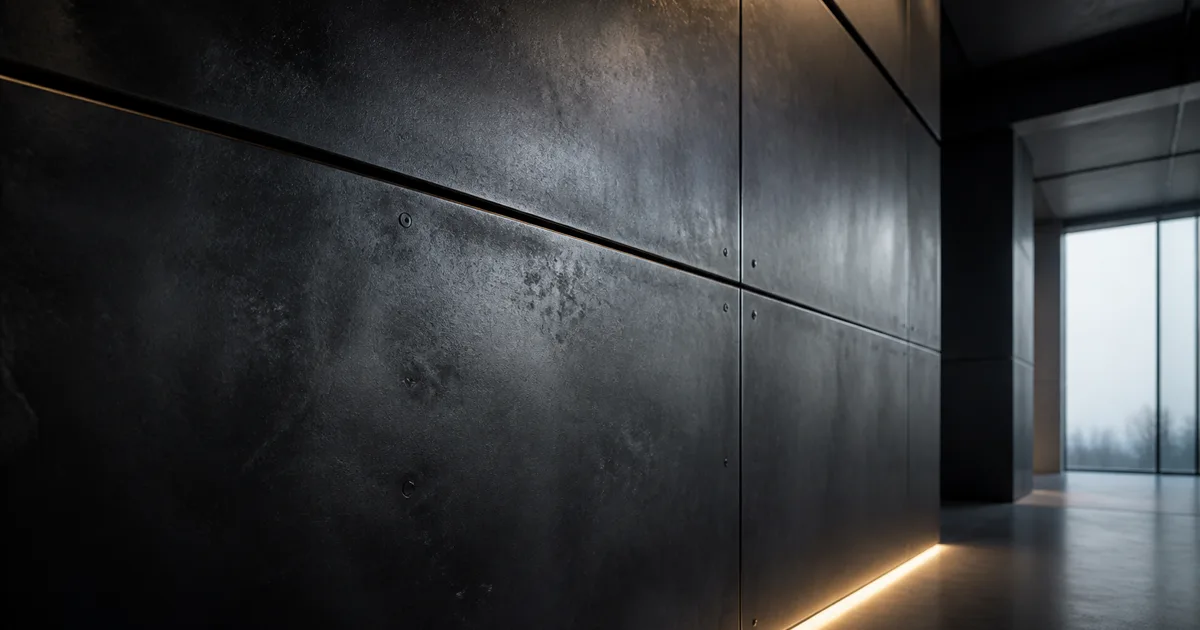
A black steel texture seamless enough for a large wall has a harder job than merely being dark. It must read as metal across bright and dim lighting, preserve the direction of fabrication, and repeat without cloning every oxide cloud. Black is not a material specification. It is what the art brief says five minutes before lunch.
The useful target is a blackened steel PBR material: dark steel shaped by rolling, abrasion, oxidation, and a protective finish. Those causes belong in different maps and at different scales. Treat them as one grayscale noise stack and the result becomes charcoal-painted plastic with excellent file naming.
A black steel texture seamless tile starts with the finish
“Black steel” can describe hot-rolled sheet with mill scale, chemically blackened steel, heat-darkened fabrication, gunmetal-like architectural panels, or ordinary steel hidden under black paint. These finishes do not share one shader response. A paint layer is dielectric. Exposed steel is conductive. Thin dark oxides modify the appearance of the metal beneath, while wax, oil, or clear coat changes the outer roughness again.
Choose one material history before touching the maps. For an architectural black oxide steel texture, a useful stack is rolled steel, mottled oxide, fine finishing abrasion, and a thin protective wax or clear layer. For a factory machine, expect oil, handling polish, fasteners, and chipped coatings. For a fantasy prop, exaggeration is welcome, but the exaggeration should still have a cause.
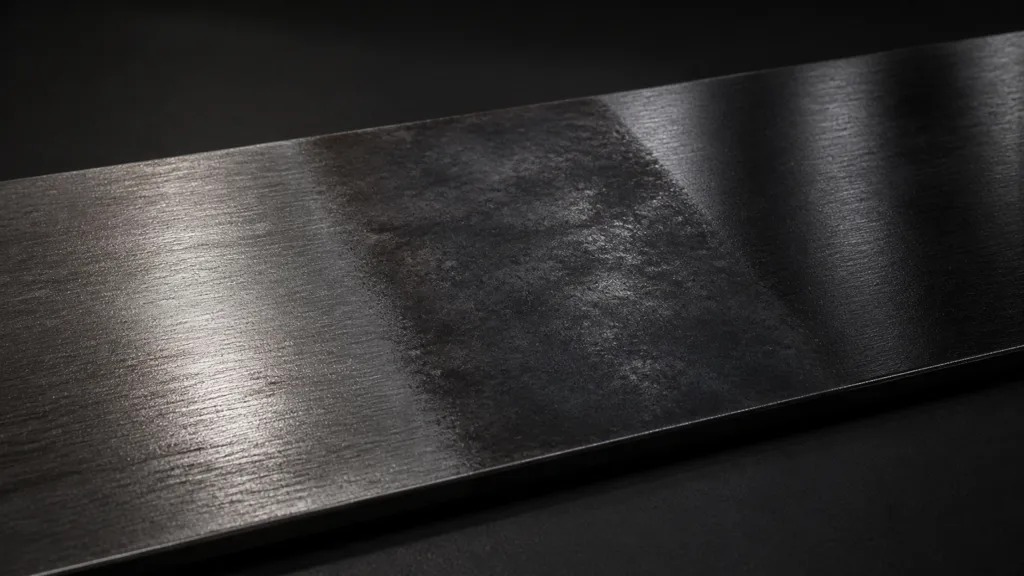
The black steel PBR texture should not contain panel joints, laser-cut edges, weld beads, bolt heads, or dramatic heat halos in its base tile. Those features describe fabrication and placement, not the repeatable substance. Keep the tile about the sheet; let geometry and local masks explain what was built from it.
Give each PBR map one physical responsibility
Base color should carry the visible dark finish without direct reflections or cast shadows. Avoid RGB values pinned near zero across the entire image. A near-black surface still contains blue-gray, neutral charcoal, and brown-black shifts, and it needs enough value to participate in lighting. Crushed black erases information before the renderer gets a vote.
Metalness describes material class, not darkness. Uncoated steel regions belong on the metallic side. Paint, dust, grease buildup, and substantial nonconductive coatings belong on the dielectric side. Read the metalness map guide if the boundary is unclear. Mid-gray metalness can be valid at blended texels, but using 0.5 everywhere is not nuance; it is avoiding the decision.
The black steel roughness map does most of the storytelling. It separates dull oxide, rubbed handling zones, oily streaks, fine rolled grain, and a waxed top finish. Author it independently from base color. Some dark oxide clouds may be rougher, but color and microsurface response are related evidence, not duplicate images.
A black steel normal map should stay shallow. Rolled grain, tiny pits, and fine abrasion can bend highlights without changing the silhouette. Large dents need geometry or height; deep random pores make metal resemble volcanic rock. Ambient occlusion should describe actual creases and assembled contacts, not darken open sheet metal because the material already has “black” in its name.
How to make black steel texture seamless without erasing direction
- Define the finish. Decide whether the surface is rolled, chemically blackened, heat darkened, waxed, oiled, painted, or layered from several of these.
- Set physical scale. Record how many centimetres or metres one tile covers and which axis follows the rolling or brushing direction.
- Build restrained base color. Use dark chromatic oxide variation without baked highlights, corner darkening, or isolated landmarks.
- Author roughness by cause. Combine broad finish variation, mid-scale treatment marks, directional micrograin, and a few plausible handled zones.
- Add shallow surface relief. Keep normal amplitude small enough that a sheet remains a sheet.
- Offset every map together. Repair the new center seams while maintaining the same registration across color, roughness, normal, and masks.
- Move unique fabrication out of the tile. Use geometry, decals, vertex color, or macro masks for welds, joints, edge exposure, and large stains.
- Test the final import. Inspect lower mips and runtime compression under moving grazing light, not only the clean source maps.
Direction is the awkward part of a seamless black steel texture. Random rotation can hide repetition on gravel; it makes rolled steel disagree with itself. Preserve one manufacturing axis in the base material. Vary complete panels or UV islands only when the object could plausibly have been cut and assembled with different sheet orientations.
For more offset and multi-map checks, use the seamless tileable textures guide. The central rule is simple: every generated PBR map must wrap at the same pixel boundary. A perfect color tile with a roughness seam is still a seam.
Roughness makes black steel readable
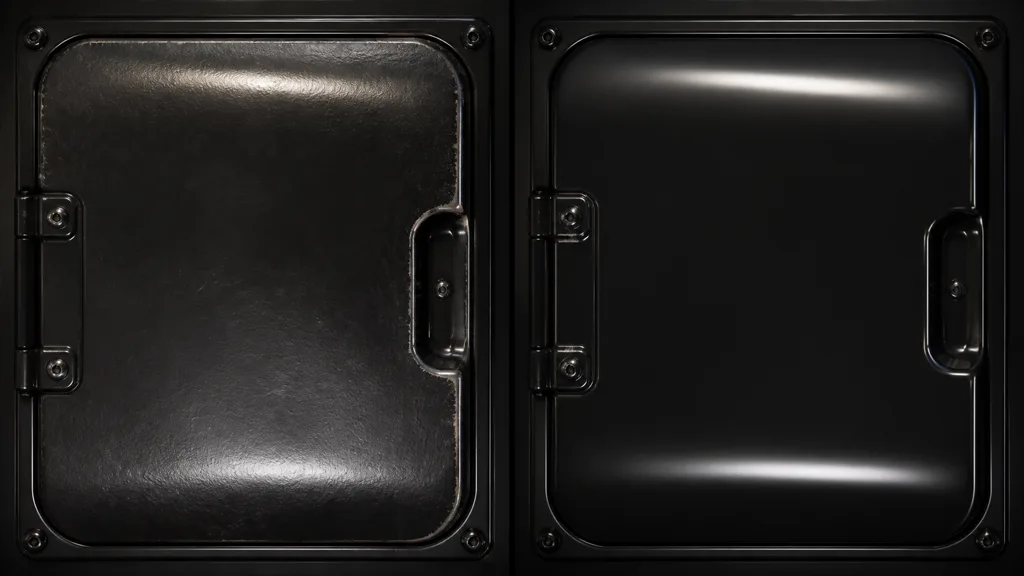
A dark surface is identified largely by what moves across it. Use broad area lights or a detailed environment so the reflection has a shape. Under a flat ambient preview, even a correct dark metal texture seamless material may look like a hole cut into the render. That is a lighting failure, not permission to paint white streaks into base color.
Build roughness in frequency bands. Broad changes describe inconsistent finishing or protection. Medium streaks describe wiping, rolling, or surface treatment. Fine lines describe abrasion and manufacturing grain. Keep their directions related. Three unrelated noise generators at equal strength do not produce complexity; they produce a committee.
Use the roughness map guide to separate roughness from brightness. Then test the material at a glancing angle while moving the light. If the highlight breaks into sandpaper sparkle, reduce high-frequency contrast. If the highlight is one perfect band, introduce broader finish variation before adding more scratches.
Wear must reveal the way the object is used
Blackened steel does not age by applying a generic edge mask at full volume. Frequently handled edges may polish first, exposing brighter metal or tightening roughness. Horizontal surfaces collect dust and water. Fasteners interrupt finishing. Cut edges can differ from broad faces. Weld heat affects a local zone, while protected interior panels may remain almost untouched.
Separate repeatable micro-wear from unique object wear. A few fine scratches can live in the rolled steel texture tile. A long scrape across a door, the bright lip of a handle, and oxidation beneath a leaking joint should follow the asset. This division keeps the base reusable and makes damage respond to the model rather than to UV luck.
Rust should be specific and restrained unless corrosion is the subject. Blackened steel can develop rust where protection fails, but an orange procedural border around every panel says the asset lives in a weather system designed by a highlighter. Mask corrosion by exposure, drainage, contact, and damage; keep it out of protected surfaces that have no reason to be wet.
Break repetition above the tile
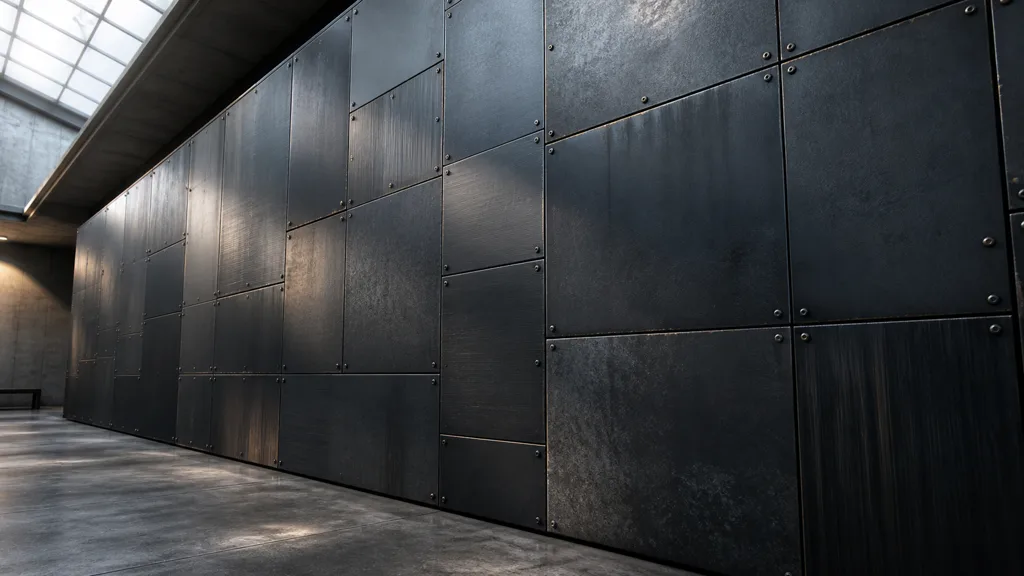
A black steel texture seamless at its borders can still reveal its repetition through internal landmarks. Remove solitary pale blooms, signature scratches, and one conspicuous oily fingerprint. View a 6-by-6 tiled grid, blur your eyes, and look for a rhythm. If the pattern appears immediately, simplify the base before reaching for a costly shader trick.
Add a low-frequency macro mask mapped independently of the tile. It can vary oxide color and roughness gently across several metres. Use object or panel IDs for restrained value offsets. Add joints and fasteners as geometry or decals. These layers let the same black steel texture seamless material cover a cabinet, facade, machine enclosure, or sci-fi corridor without carrying the same stain to every asset.
Mirroring can help nondirectional clouding but will reverse scratches and brushing. Stochastic sampling can reduce repetition, though it may soften directional features and add shader cost. Start with a calmer tile and one macro layer; complicated anti-tiling cannot rescue a base map that contains a logo-shaped accident every metre.
Set up black steel in Unity, Unreal Engine, and Blender
For a black steel texture Unity material, import base color as sRGB and roughness, metalness, normal, AO, and masks as data. Built-in and URP metallic workflows commonly use smoothness rather than roughness, so invert deliberately and document where that happens. HDRP may pack metallic, AO, detail mask, and smoothness into its Mask Map; export for the shader contract rather than renaming an unrelated packed file.
For an Unreal Engine black steel material, connect base color, metallic, roughness, and normal to their matching inputs. Disable sRGB on packed data maps. Unreal expects DirectX-oriented tangent normals by default, so verify the green channel if the shading looks indented. Use world-aligned macro variation only when it suits the asset; a movable prop should not leave its finish pattern behind in world space.
For a Blender black steel material, set base color to sRGB and scalar or normal data to Non-Color. Feed roughness directly into Principled BSDF, use a Normal Map node for tangent-space normals, and keep metalness close to the actual material mask. Blender uses OpenGL tangent normals. Test with an HDRI or large area lights because a metallic shader needs something useful to reflect.
Across all three, keep a shared master set and generate destination exports. The best black steel texture 2026 is not the one with the largest source files; it is the one whose scale, channel meanings, normal orientation, and finish survive the final renderer.
Validate the material before multiplying it
Use a small review scene before applying the material to an entire environment:
- a flat plane at the intended physical scale, tiled at least six times in each direction;
- a bent sheet or cylinder that exposes reflections across changing angles;
- a beveled box with a separate edge-wear mask;
- a broad moving light plus a dim environment with readable highlights;
- close, medium, and distant camera positions for mip and compression checks;
- channel-debug views for base color, roughness, metalness, and normal.
Ask specific questions. Does the black steel texture seamless tile show a grid? Does its rolling direction remain coherent? Are coated and exposed regions classified correctly? Does wear follow contact and construction? Does the imported roughness match the source? A review note such as “more metal” is emotionally clear but technically underfunded.
Finally, compare the material with real references under similar lighting, not with a thumbnail from an image search. Blackened steel varies widely by alloy, process, protection, and age. Match the project’s finish rather than chasing a universal black-metal preset that does not exist.
FAQ
How do you make a black steel texture seamless?
Remove edge-specific features, offset every map together, repair the center seams, and test the result on a large plane under grazing light. Keep unique scratches, panel joints, welds, and edge wear in separate masks or decals so the base tile can repeat quietly.
Why does black steel look like plastic in 3D?
The usual causes are a perfectly black base color, uniform roughness, weak metallic response, and missing manufacturing direction. Steel needs readable reflections, even when dark; add restrained oxide color, broad roughness variation, fine directional grain, and a suitable environment to reflect.
What metalness value should blackened steel use?
Exposed or thinly oxidized steel is generally authored as metallic, while paint, heavy dirt, wax buildup, and nonconductive coatings may need dielectric treatment. Use masks for mixed surfaces rather than lowering the entire metalness map to indecisive gray.
Does a black steel texture need a normal map?
Usually yes, but the normal detail should be shallow. Fine rolled grain, pitting, and abrasion can affect highlights; panel gaps, bent edges, bolts, and deep damage belong in geometry or stronger local detail.
What should a black steel roughness map look like?
It should contain broad finish variation, directional fabrication marks, and localized polishing or contamination at believable scales. Avoid using the base-color image as roughness unchanged, because dark oxide clouds and glossy areas are not automatically the same pattern.
Can I use the same black steel texture in Unity, Unreal Engine, and Blender?
Yes. Use the same base color, normal, roughness, and metalness masters, then export the channel layout and normal orientation expected by each destination. Validate under equivalent lighting because environment reflections can make identical maps look surprisingly different.
Is blackened steel the same as painted black metal?
No. Blackened steel derives its dark appearance from oxide or conversion finishes over the metal, often with oil, wax, or clear protection. Black paint is a dielectric coating that hides the conductor until the paint chips or wears through.
Try CraftPBR
CraftPBR helps build a black steel texture seamless enough for production while keeping the material logic visible:
- Text-to-PBR turns a finish brief such as rolled, chemically blackened, and lightly waxed steel into aligned material maps.
- Photo-to-PBR converts a controlled steel reference into coordinated base color, normal, roughness, height, AO, and metalness.
- Node workspace keeps oxide color, fabrication grain, roughness, wear masks, and tiling adjustments editable.
- Engine export prepares channel packing, roughness or smoothness, normal orientation, and filenames for common destinations.
- Free tier lets you create and validate a complete material before committing it to an asset library.
- CC0 output lets you modify, render, and ship generated materials without attribution.
Create a blackened-steel PBR material →
Make it dark. Keep the reflections informative.