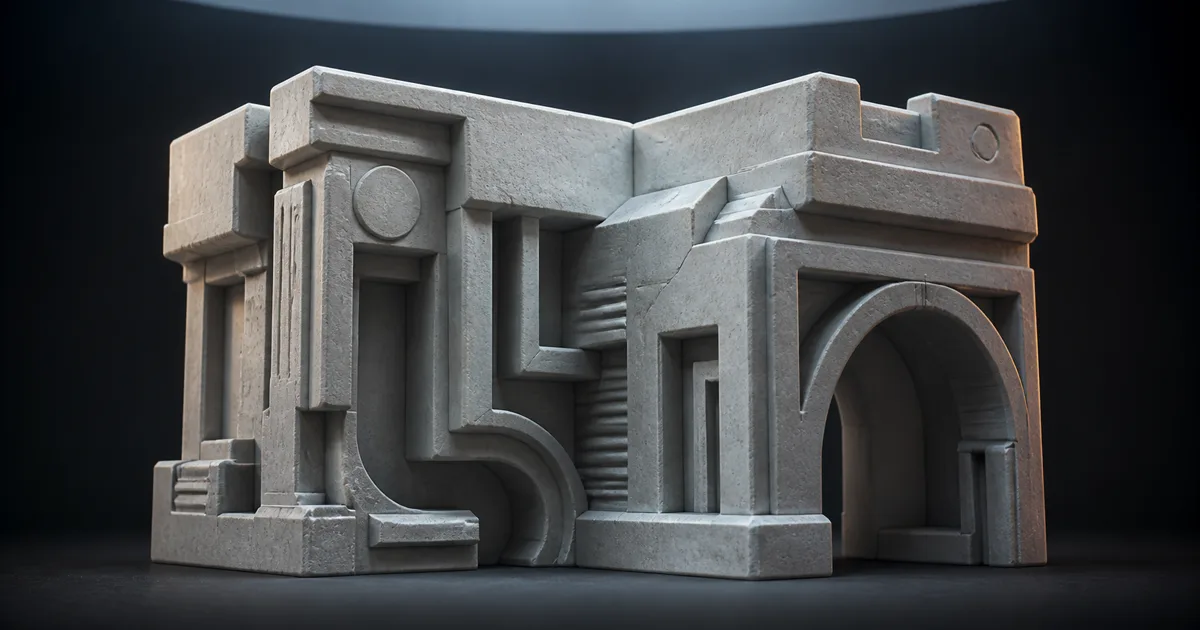
Put a skylight to the right of a deep groove. A scalar ambient occlusion value can say the groove is 70 percent blocked, but it cannot say that nearly all surviving light arrives from the right. The shader knows how much sky remains. It has misplaced the sky.
A bent normal map supplies the missing direction. Instead of storing the surface’s geometric facing direction, each texel stores the average direction of the unoccluded hemisphere found during baking. A renderer can use that vector for diffuse indirect light, reflection occlusion, or another visibility-aware approximation while keeping the ordinary normal map responsible for direct-light surface detail.
A bent normal map is not a stronger normal map, a colorful AO map, or a shadow painted into the asset. It is directional visibility data. Paired with matching ambient occlusion, it can stop environment light from entering a crevice through the wall.
A bent normal map stores open-sky direction
At a surface point, imagine casting many rays across the hemisphere above the shading normal. Blocked rays hit nearby geometry. Unblocked rays escape. Average the directions of the rays that escape, normalize the result, and you have a bent normal. On an exposed plane, that vector stays close to the geometric normal. Beside an overhang, inside a groove, or near a pipe joint, it leans toward the opening.
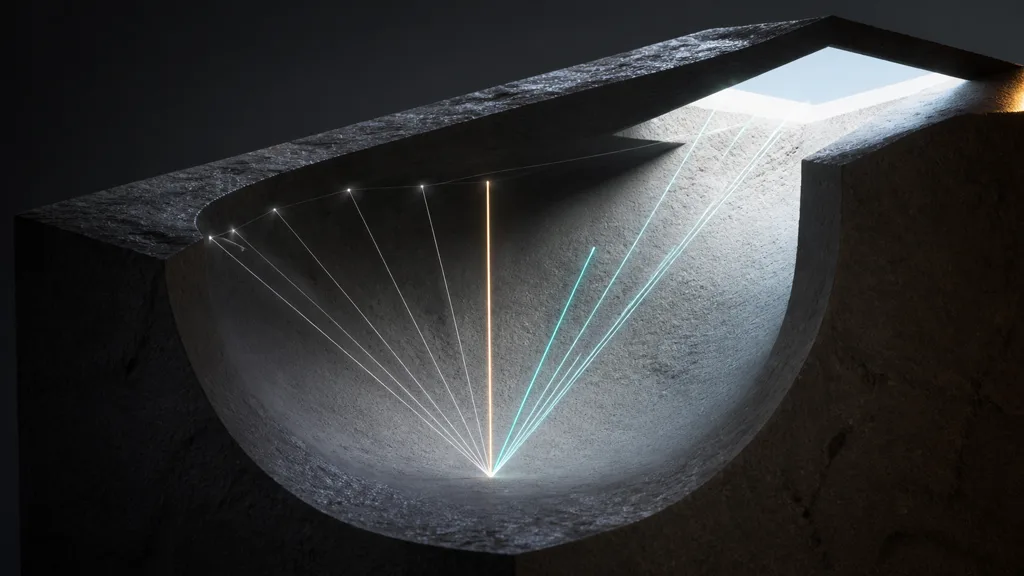
The result is commonly encoded as an RGB bent normal texture, often in tangent space for deforming or reusable assets. Like an ordinary tangent-space normal, the signed vector components are remapped into a storable color range. The destination shader decodes and normalizes them before use.
The important word is ambient. Direct lights still need the regular shading normal, normal map, visibility, and shadowing path. Replacing the main normal with a bent normal map can make highlights slide away from the real surface and cause direct light to behave as if the geometry had melted. Bent normals describe which ambient directions remain visible; they do not redefine the material’s microgeometry.
The normal map guide explains the related tangent-space encoding.
Bent normal map vs normal map vs ambient occlusion
Three maps can describe one cavity and still have separate jobs:
| Data | Stores | Typical use | Cannot tell you |
|---|---|---|---|
| Normal map | Local surface-facing direction | Direct and indirect shading detail | Whether that direction is blocked |
| Ambient occlusion | Fraction of sampled hemisphere visible | Strength of local indirect occlusion | Which part of the hemisphere is open |
| Bent normal map | Average unoccluded direction | Directional diffuse or specular occlusion | How wide the visible region is by itself |
The practical bent normal map vs normal map distinction is visibility direction versus surface orientation. A screw recess may have fine ridges in its normal map while its bent normal points toward the mouth of the recess. Both can be correct at once. Fine direct-light response follows the ridges; broad environment response follows the available opening.
The bent normal map vs ambient occlusion distinction is vector versus scalar. AO gives a cone-width proxy: low visibility implies a narrow open cone, high visibility a wide one. The bent normal gives that cone an axis. Many shaders need both. A direction without an occlusion amount does not reveal whether one tiny gap or half the sky produced the average.
This pairing is often called directional ambient occlusion. It remains an approximation. Two disconnected openings on opposite sides can average into a direction that is itself blocked. Thin geometry, distant occluders, dynamic doors, and moving attachments can also invalidate baked visibility. The map improves a local model; it does not compress the entire scene into three channels with diplomatic immunity.
The visibility cone explains ambient light leaking
Suppose a narrow recess opens toward a dark wall while a bright environment source sits behind the closed side. Scalar AO reduces the environment contribution but still samples or evaluates it using the surface normal. Some bright energy may survive even though the bright direction is geometrically impossible. This is bent normal map light leaking in the sense the technique is designed to reduce: indirect light entering from a blocked direction.
With a bent normal map, the renderer can orient the ambient lookup toward the unoccluded side. When combined with AO as an estimate of cone angle, it can also restrict specular environment response to the intersection between the reflection lobe and visible region. Deep gaps stop reflecting an HDRI source that sits behind solid metal.
Bent normals do not fix shadow-map bias, lightmap UV seams, missing screen-space data, or holes in the mesh. Diagnose the lighting path before adding a texture sample.
Where bent normals pay off—and where they do not
A bent normal map earns its memory on geometry with stable, directional self-occlusion: mechanical panels, layered armor, furniture joints, masonry relief, pipes, dense trim, and static architectural modules. It is especially useful when broad environment lighting or reflection probes make closed cavities look oddly luminous.
It may also help characters and deforming props, but the bake pose and tangent basis become part of the contract. A bent normal baked for arms pressed against a torso can be wrong when the arms lift. Keep the occlusion distance local, bake in the renderer’s expected reference pose, and test animation extremes.
Skip the map when geometry is nearly convex, the renderer already traces reliable dynamic visibility, or the extra RGB sample costs more than the artifact. Compare variants at shipped exposure and distance. If the difference vanishes, spend the budget elsewhere; the texture compression guide covers the cost of another map.
How to bake a bent normal map with matching AO
Good bent normal baking begins by treating bent direction and AO as two outputs from the same sampling experiment.
- Freeze the asset contract. Finalize low-poly topology, UVs, triangulation, smoothing, tangent basis, scale, and the reference pose before baking.
- Choose self-occluders. Include geometry that should affect local ambient visibility. Exclude temporary props, distant level pieces, and parts that move independently unless the target setup expects them.
- Set a physical ray distance. Measure the largest cavity that should count. An infinite or scene-wide distance can make one asset inherit the shadow of the bake room.
- Use the target distribution. Cosine-weighted hemisphere sampling is a common engine expectation because it emphasizes directions that contribute more diffuse energy. Confirm the destination documentation.
- Bake AO and bent direction together. Keep ray distance, cage, occluders, pose, and sampling distribution identical. Mismatched outputs describe different visibility cones.
- Export the correct vector space. Tangent space suits skinned or reusable meshes when the baker and renderer share a tangent basis. Object or world space can suit fixed geometry but must match the shader exactly.
- Pad and inspect the texture. Dilate UV islands for lower mips, inspect channels as vectors rather than pretty colors, and check narrow gaps for cage intersections.
- Validate in the destination renderer. Compare normal-only, AO-only, and AO-plus-bent-normal variants under a rotating environment and fixed exposure.
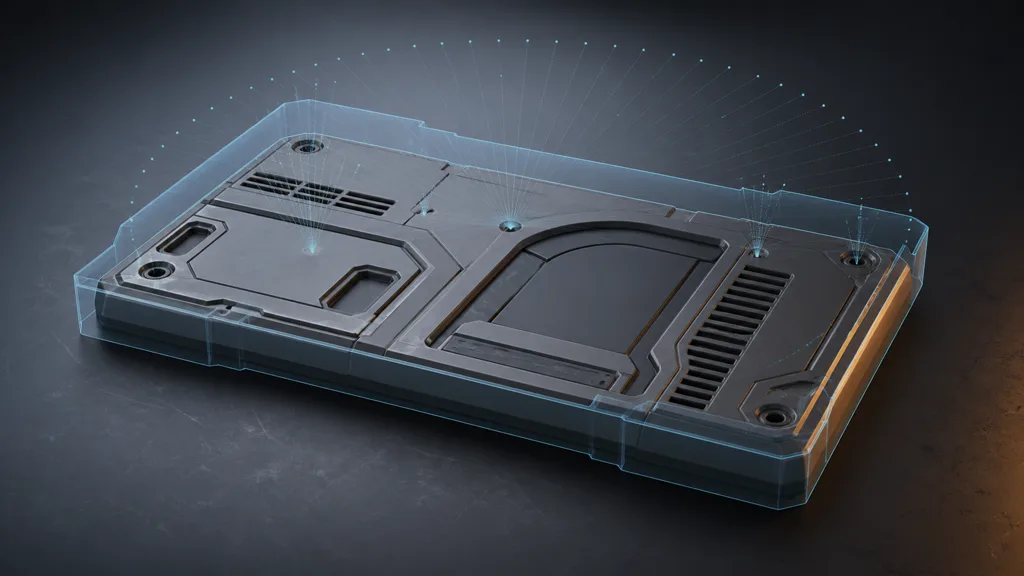
Use enough samples to stabilize partially occluded texels. Bent-direction noise can wobble the lookup and create moving indirect-light blotches. Any denoiser must respect geometry edges and vector normalization.
Keep space, distance, and texture import aligned
Most failed bent normals are not concept failures. They are contract failures.
A tangent-space map depends on vertex normals, tangents, UV orientation, triangulation, and handedness. A different render tangent basis rotates the decoded direction. Mirrored UVs can reverse it. Export the triangulated bake mesh and document the convention.
Treat the map as vector data. Disable sRGB unless a dedicated importer handles it, use normal-friendly compression, and renormalize after sampling. The sRGB vs linear textures guide covers the color-space rule.
Ray distance deserves equal suspicion. Too short and deep cavities remain exposed. Too long and nearby but unrelated geometry bends the whole asset. Use world units, test a distance ramp, and choose the smallest range that captures the intended local structure. AO and bent direction must keep that value synchronized.
| Symptom | Likely mismatch | First check |
|---|---|---|
| Open faces shade sideways | Vector space or tangent basis | Decode a flat reference vector |
| One mirrored island leaks | UV handedness | Compare tangent sign across the mirror |
| Cavities turn colorful | sRGB or lossy vector compression | Inspect decoded vector length and channels |
| AO is dark but light still enters | AO and bend use different distance or occluders | Re-bake both in one job |
| Animation carries stale shadows | Reference pose or distance too broad | Test extreme poses with local rays |
| Lower mips create halos | Insufficient island padding | Force mip levels in the engine |
Bent normal map setup in Unreal Engine, Unity HDRP, and Blender
For a bent normal map Unreal Engine material, Epic documents a Bent Normal custom output plus a matching Ambient Occlusion input. Epic also recommends cosine-distributed baking, the same ray-distance setup for AO and bent normals, and matching normal-map space. Connect the decoded map through the documented path rather than into the ordinary Normal input. See Epic’s Bent Normal Maps documentation.
For a bent normal map Unity HDRP material, HDRP Lit exposes a tangent-space Bent Normal Map property and uses it for a more accurate ambient-occlusion response in diffuse lighting. Confirm the property exists in the exact HDRP version and material type used by the project. URP’s standard Lit shader does not provide the same general bent-normal slot; a custom Shader Graph or HLSL lighting path must decide how to consume the data. Unity’s HDRP Lit Shader reference documents the map.
A bent normal map Blender workflow needs a clearer boundary between authoring and destination. Cycles’ standard baking interface documents AO and normal passes, but not a stock bent-normal bake-and-material contract equivalent to Unreal’s custom output. Use Blender for final geometry, UV, cage, AO, and tangent checks, then use a capable baker or a deliberate custom setup to produce the bent direction expected by the target renderer. Blender’s Cycles baking manual is the baseline for its standard passes.
If a renderer has no bent-normal lighting path, importing the RGB file changes nothing useful. Implement the indirect-light model first.
Validate bent normals with hostile shapes and moving light
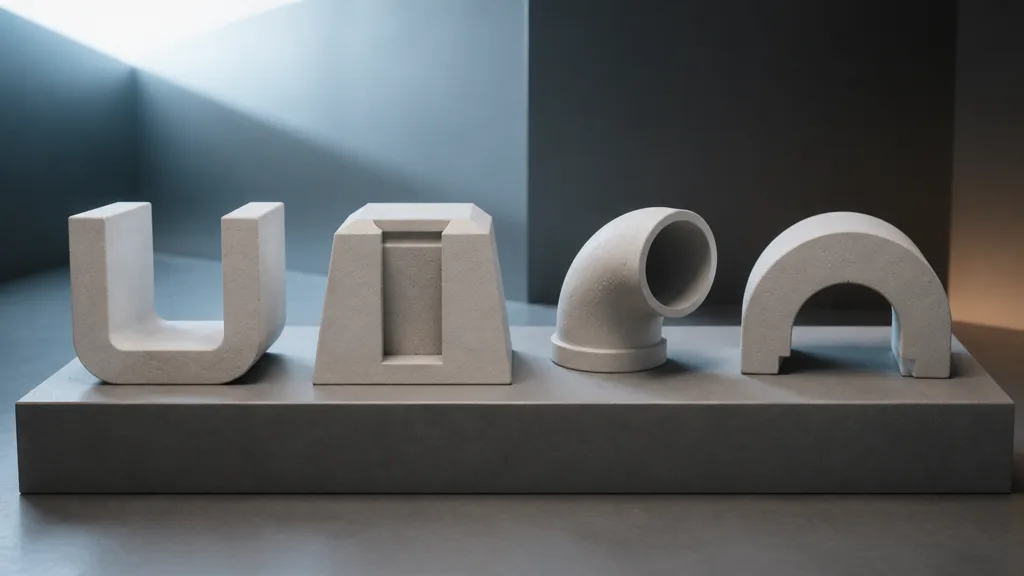
Build a small validation scene with a U-channel, deep slot, pipe elbow, arch, thin gap, mirrored UV pair, and one animated joint. Use a neutral material and fixed exposure. Place a bright environment region on one side and a dark blocker on the other, then rotate the environment without moving the asset.
Compare four variants: no baked occlusion, AO only, bent normal map only, and matching AO plus bent direction. AO should control how much local ambient energy survives. The bend should change where that surviving energy comes from. Direct highlights should continue to follow the regular normal map.
Force lower mips, inspect mirrored islands, and test the lowest hardware tier. Remove nearby geometry; if its shadow remains, the bake included too much scene context.
The best bent normal workflow 2026 is the smallest one that removes a visible directional leak under shipped lighting. It keeps AO and bend coupled, preserves the tangent contract, and has an off switch.
FAQ
What is a bent normal map?
A bent normal map stores the average direction of unoccluded rays above each surface texel. Renderers use it with ambient visibility data to orient indirect diffuse or specular occlusion toward the open part of the hemisphere.
What is the difference between a bent normal map and a normal map?
A normal map stores local surface orientation for shading detail. A bent normal map stores ambient visibility direction, so it should not replace the main normal used for direct lighting.
Does a bent normal map replace ambient occlusion?
Usually no. AO estimates how much of the sampled hemisphere is visible, while the bent normal estimates the average open direction. Together they approximate both the width and axis of a visible cone.
How do you bake a bent normal map?
Cast hemisphere rays from each texel, discard blocked samples, average the unblocked directions, normalize the vector, and encode it in the required space. Bake matching AO with the same cage, occluders, ray distance, pose, and sampling distribution.
Should a bent normal map be sRGB?
No, it normally stores numeric vector data and should be sampled without sRGB color conversion. Use a normal-friendly format and renormalize after decoding according to the target shader.
Does Unreal Engine support bent normal maps?
Yes. Unreal Engine documents a Bent Normal custom output used with the Ambient Occlusion input, including bake requirements for distribution, distance, and coordinate space.
Can Blender bake a bent normal map?
Blender’s standard Cycles bake types document normal and AO passes, not a stock bent-normal output contract. A production pipeline commonly uses an external capable baker or a custom method, then validates the result against the destination renderer’s tangent basis and encoding.
Try CraftPBR
CraftPBR creates the coordinated surface maps that sit beside a bent normal map in a production material:
- Text-to-PBR generates aligned base color, normal, roughness, height, AO, and metalness from a material description.
- Photo-to-PBR separates captured lighting from a reference and derives coherent PBR texture data.
- Node workspace keeps levels, tiling, height, roughness, masks, and map relationships editable.
- Engine export prepares normal orientation, linear scalar maps, channel packing, filenames, and target conventions.
- Free tier lets you generate and validate a complete material before adding specialized visibility data.
- CC0 output lets you modify, bake, combine, render, and ship generated textures without attribution.
Build the source material first
Generate coherent PBR maps, validate the surface, then add bent visibility only where shipped lighting proves it matters.
Build a material in CraftPBRLet the surface normal describe the surface. Let the bent normal report which sky survived the neighborhood.