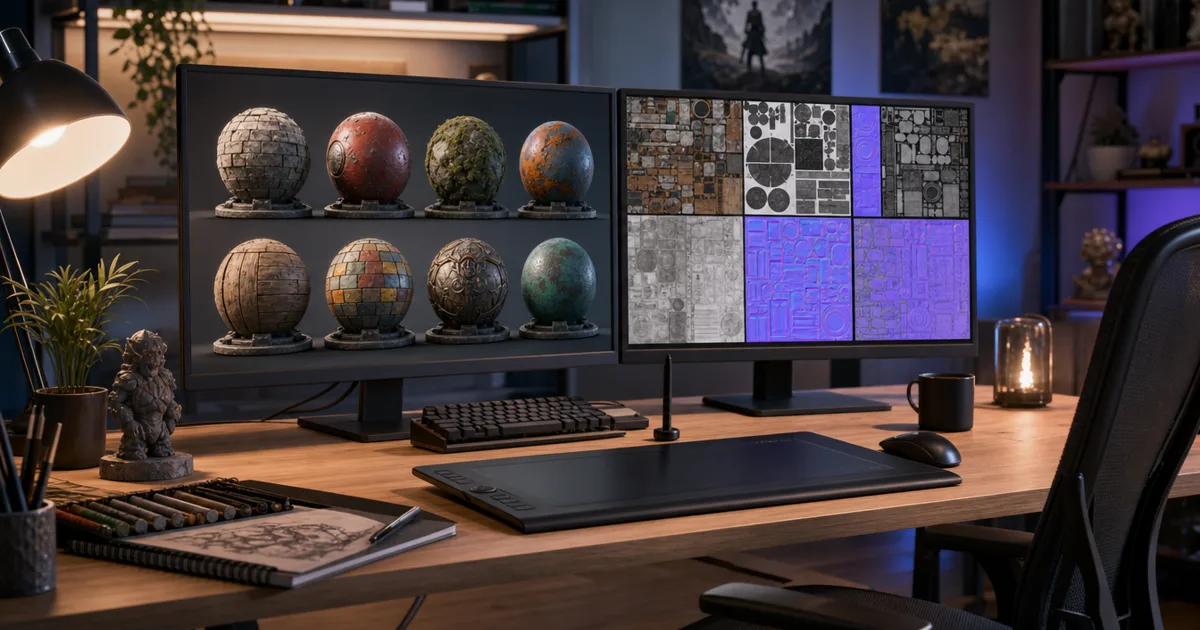
You know that feeling when you just need a decent metal texture and you’re staring down a subscription, a 6 GB install, and a forty-tutorial learning curve? If you’ve typed “Substance Painter alternative” into a search bar, you’re not alone — and the good news is the field in 2026 is genuinely full of options, several of them free.
Substance 3D Painter is excellent. It’s also subscription-only, hardware-hungry, and built for a depth of hand-texturing most projects never touch. This is an honest rundown of six alternatives, what each is actually good at, and who should reach for which.
Why people look for a Substance Painter alternative
The reasons cluster into four:
- The subscription. It’s a recurring cost, and for a hobbyist or a single project that math gets old fast.
- The complexity. Smart materials, mask stacks, channel painting — it’s powerful, and it’s a lot to learn if you just want good surfaces.
- The hardware. It wants a capable GPU and plenty of VRAM. Older or lighter machines struggle.
- The overkill. If you need a tileable wood floor and a few metal props, a full hand-painting suite is a sledgehammer for a thumbtack.
None of that means Substance is bad. It means “industry standard” and “right for your project” are different questions. Here are the options that answer the second one.
1. CraftPBR — describe it, don’t paint it
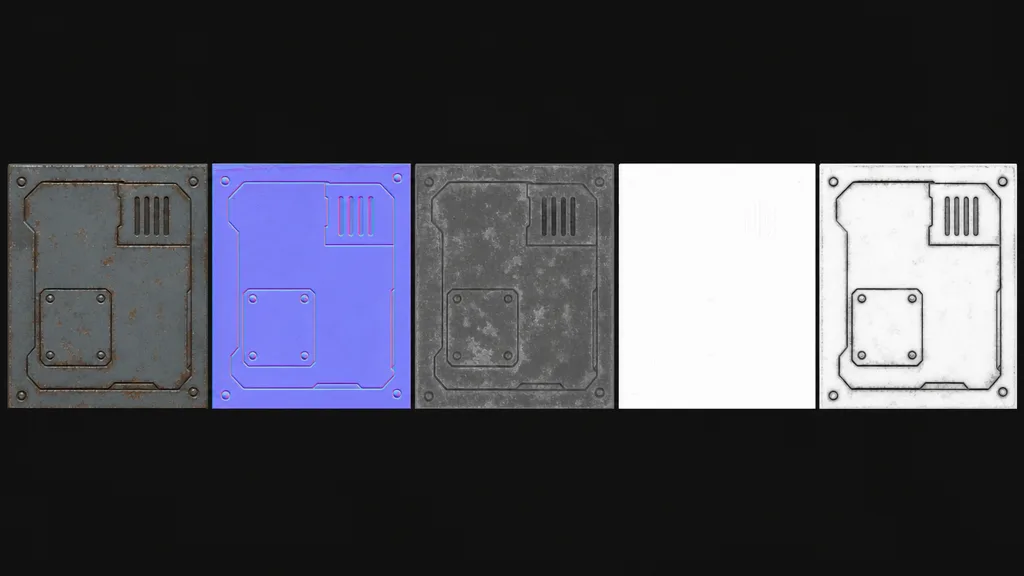
The newest angle: skip authoring entirely. CraftPBR turns a text prompt (“mossy dungeon brick”) or a photo into a complete, tileable PBR set — base colour, normal, roughness, AO, metalness — in about a minute, exported for your engine. It’s the same text-to-texture workflow studios are adopting, with a free tier.
Best for: indie devs, hobbyists, and anyone who needs good tileable surfaces fast without becoming a texturing specialist. Not for: hand-painting a hero asset’s specific story of scratches and wear — that’s still a painter’s job.
2. Blender — the free Swiss Army knife
Blender texture-paints, bakes maps, and builds procedural materials with its node system, all free and open-source. If you already model in Blender, you may not need a separate texturing app at all.
Best for: artists already in Blender, procedural material work, tight budgets. Not for: the fast smart-material and mask-stack wear workflow Substance is built around — Blender can get there, just slower.
3. ArmorPaint — the open-source painter
The closest thing to a direct Substance Painter analogue: a dedicated 3D painting app with PBR layers, masks, and a similar mental model, open-source and one-time-purchase or self-built.
Best for: people who specifically want the paint-on-the-mesh workflow without the subscription. Not for: those wanting the huge Substance smart-material library — the ecosystem is smaller.
4. Material Maker — procedural and free
A free, open-source, node-based procedural material tool (built on the Godot engine). Think Substance Designer rather than Painter — you build materials from procedural graphs, not by painting a mesh.
Best for: procedural, tileable materials on a budget, Godot developers. Not for: painting unique detail onto a specific model.
5. Materialize — photo to PBR, free
A free tool that converts a single photo or base colour image into a full PBR set — height, normal, roughness, AO. Old but still useful, and the price is right.
Best for: turning your own surface photos into maps for free. Not for: authoring from scratch or painting — it’s a converter, not a studio.
6. CC0 libraries — when you don’t need to author at all
Poly Haven and ambientCG aren’t tools, they’re free CC0 PBR material libraries. If the surface you need already exists, downloading it beats authoring it.
Best for: common surfaces you don’t need to customise. Not for: a specific look that isn’t in the catalogue — which is exactly where prompt-based generation wins.
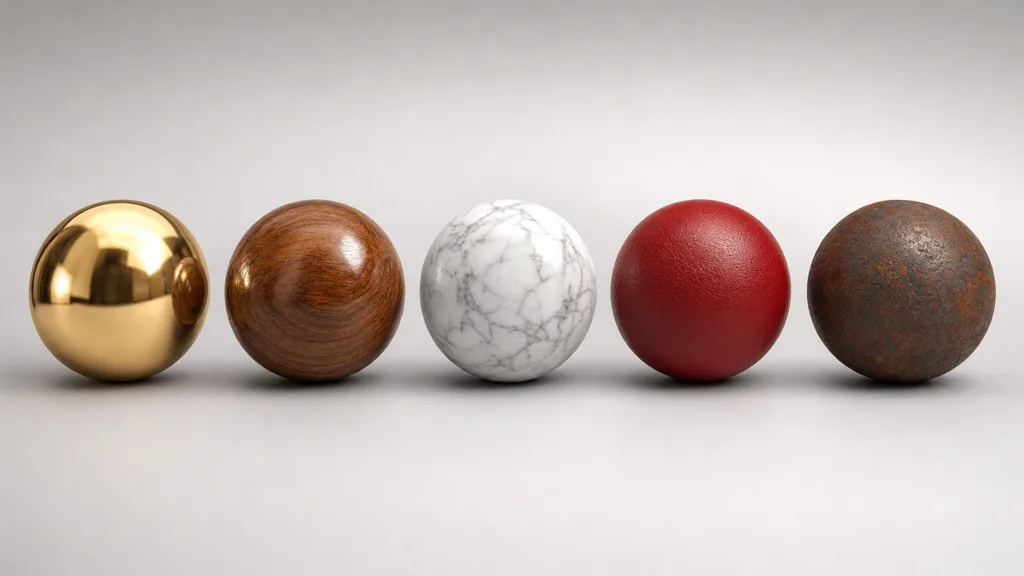
Free vs paid: the honest version
Substance is paid because it’s deep, supported, and standardised — a studio buys it to remove friction across a whole team. That value is real. But for a solo dev or a single project, “deep and standardised” often translates to “more than I need, billed monthly.”
The free and one-time options have closed a lot of the gap. Blender and ArmorPaint cover painting, Material Maker covers procedural, Materialize covers photo conversion, and AI tools cover the “just give me the material” case Substance was never built for. You don’t have to match Substance feature-for-feature — you have to cover your actual workflow.
What separates a good alternative from a bad one
- Real PBR output. It must export the standard maps — base colour, normal, roughness, metalness, AO — or it’s a toy.
- Engine-correct normals. A good tool lets you pick OpenGL or DirectX so your maps don’t light inside-out. (See what a normal map is.)
- Tileable output where it matters, so one texture covers a large surface. (See seamless tileable textures.)
- A workflow that fits you — paint, procedural, photo, or prompt. The best tool is the one you’ll actually finish in.
So which one should you use?
- You want surfaces fast, no painting: CraftPBR (prompt or photo to PBR).
- You already live in Blender: Blender’s paint + nodes.
- You want the paint-on-mesh workflow, no subscription: ArmorPaint.
- You want procedural graphs for free: Material Maker.
- You have surface photos to convert: Materialize.
- The surface already exists: Poly Haven or ambientCG.
Key takeaways
- Substance Painter is the standard, but subscription, complexity, and hardware send many looking
- PBR maps are standard image files — any tool that outputs them works in any engine
- Free covers most cases: Blender (paint + nodes), ArmorPaint (painting), Material Maker (procedural), Materialize (photo)
- AI tools like CraftPBR cover the “just give me the material” case painting suites were never built for
- Pick by workflow, not feature count — the best tool is the one you’ll finish in