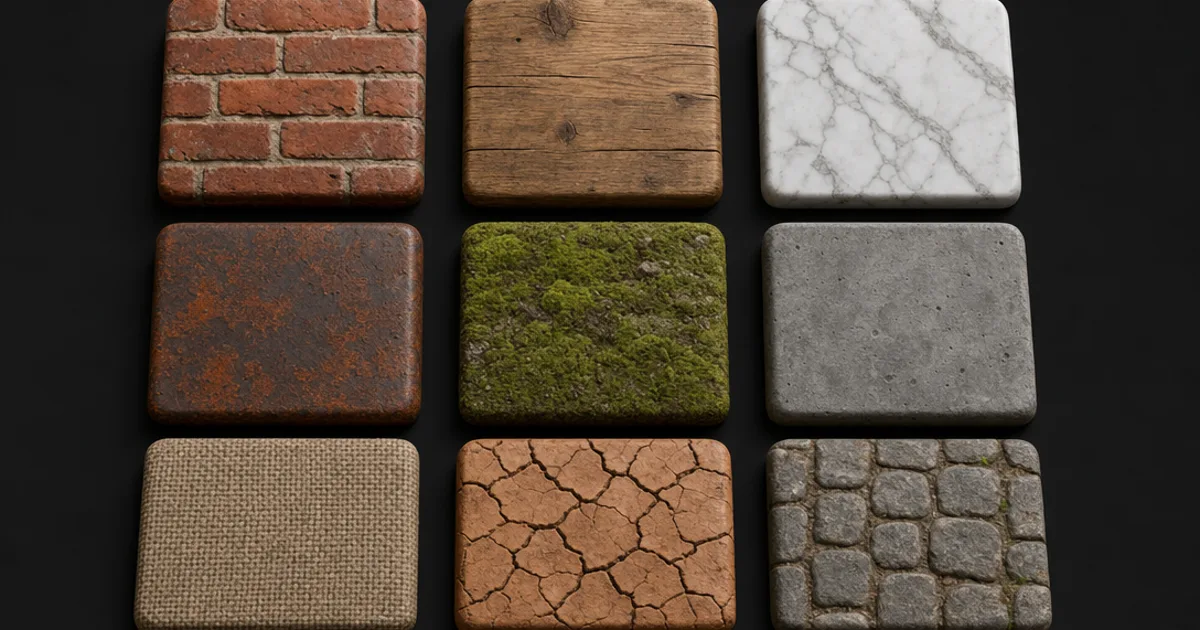
There are more free PBR texture libraries today than any one artist could use in a career, and most of them are genuinely excellent. A handful are traps — “free” that quietly means watermarked, attribution-required, or non-commercial. This is the honest list: where to get free PBR textures that you can actually ship, how to read the fine print, and the free route nobody thinks of until they have scrolled a library for twenty minutes.
“Free” is a license, not a price
The word does a lot of hiding. Before you download anything, find the license, because there are four different things people call “free”:
- CC0 / public domain — truly free, any use, no attribution, no strings. This is what you want.
- Free with attribution — free to use, but you must credit the author, sometimes in a specific way.
- Free, non-commercial — fine for a portfolio, not for anything you sell.
- Free tier — free below a resolution or a monthly count, paid above it.
None of these are wrong to offer, but shipping a paid game with an attribution-only texture and no credit is a real problem. Read the license once; it takes ten seconds and saves a takedown.
The libraries actually worth your time
- Poly Haven — the gold standard. Fully CC0, complete PBR sets up to 8K, HDRIs and models too. Donation-funded, no catch.
- ambientCG — an enormous CC0 catalogue with consistent naming and channel-packed variants. The first place to search for a common surface.
- 3DTextures.me — CC0 hand-authored sets with a strong stylised and sci-fi selection the scan libraries lack.
- ShareTextures — a large free library; check each material’s license, as terms vary across the catalogue.
- Big commercial sites’ free tiers — several paid libraries release a rotating free set or a low-res free download. Useful, but watch the resolution cap and license.
Start with the two CC0 heavyweights. Between Poly Haven and ambientCG you will cover the majority of common ground, stone, wood, metal, and fabric surfaces without ever touching your wallet or a credit line.
The wall every library hits
A library is a fixed catalogue, and that is its ceiling. It is superb until you need one specific thing — teal powder-coated metal with chipped edges, a particular herringbone parquet, a scale pattern that matches your creature. Then you are scrolling, tab after tab, and the “free” texture is costing you the most expensive thing you have, which is time. This is the exact point where making one beats finding one.
Make your own — also free
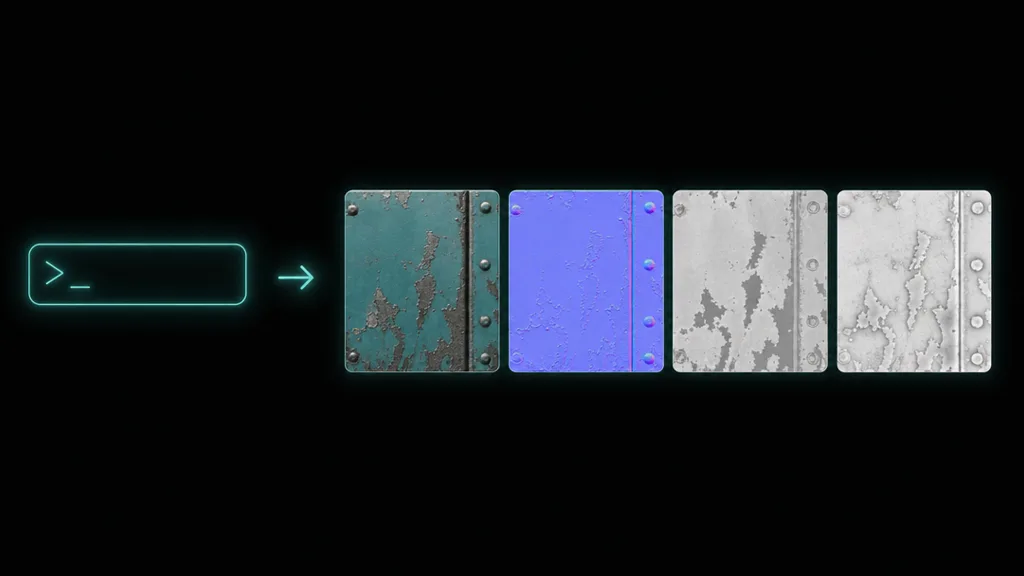
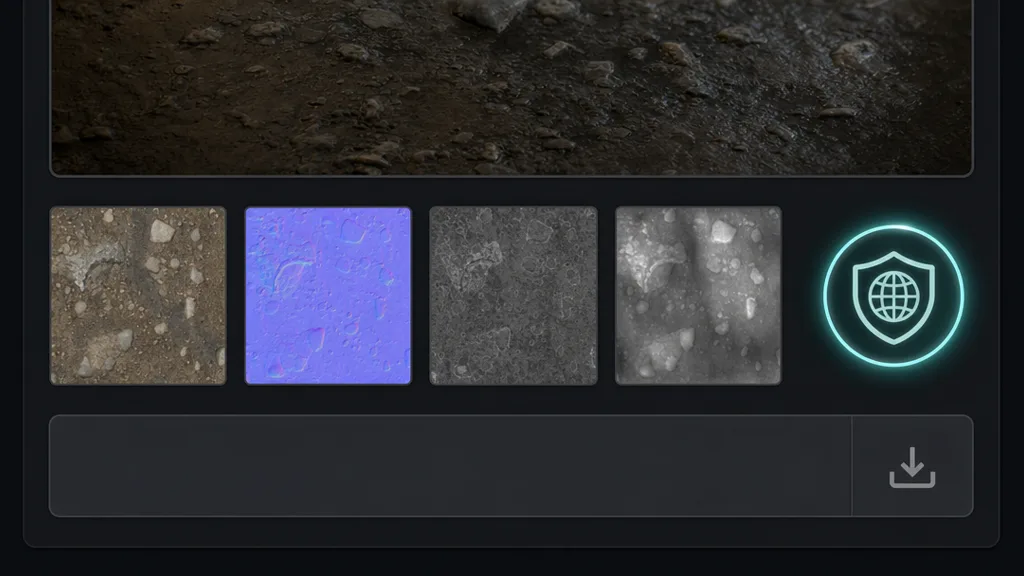
The route people forget: generate the texture. CraftPBR’s free tier turns a text prompt — or a single reference photo — into a full PBR set: colour, normal, roughness, AO, and height, seamless by default and CC0, so you own the result outright. It is not a replacement for a good library so much as the answer for everything the library does not stock. Need a starting point from a photo you took? That is text-to-PBR and photo-to-PBR doing the work a scan or a search would.
How to vet any free texture in ten seconds
Whether you downloaded it or generated it, the same four checks decide if a free texture is worth using:
- Full map set? Colour, normal, roughness at minimum; AO and height for anything the camera gets close to. An albedo-only “PBR” texture is not one.
- Enough resolution? Match it to camera distance. A 1K texture on a hero wall falls apart; 4K on a distant floor wastes memory.
- Does it tile? Drop it in a 4×4 and look for the grid. If it seams, budget time to fix it with a seam editor.
- Actually CC0? Confirm the license one more time before it ships. Free-to-download is not the same as free-to-sell.
Try CraftPBR
- Text-to-PBR — describe a surface, get all five maps free and CC0
- Photo-to-PBR — a single photo becomes a seamless material
- Free tools — normal map, height map, seam editor
- Engine export — Unity, Unreal, Blender, Godot, Three.js
- CC0 license — no attribution, no strings